External Access
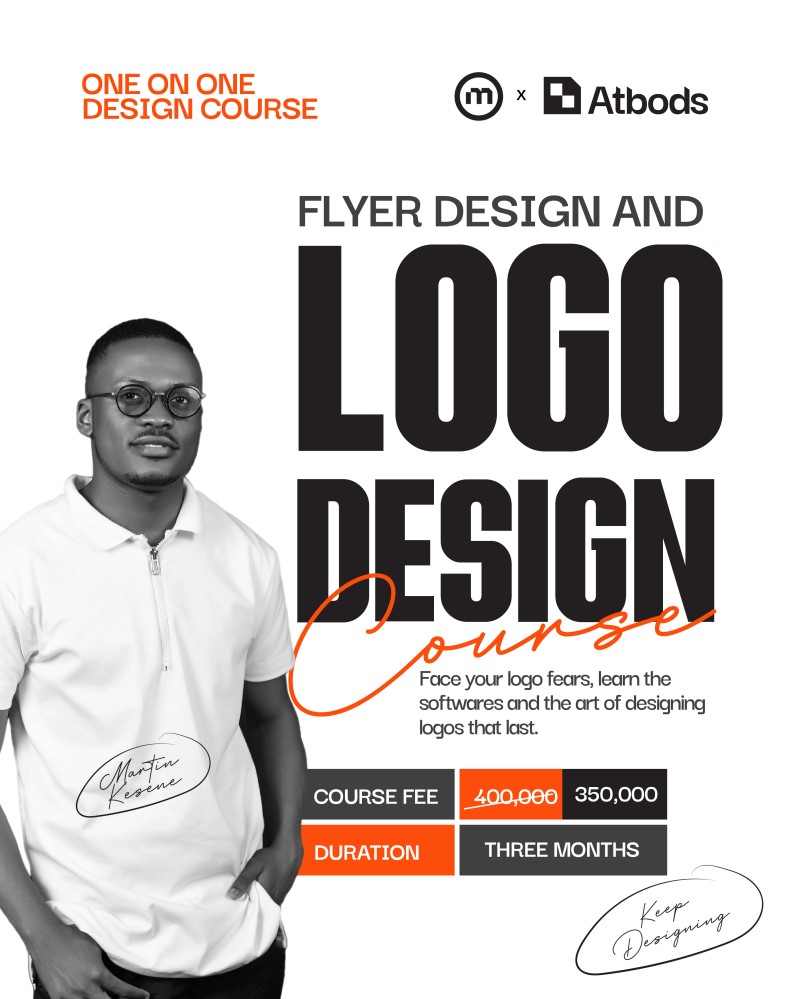
One on One flyer and logo design cource
(0 Ratings)
1
$258.06$294.92
Course Overview
This is a personalized one-on-one graphic design course designed to take beginners and intermediate creatives from fundamentals to professional-level execution. Over the course of three months, students will gain hands-on mastery in flyer design using Adobe Photoshop and logo design using Adobe Illustrator, with direct mentorship, real-world projects, and portfolio-ready outputs.
Classes are held twice a week, ensuring steady progress without overwhelm, while allowing time for practice, feedback, and improvement.
Course Duration & Structure
- Duration: 3 Months (12 Weeks)
- Class Frequency: 2 times per week
- Total Sessions: 24 Live One-on-One Sessions
- Session Length: 1.5 – 2 hours per session
- Mode: Online (Live via Google Meet)
- Recording: Optional recordings for revision
Who This Course Is For
- Absolute beginners with no design background
- Aspiring graphic designers
- Content creators and social media managers
- Business owners who want to design professionally
- Designers looking to improve layout, branding, and concept development
What Students Will Learn
Module 1: Design Foundations (Week 1–2)
- Introduction to graphic design principles
- Color theory and color psychology
- Typography fundamentals
- Layout, hierarchy, spacing, and balance
- Understanding branding vs decoration
- File formats, resolutions, and export best practices
Module 2: Adobe Photoshop – Flyer Design (Week 3–7)
Tools & Interface
- Photoshop workspace and tools
- Layers, masks, blending modes
- Smart objects and non-destructive editing
Flyer Design Mastery
- Social media flyers (Instagram, Twitter, WhatsApp)
- Event flyers
- Promotional & brand flyers
- Image manipulation and photo retouching
- Text effects and clean typography layouts
- Using mockups for presentation
Practical Projects
- 6–8 flyer design projects
- Real-world design briefs
- Design critique and improvement sessions
Module 3: Adobe Illustrator – Logo Design (Week 8–11)
Foundations
- Illustrator interface and tools
- Vector graphics vs raster graphics
- Pen tool mastery
- Shapes, pathfinder, and alignment
Logo Design Process
- Brand research and discovery
- Logo ideation and sketching
- Symbol, wordmark, and combination marks
- Grid systems and logo balance
- Minimal and scalable logo design
- Color systems and brand consistency
Practical Projects
- 3–5 complete logo projects
- Logo presentation techniques
- Creating logo variations (primary, secondary, icon)
Module 4: Branding & Portfolio (Week 12)
- Brand identity basics
- Logo usage guidelines
- Creating brand mockups
- Building a strong design portfolio
- How to present work to clients
- Pricing, client communication, and revisions
- Freelancing tips and design workflow
Teaching Method
- Live one-on-one sessions
- Screen sharing and real-time demonstrations
- Practical assignments after every class
- Personalized feedback and corrections
- Industry-standard design workflow
- Portfolio-focused learning
What Students Will Have by the End
- Strong foundation in graphic design
- Confidence using Photoshop and Illustrator
- A professional design portfolio
- Flyer designs ready for real clients
- Logo designs with proper brand thinking
- Understanding of how to work as a designer professionally
Tools Required
- Laptop (Windows or Mac)
- Adobe Photoshop & Adobe Illustrator
- Stable internet connection
- Basic computer knowledge
Certification
- Certificate of Completion