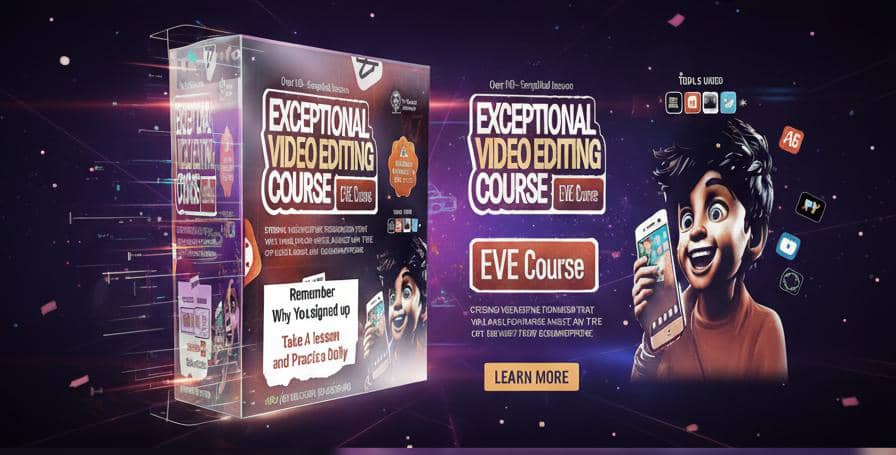
Exceptional Video Editing Course (EVE COURSE)
Hot Banger Course with best trending apps in the globe - kinemaster and Capcut with other top editing tools
With Top Exercises - Replicating different types of videos for top mastery
(Preparing for Projects with Case studies)
- we are not just showing you how to, we are showing you why it works from beginner to pro
- Strong video editing foundation that will enable you master and edit any type of video
It doesn't matter if you have edited any video in the past or not, this is your last bus stop course, that is well simplified and will guide you in creating your first video to your first masterpiece which will in turn give you profits, simply with just your smartphone.
You will learn the skills of video editing and you will learn the business of earning from your skills (Guaranteed).
We have broken down the course lessons into simple sections to guide you on this journey
Take a look at what you will be learning below
It's loaded course from beginner friendly to Pro level
Fundamentals of Editing in Capcut
• Applying Transition Effects ✅
• Applying Visual Effects ✅
• Footage Clip retiming ✅
• Understanding keyframes ✅
• Understanding Motion Graphs ✅
• Video color grading ✅
• Working with Clip graphics ✅
• Working with masks ✅
• Working with video assets (greenscreen)✅
• working with video overlays ✅
• How to download video assets (greenscreen clipgrahics/Particles) ✅
• AI photo expression (Happy,Sad) ✅
• AI motion photo appearance ✅
• Manual foreign voice over using scripts ✅
• Pro Voice over websites (simplified - no login) ✅
• Understanding Whiteboard animation ✅
• White board explainer video with voice over✅
*Simple Whiteboard animation advert 1, 2, 3 ✅
Fundamentals of Kinemaster app
- Understanding kinemaster interface ✅
- Understanding Layer background ✅
- Understanding Effects✅
- Effects components and control ✅
- Overlay Mastery ✅
- Text tool and blending mastery ✅
- Hand writing tool mastery ✅
- Adding audio clip/sound ✅
- Adding Voice Mastery ✅
- Saving and renaming projects ✅
Fundamentals of Editing in Kinemaster
- Adding progress bar ✅
- Adding video title bar ✅
- brand name logo intro ✅
- Template manipulation (brand name logo)✅
- custom pro logo animation ✅
- name tag screen display effect ✅
- creating name tag screen display ✅
- adding animation to name tag screen ✅
- adding effects to name tag✅
- color composition vfx✅
- Speed ramping effect ✅
- intro to speed ramp ✅
- Applying vfx to speed ramp✅
- making YouTube intro and end screen✅
- applying YouTube intro, subscribe etc✅
- triple/6x the volume of your video (pitch)✅
- Background noise removal ✅
- Creating a Google form ✅
- Compressing video file size ✅
- Simple business advert video 1,2,✅
Bonuses - Kinemaster
Text intro animation ✅
Adding music lyrics ✅
Beat sync effect ✅
Breaking news virtual studio ✅
Fake camera movement effect ✅
Changing video background ✅
Chat text pop up ✅
Cinematic color grading effect ✅
Device mockup for video clips ✅
Flash back memory effect ✅
Video inside text display effect ✅
Multiple video scenes split effect ✅
Product advert video ✅
Self clone effect ✅
Sky replacement effect ✅
Smoke text display effect✅
Spirit leaving body effect ✅
Split screen effect ✅
Text reveal effect ✅
Virtual studio effect 2 ✅
Bonuses Capcut -
Best export settings for high quality video✅
Placing Objects behind - effect ✅
Super multiple shoe transition effect ✅
Juice product advert (fake camera motion)✅
3 layer editing style (1,2,3 stacked videos)✅
Before and after video using Masks ✅
Face reveal effect ✅
Double exposure video effect ✅
How to create auto caption ✅
Spice up your auto captions stylishly ✅
How to create glow texts/lyrics ✅
Text behind video ✅
How to create outstanding social media reels✅
Video background blur effect ✅
Sports highlights edit/reel ✅
Trendy Tiktok Football edits effect ✅
Faux 3D label rotation Ad ✅
Change color of clothes ✅
Simple stylish lyrics video ✅
Motion Character animation videos with voice over (1,2,3) ✅
Creating time lapse video (kinemaster) ✅
Throw clothes and become twin video effect✅
Creating before and after makeup transition✅
Creating documentary video with footages✅
Top Documentary video effect styles ✅
Master Renderforest app (promo videos,3d avatars)1,2 ✅
Creating free AI Talking head avatar video ✅
• Awesome photo slide show & Color customization (clipgrahics) ✅
• Compressing video size with top quality ✅
•( Creating business advert with clipgrahics)
• Video Samples ✅
• Script and Product images generation ✅
• Creativity and Compilation 1, 2 ✅
• Cinematic clips scroll up effect ✅
• Creating reaction video (social Media) ✅
• Paper unfold appearance effect ✅
• Creating Screen Hologram effect ✅
• Freeze Character intro effect ✅
• Freeze clone runner thrill effect ✅
• Movie end credits rolling up texts effect ✅
• Typography face effect ✅
• Number Count up/count down effect ✅
• Simple disappearing effect ✅
• On air floating object effect ✅
• Breaking news texts scroll effect ✅
• Simple Levitation effect ✅
• Clone yourself easily (twin video effect) ✅
• Advanced clone effect (multiple self walking) ✅
• Simple outfits change effect ✅
• Changing flying outfits Video transition ✅
• Disappearing trick using mask ✅
• Blending Overlay effect ✅
• Text blending effect ✅
• Texts light sweep across effect ✅
• Easy Cartoon Character animation (1.2,3,4)✅
• Prompt - image - video shorts creator (generate stories, tips, hacks etcs) ✅
• Celebrity Ambassador talking advert ✅
• Canva Motion Video lessons ✅
(Special Bonuses)
• AI human avatar Advert video course
• Support Mentorship Community with other Creatives for collaborations, ideas and inspirations and money moves.
• Pro Video Certification (after course completion)
• *Premium Smart apps*
(with premium direct download links available)
• AI human avatar advert video apps
* Capcut, Kinemaster, Benime, Renderforest etc
ASS BLUEPRINT
(Accurate sizes and sites blueprint)*👇👇
• Best accurate video sizes for different social media platforms (Instagram, Facebook, Tiktok, Twitter, Pinterest, Snapchat, YouTube and Whatsapp)
To enable you know and choose accurate video post sizes and website resources to get media free resources/content
• Understanding why you need video contents
• Getting brand message royalty free videos -
• Getting brand message sound effects -
• Getting brand message royalty free music -
• Getting brand message stock photos -
• All social media accurate video posting sizes
• Basic Video terms dictionary
(Explained Video terms used) for maximum Understanding
*BUSINESS OF THE SKILL* 👇👇
*SELL IT RIGHT EVERYDAY (SIRE)*
- Sales Strategies to generate customers and make sales in your business/brand (no sales Jargons - Simplified straight to the point Strategies that works!)
*25 Sure Proven Sales Strategies to sell out your products and services easily*
*High top ranking headlines*
*Generating Converting Video Sales Scripts*
*Understanding your audience and kind of video to create* -
*How to make money from your marketing video skill*
• 7 extra sales converting Bonuses
• How to create Catchy headlines
• Types of content headlines
• Dos and Donts of content headlines
• Benefits of video content
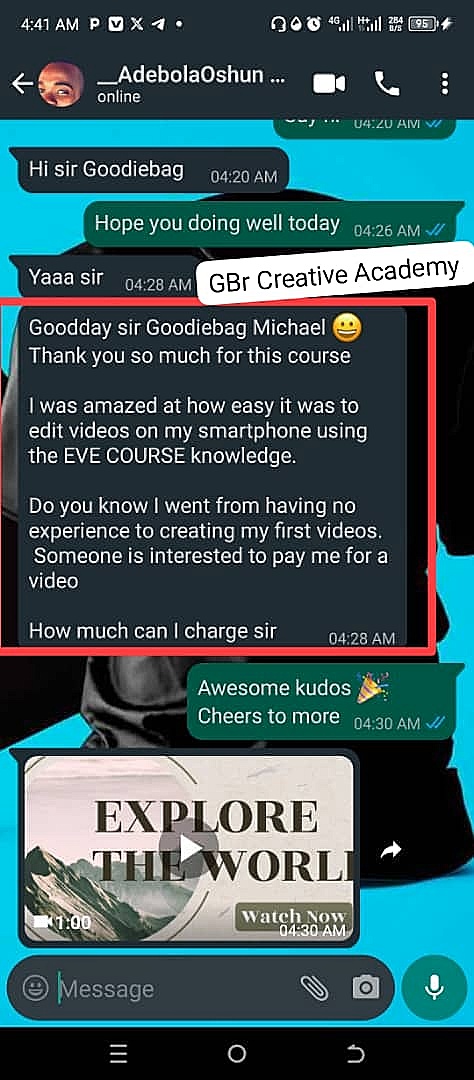
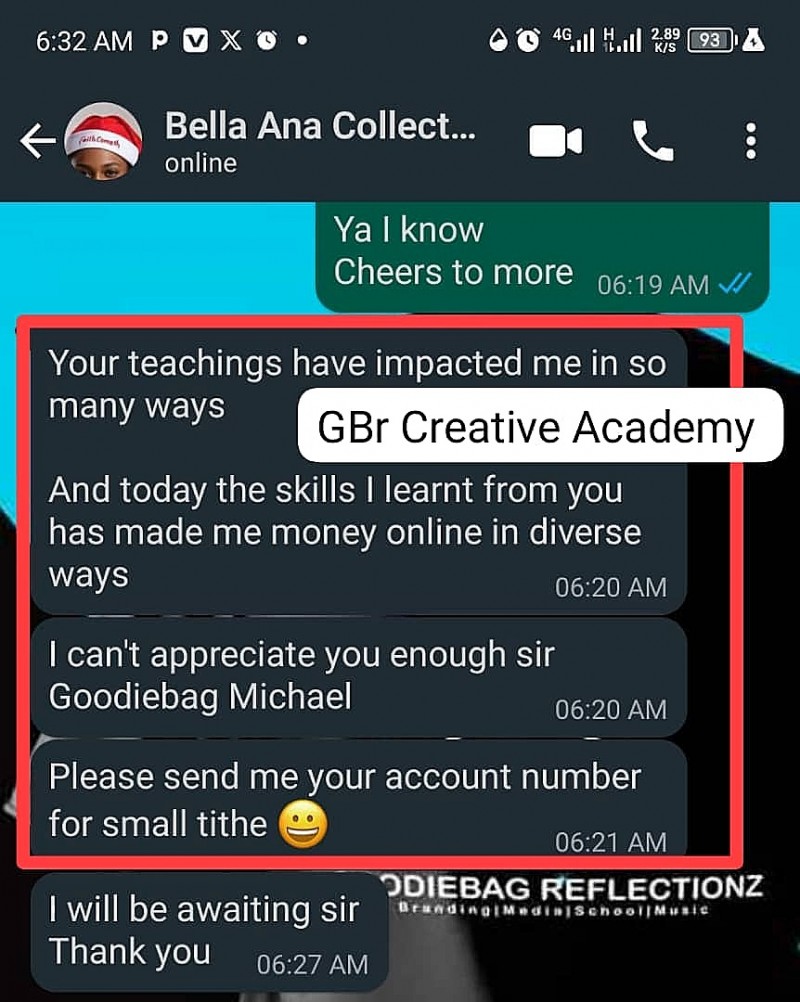
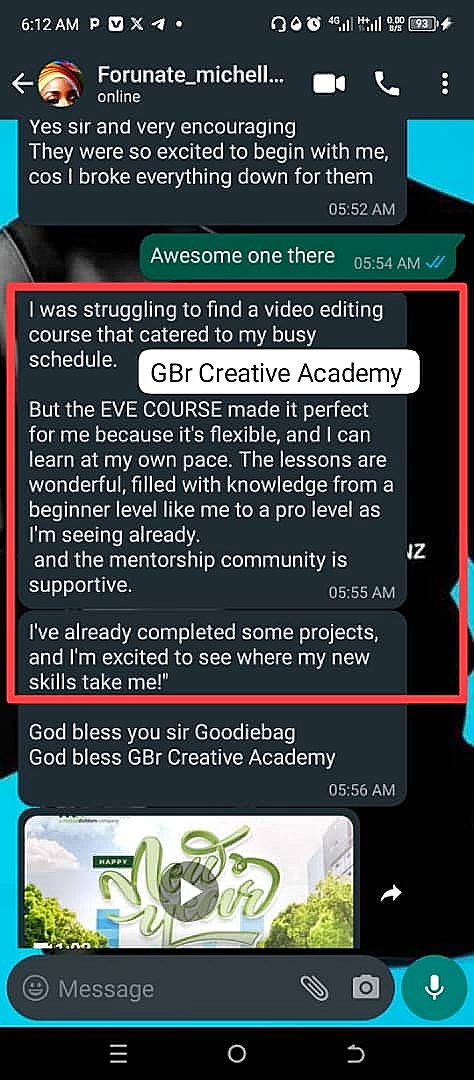
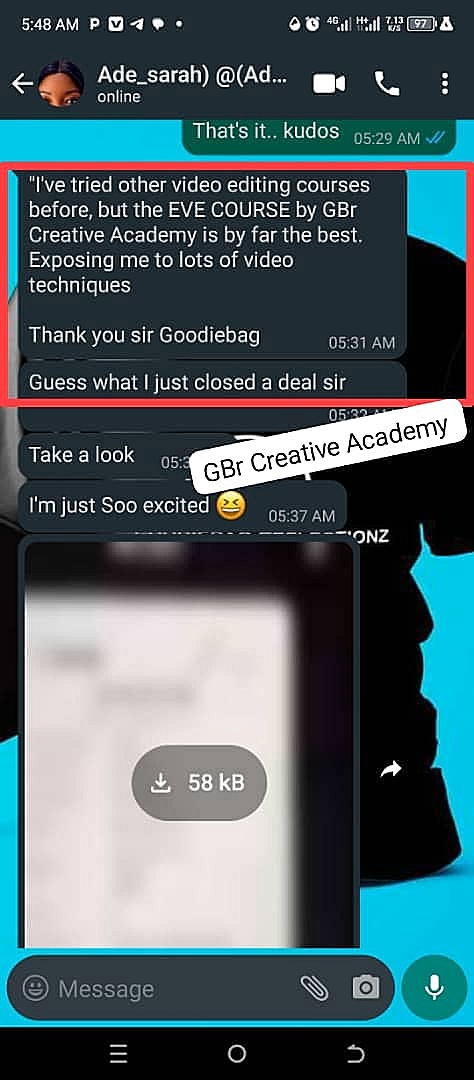
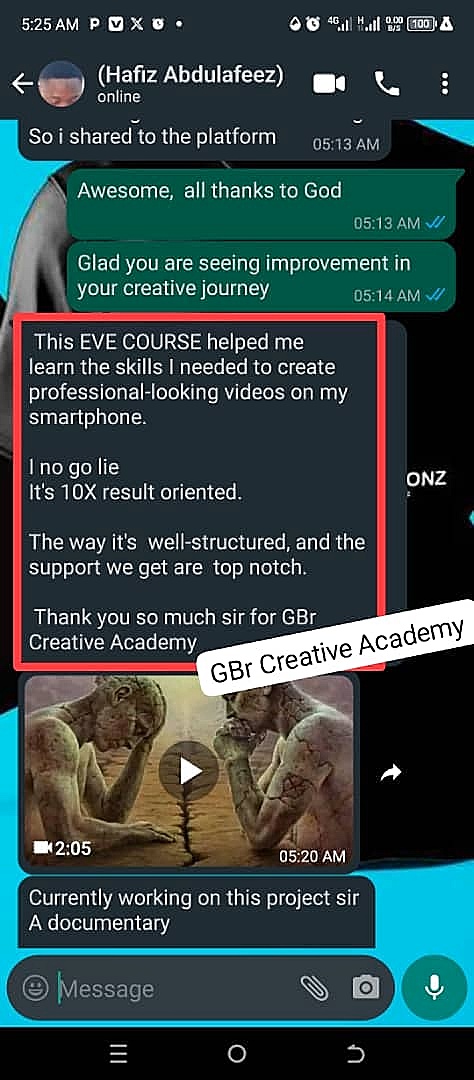
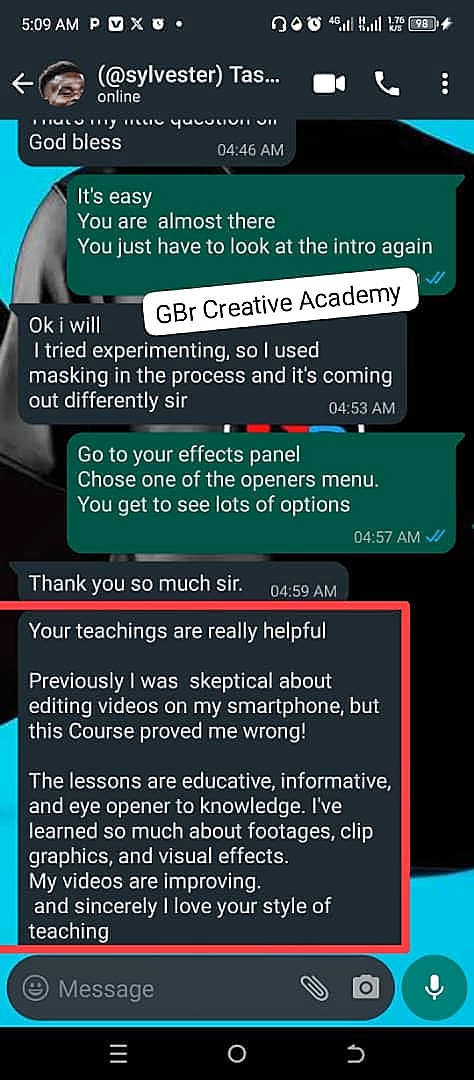
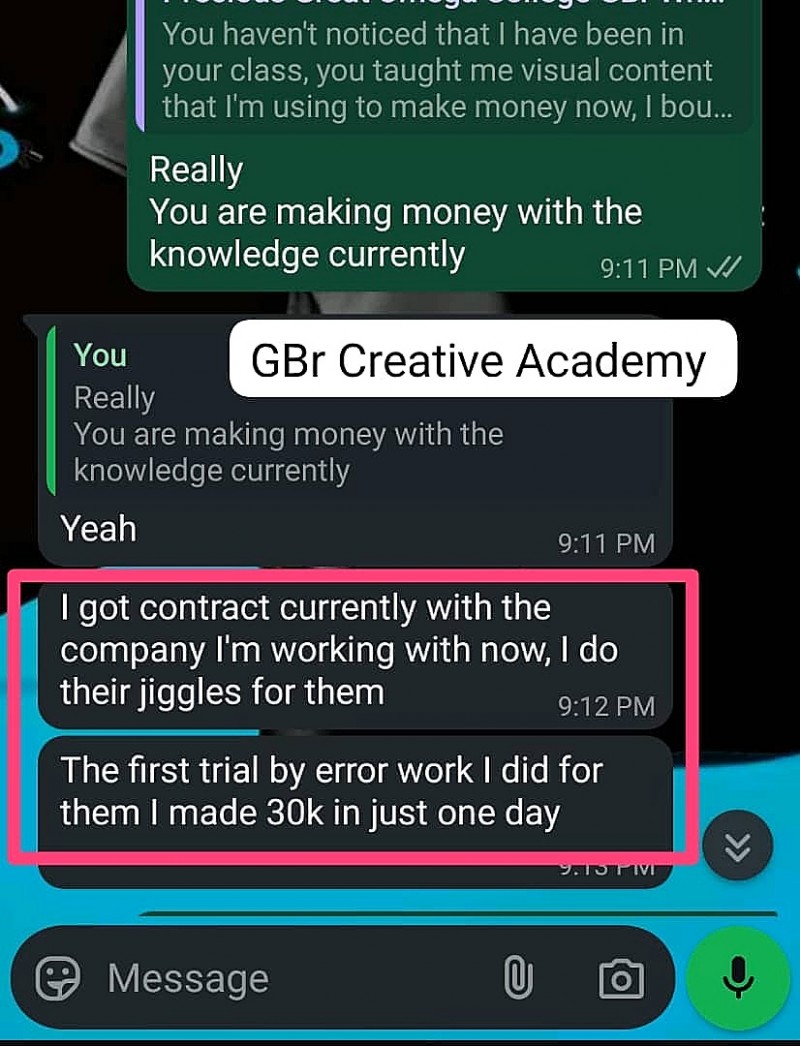
SEE WHAT OTHERS ARE SAYING 👇👇
Who is EVE COURSE for?
1. *Beginner Video Editors*: Individuals who are new to video editing and want to learn the fundamentals of editing videos using their smartphone.
2. *Entrepreneurs*: Small business owners, marketers, and entrepreneurs who want to create engaging video content for their social media channels, websites, and marketing campaigns.
3. *Creatives*: Artists, photographers, and creatives who want to expand their skillset and learn how to edit videos using their smartphone.
4. *Influencers*: Social media influencers who want to create high-quality video content for their audience and grow their online presence.
5. *Students*: High school and college students who want to learn video editing skills for their personal projects, assignments, or future careers.
6. *Hobbyists*: Individuals who enjoy making videos as a hobby and want to improve their editing skills and create more professional-looking videos.
7. *Anyone looking to upskill*: Individuals who want to acquire new skills and knowledge in video editing, and enhance their career prospects or personal projects.
Who is EVE COURSE not for?
1. *Advanced Video Editors*: Experienced video editors who are already proficient in using professional video editing software and may not benefit. Except you check the outline once more.
2. *Those seeking a quick fix*: Individuals who are looking for a quick and easy way to edit videos without putting in the time and effort to learn the skills and techniques.
3. *Those who don't have a smartphone*: The EVE COURSE is specifically designed for smartphone video editing, so individuals who don't have a smartphone or prefer to use other devices may not benefit from the course.
4. *Those who are not willing to practice*: Video editing requires practice and patience, and the EVE COURSE is designed to help students learn and improve their skills through hands-on exercises and projects. Individuals who are not willing to put in the time and effort to practice may not get the most out of the course.
5. *Those who are looking for a specific niche*: The EVE COURSE is a comprehensive course that covers a wide range of topics in video editing, but it may not be suitable for individuals who are looking for a course that focuses on a specific niche.
HOW IS THIS EVE COURSE STRUCTURE
1. EVE Course is a beginner to pro smartphone creativity video editing course (full lessons taught from scratch to pro level)
2. It is project based - we give you videos to replicate as a beginner and videos to modify as you build up. This is to help you polish your skills more and become so good to tackle any project, which will in turn bring profits.
3. It is a self paced course - (hosted on telegram and downloadable) - which enables you to save the course lessons offline and study at your free time)
4. It has progress follow up, which enables us check up to know your progress and challenges.
5. It has support mentorship group, which enables everyone interact with each other, discuss, throw questions and solve challenges.
6. It has business of the skill section, which enables you master how to sell your editing skills and any other skill you have.
7. It has periodical course update - which enables us update the course time to time to keep your video editing skills fresh and up to date trends.
8. It has premium tools for Android users.
9. We do have live sessions periodically to tackle questions and challenges in real life internet calls/webinar.
10. Certifications are given after you complete your course and your projects impressively.
To sign up using bank transfer
2096519451
Goodson C Michael (UBA)
Send message to our business line
(+234) 8103459698 | 08185548438