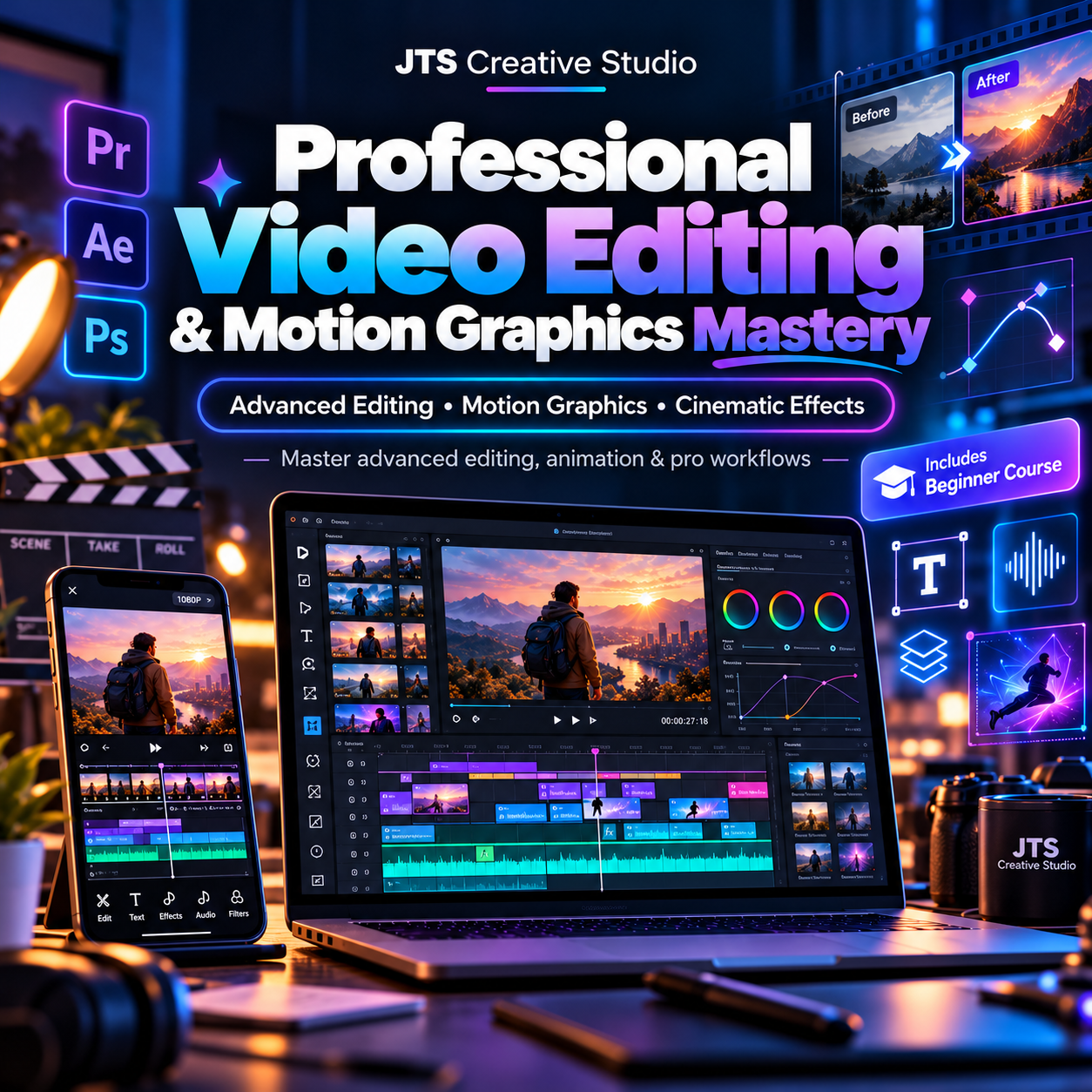
Professional Video Editing & Motion Graphics Mastery
Professional Video Editing & Motion Graphics Mastery
From Beginner Editing to Advanced Video Production, Animation & Motion Graphics
By JTS Creative Studio
Don't Just Edit Videos. Learn to Create Professional Visual Experiences.
Video editing goes far beyond cutting clips, adding music, and applying transitions.
Professional editors understand storytelling, visual composition, colour, audio, animation, motion graphics, and the techniques that make videos visually engaging.
The Professional Video Editing & Motion Graphics Mastery Course by JTS Creative Studio is designed for aspiring editors who want to develop more advanced production skills.
And here's one important benefit:
The complete Beginner Video Editing Course is included in your purchase.
That means you can start with the fundamentals, even if you have little editing experience, and then progress into advanced editing and motion graphics.
What You'll Learn
Module 1 — Complete Video Editing Foundations
You receive the core training covered in our Video Editing Essentials course, including timelines, cutting, transitions, audio, captions, storytelling, exporting, and beginner projects.
Module 2 — Advanced Video Editing Techniques
- Professional timeline organization.
- Multi-layer editing.
- Advanced transitions and scene construction.
- Speed ramping and dynamic effects.
- Creating cinematic sequences.
Module 3 — Motion Graphics Fundamentals
- Introduction to motion design.
- Understanding keyframes and animation curves.
- Animating text, shapes, and graphical elements.
- Creating animated titles and lower thirds.
- Building engaging motion graphics for advertisements.
Module 4 — Advanced Visual Effects
- Masking and compositing.
- Green-screen and background replacement.
- Motion tracking fundamentals.
- Adding visual effects to footage.
- Integrating graphics with live-action video.
Module 5 — Colour Correction & Cinematic Grading
- Balancing exposure and colour.
- Matching shots.
- Creating consistent visual styles.
- Applying cinematic looks.
- Improving the overall appearance of edited footage.
Module 6 — Professional Sound Design
- Cleaning dialogue.
- Creating dynamic audio transitions.
- Layering sound effects.
- Mixing music and voiceovers.
- Understanding audio's role in storytelling.
Module 7 — Editing Advertising & Branded Content
- Creating professional promotional videos.
- Editing product advertisements.
- Designing engaging introductions and endings.
- Applying brand colours, typography, and visual identity.
- Building videos for social media and business campaigns.
Module 8 — Professional Editing Workflow
- Planning and organizing larger projects.
- Understanding client briefs.
- Managing revisions.
- Working with different output formats.
- Exporting and delivering finished work professionally.
Module 9 — Portfolio Development & Freelancing
- Building a professional editing portfolio.
- Presenting finished projects.
- Understanding project pricing and scope.
- Communicating with clients.
- Developing a repeatable creative workflow.
What Is Included?
- The complete Beginner Video Editing Course.
- Advanced video editing lessons.
- Motion graphics training.
- Visual effects and animation techniques.
- Practical project demonstrations.
- Guided editing exercises.
- Portfolio and freelance business guidance.
- Supporting course materials and resources.
Who Should Enrol?
This course is suitable for beginner editors who want a complete learning path, existing editors who want to improve, aspiring motion graphics artists, content creators, creative freelancers, and people interested in professional video production.
Training Delivery
Students receive access to the private JTS Creative Studio training community on Telegram after successful payment.
If Telegram is unavailable or unsuitable, verified purchasers can request the lesson materials by email.
Basic editing may be completed using a smartphone or computer, but some advanced motion graphics and visual effects workflows require a capable desktop or laptop.
Third-party software subscriptions, where required, are separate from the course fee.
Develop the Skills Behind Professional Videos
Move beyond basic editing and begin developing the techniques used to produce visually compelling advertising, storytelling, and branded video content.
Enroll in Professional Video Editing & Motion Graphics Mastery today.
Course completion does not guarantee employment, freelance income, or a specific professional qualification.