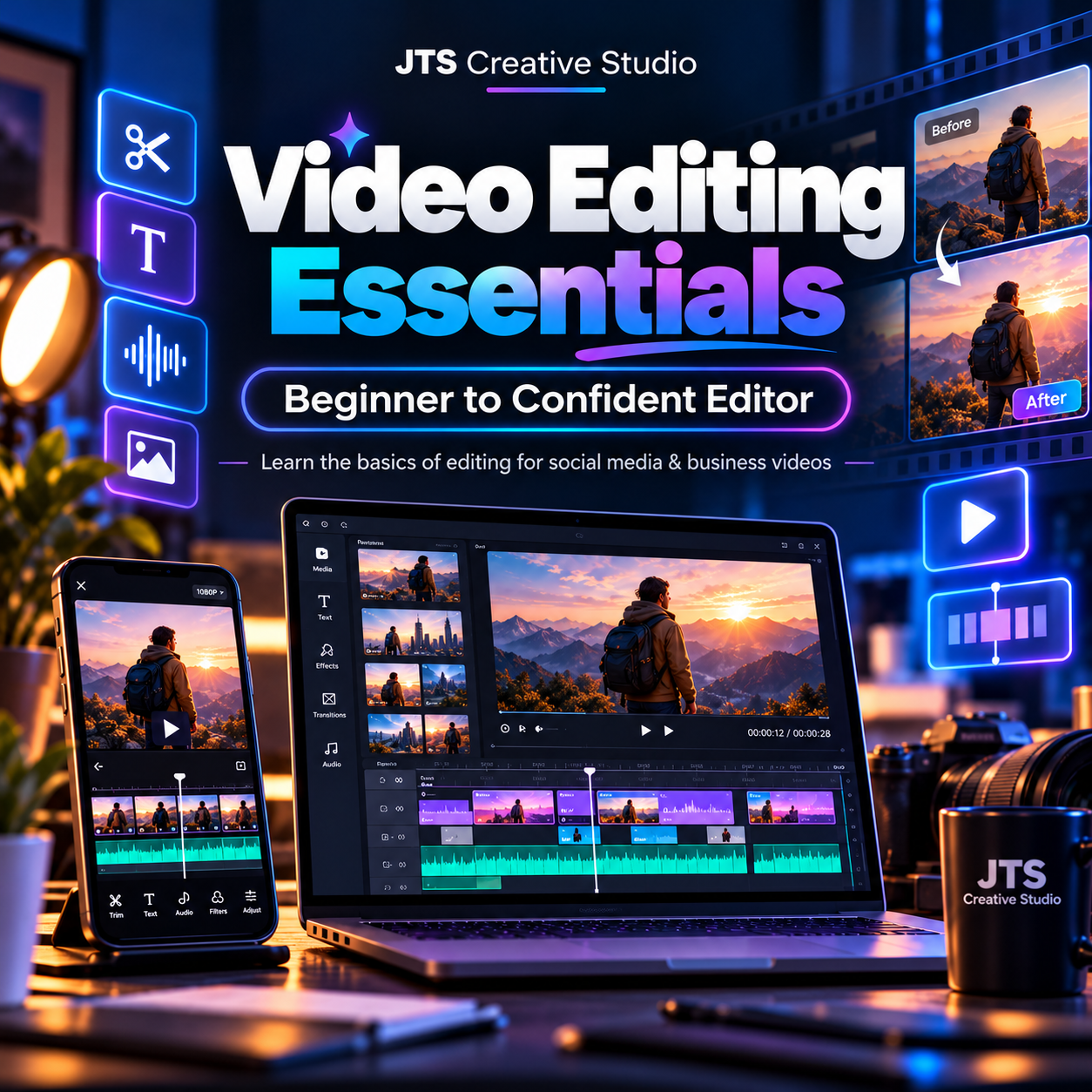
Video Editing Essentials — Beginner to Confident Editor
Video Editing Essentials
Learn Video Editing From Scratch — Even If You've Never Edited a Video Before
By JTS Creative Studio
Every Great Video Needs a Great Editor
Have you ever watched a beautiful advertisement, engaging social media video, YouTube tutorial, or inspiring story and wondered how it was created?
Behind many of those videos is the skill of a video editor.
Video editing is a valuable creative skill used by businesses, marketers, content creators, educators, and organizations around the world.
The good news? You can begin learning without owning expensive cameras or a professional editing studio.
At JTS Creative Studio, we've designed this beginner-friendly course to teach the foundations of practical video editing, starting with the essentials and progressing toward complete projects.
What You'll Learn
Module 1 — Introduction to Video Editing
- Understanding the role of a video editor.
- Common video formats and editing terminology.
- Choosing beginner-friendly editing applications.
- Organizing video files and creating projects.
Module 2 — Understanding Editing Tools
- Navigating a video-editing interface.
- Importing video clips, images, and audio.
- Understanding timelines, layers, and tracks.
- Cutting, trimming, splitting, and arranging clips.
Module 3 — Creating Smooth and Engaging Videos
- Building a clear video sequence.
- Using transitions appropriately.
- Adjusting video speed.
- Understanding pacing and storytelling.
Module 4 — Working With Audio
- Adding background music.
- Editing voiceovers and dialogue.
- Adjusting audio levels.
- Removing unwanted noise where supported.
Module 5 — Text, Captions and Visual Enhancements
- Adding titles and on-screen text.
- Creating subtitles and captions.
- Working with basic effects and overlays.
- Introduction to colour and brightness correction.
Module 6 — Social Media and Business Video Editing
- Editing TikTok, Instagram, Facebook, and YouTube videos.
- Understanding vertical and horizontal video formats.
- Creating simple promotional videos.
- Exporting videos in appropriate formats and resolutions.
Module 7 — Introduction to Freelance Video Editing
- Creating sample editing projects.
- Building a beginner portfolio.
- Understanding customer requirements and revisions.
- Finding potential clients and presenting your editing services.
What You'll Receive
- Beginner-friendly video editing lessons.
- Practical demonstrations.
- Guided editing exercises.
- Tips for improving video quality.
- Portfolio-building guidance.
- Access to your purchased course materials.
Who Is This Course For?
- Complete beginners.
- Students looking to learn a digital skill.
- Business owners editing their own promotional content.
- Social media creators.
- Aspiring freelance video editors.
- Anyone interested in understanding video editing.
No previous video-editing experience is necessary.
How Is Training Delivered?
Training takes place through the private JTS Creative Studio Telegram learning community.
Learners unable to use Telegram may request delivery of the course lessons and materials through email after their payment is verified.
A suitable smartphone or computer is required, depending on the editing software used.
Start Creating With Confidence
Whether you want to improve your own videos or begin developing a skill you may eventually offer to clients, learning video editing is a practical first step.
Join Video Editing Essentials today
Freelance earnings and employment opportunities depend on individual skill development, portfolio quality, market conditions, and personal effort.