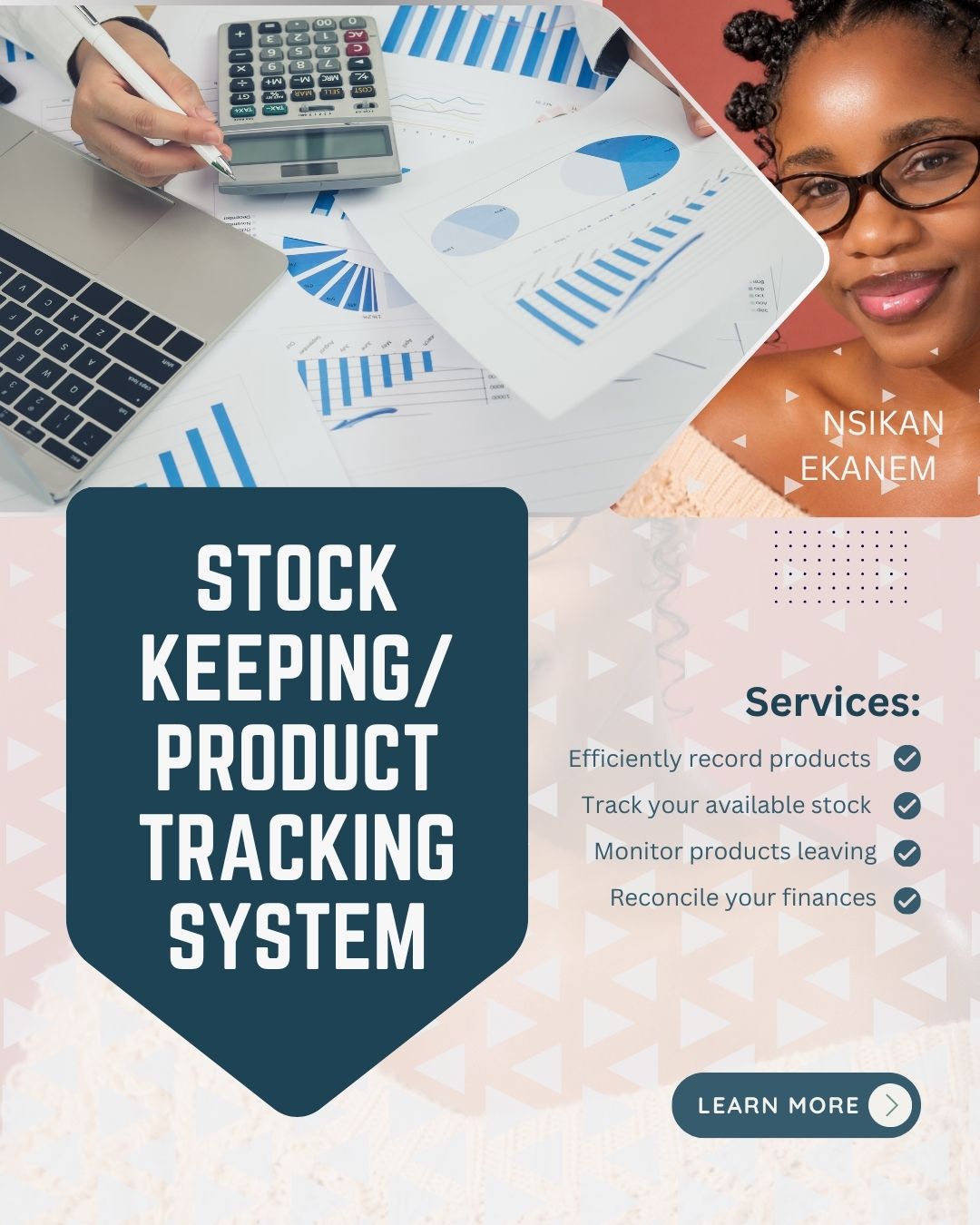
Stock Keeping/Tracker

This Stock Tracker was created to help you know the products that came in, went out, and what you have left all in one place.
1. After purchasing, go directly to your mail
and click "Go to link"
2. If you're using your phone, make sure you have the "Google Sheets" app installed for the best experience.
3. After clicking on the link, you'd be directed
to make your own copy of the tracker
Do not edit the original tracker.
If you don't make your own copy, you won't be
able to use the tracker.
WHAT YOU CAN TRACK
📦 All your Products
📥 Stock purchased/received
📤 Stock sold/removed
📊 Quantity left
💰 Cost of stock purchased
💵 Value of stock sold
BEFORE YOU START
1. Start with the Products sheet
Add your products, SKU, purchase price, selling price and opening stock.
2. Record every stock movement
When you buy/receive stock → record Stock In.
When you sell/remove stock → record Stock Out.
3. Always use the correct SKU (A unique number for each product))
The SKU connects your product information to your stock records, so make sure it is entered correctly.
4. Let the tracker calculate for you
Your quantity left and totals are calculated automatically. Avoid changing cells that contain formulas.
💡 KEEP IN MIND
The tracker is only as accurate as the information you enter.
Record your stock consistently, and you'll always have a clearer picture of what's actually sitting in your business.
No more "I thought we still had some."