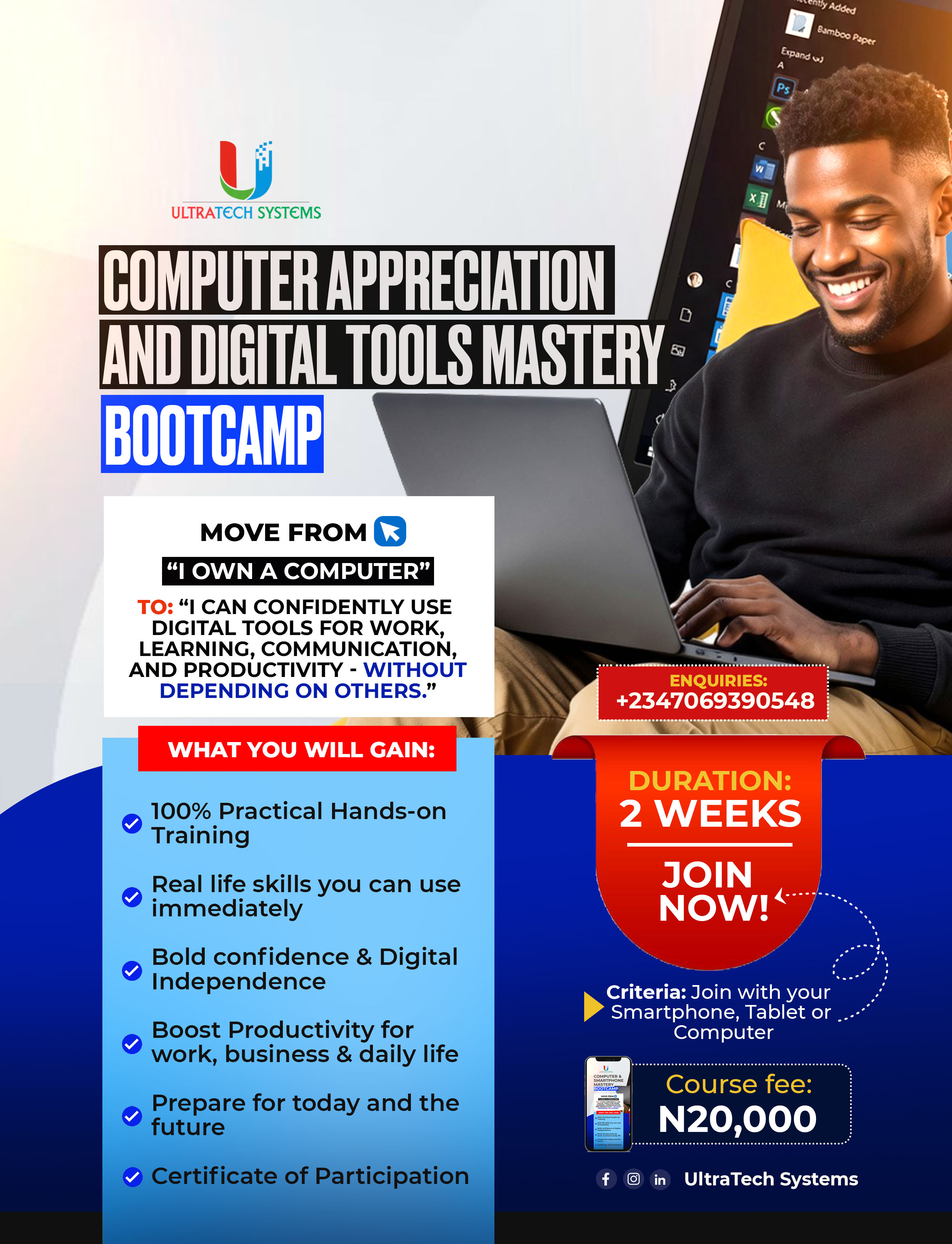
Computer Appreciation & Digital Tools Mastery Bootcamp
BECOME DIGITALLY CONFIDENT AND WORKPLACE-READY
In today's digital world, computer literacy is no longer optional; it is a necessity.
Whether you are a student, graduate, an employee, entrepreneur, civil servant, teacher, healthcare professional, job seeker, business owner, or complete beginner, this intensive practical bootcamp will equip you with the digital skills you need to work smarter, communicate effectively, and increase your productivity.
THE TRANSFORMATION YOU WILL EXPERIENCE:
Move From:
 "I own a computer."
"I struggle with technology."
"I depend on others for simple digital tasks."
To:
 "I confidently use computers and smartphones."
"I can work efficiently with digital tools."
"I can communicate professionally online."
"I can leverage AI and modern technology for productivity."
"I am digitally prepared for work, business, academics, and everyday life."
THIS TRAINING IS DESIGNED FOR:
✔️Absolute Beginners
✔️Students and Graduates
✔️Job Seekers
✔️Employees
✔️Professionals
✔️Business Owners
✔️Teachers and Educators
✔️Anyone who wants to be good at using the computer and become digitally confident
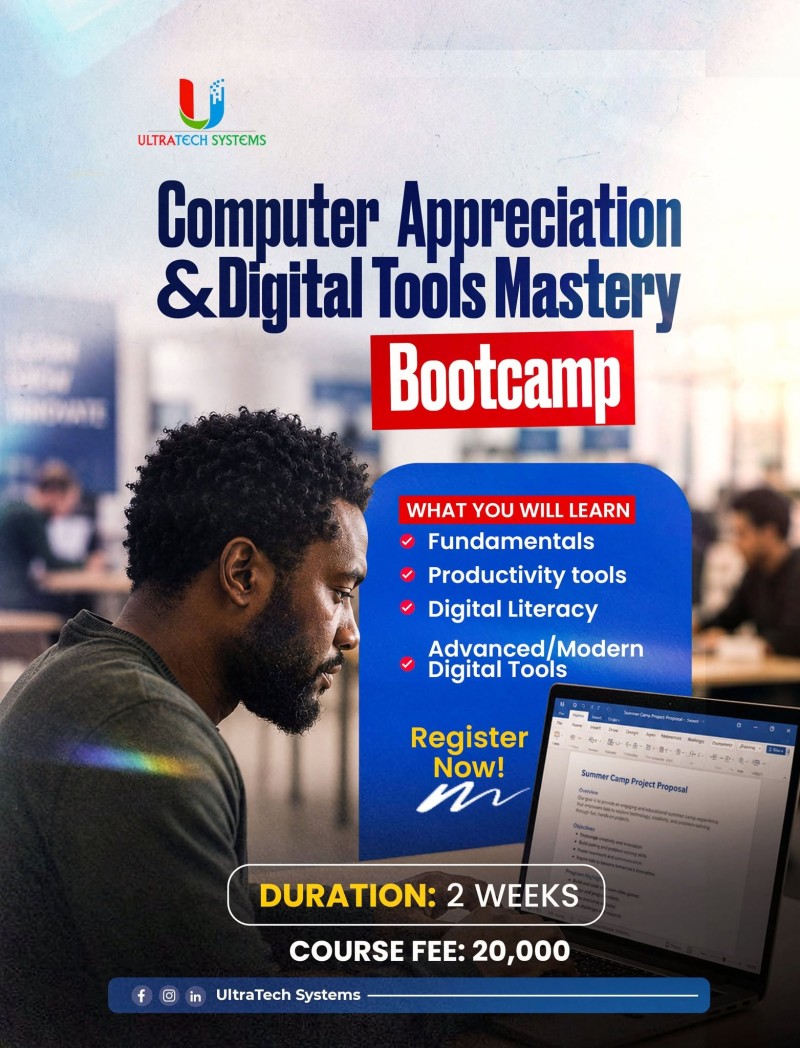
WHAT YOU WILL LEARN:
A. COMPUTER FUNDAMENTALS & DEVICE OPERATIONS
Understanding Computer Systems
Computer Navigation and Usage
Connecting Devices and Accessories
Installing Applications and Software
Basic Troubleshooting Techniques
Computer Security and Protection
B. FILE MANAGEMENT & DIGITAL ORGANIZATION
Creating and Managing Files & Folders
Uploading and Downloading Files
File Sharing Techniques
File Compression and Extraction
Screenshots and Screen Recording
File Recovery Basics
C. INTERNET, EMAIL & CLOUD TECHNOLOGIES
Effective Internet Browsing
Online Research Skills
Professional Email Creation and Management
Sending Emails with Attachments
Google Drive, OneDrive & Dropbox
WhatsApp Web and Telegram Desktop
Virtual Meetings Setup (Zoom, Microsoft Teams & Google Meet)
Cybersecurity and Online Safety
D. PRODUCTIVITY, SMARTPHONE & AI TOOLS
Google Workspace Essentials
Microsoft Office Overview
Smartphone Productivity Techniques
QR Code Creation and Usage
Document Scanning and Digital Documentation
Creating and Editing PDFs
AI Tools for Productivity
Practical Daily Productivity Workflows
E. BONUS PROFESSIONAL WORKPLACE SKILLS
Professional Email Writing
Online Meeting Etiquette
Workplace Communication Tools
Digital Collaboration Best Practices
Creating Professional Documents
Managing Cloud Storage Effectively
Joining Virtual Meetings Professionally
Using AI Responsibly and Efficiently
F. FINAL SESSION
Comprehensive Course Review
Practical Demonstrations
Interactive Q&A Session
Certification Guidance
WHY YOU SHOULD JOIN
✔️ Beginner-Friendly
✔️ Practical and Hands-On Training
✔️ Learn with a smartphone, Tablet, or Laptop
✔️ Workplace-Relevant Skills
✔️ Business-Relevant Skills
✔️ Recorded Videos
✔️ Lifetime Access to Learning Resources
✔️ Certificate of Participation
✔️ Lifetime Value Beyond the Training
Don't wait until technology leaves you behind.
Invest in yourself and acquire practical digital skills that will serve you for life!
📅 Starting: 6th July, 2026
💰 Fee: ₦20,000 Only
⌛ Duration: 2 Weeks
💻 Venue: Microsoft Teams & Telegram
To enroll, pay N20,000 to:
Ultra-Ukay Tech Systems
0124005640
Wema Bank
After payment, send your receipt and name via DM or WhatsApp at +2347069390548.
Tap the link below to join the mobilisation group for frequent updates (ONLY FOR INTERESTED PERSONS)
https://chat.whatsapp.com/Fl9MBuZjra5BUlcI5z2M4m
Enroll today!
UltraTech Systems
https://www.facebook.com/ultratechsystems