External Access
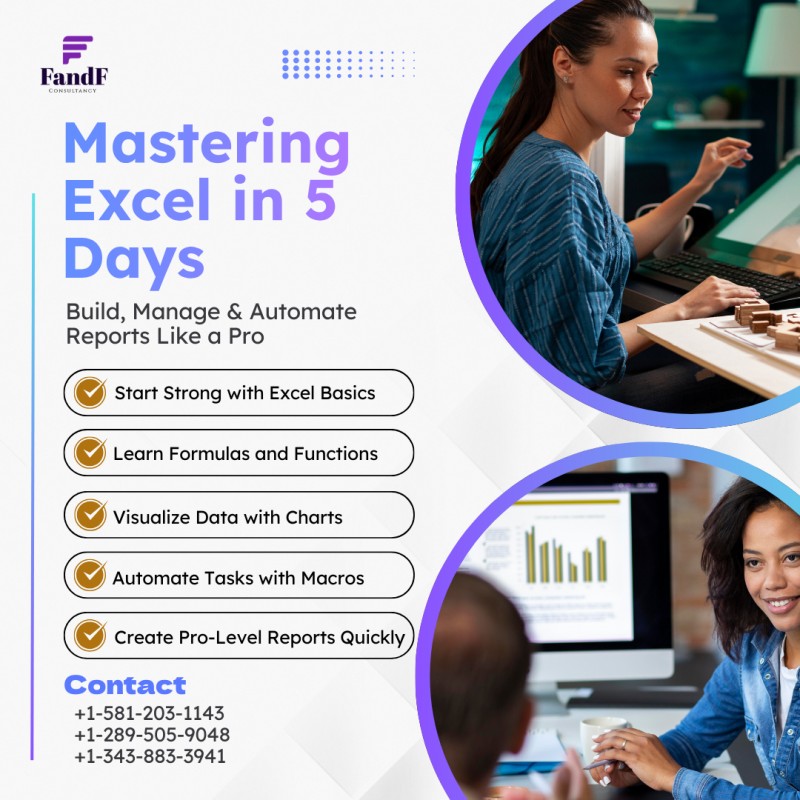
Mastering Excel as a Professional

(0 Ratings)
1
$50.00
Build, manage, and automate professional reports
Designed for beginners and early intermediates, this course will help you gain confidence in Excel while mastering essential tools to create polished, automated reports that impress clients or employers.
Duration: 1 month | Self-Paced
For: Beginners to early intermediates who want to build confidence in Excel
Goal: Learn to build, manage, and automate professional reports
Format: 5 Modules | ~45 mins per module | Video Lessons + Practice Tasks
🎯 Who is This For
- New users or early intermediates of Excel
- Job seekers, admin professionals, freelancers, or business owners
- Anyone who wants to build and automate clean, functional reports
📚 Course Format
Module 1: Excel Foundations
- Navigating Excel: interface, rows, columns, cells
- Formatting basics: number, text, color, borders
- Using basic functions: SUM, AVERAGE, COUNT
Module 2: Working with Data
- Sorting and filtering data
- Creating and using dropdown lists (Data Validation)
- Using conditional formatting for quick insights
Module 3: Formulas & Functions
- IF statements and basic logic
- VLOOKUP/XLOOKUP essentials
- Basic error handling: IFERROR
Module 4: Charts & Visual Reporting
- Creating charts: column, pie, and line
- Best practices for visual storytelling
- Intro to dashboards: combining charts + key numbers
Module 5: Automate & Final Project
- Intro to Pivot Tables
- Using basic Macros (recording only)
- Preparing and sharing Excel reports professionally (PDF, print view, email-friendly)
🏁 What You Get
- Portfolio-ready report and dashboard samples
- Confidence to use Excel in real-world scenarios
❓ Frequently Asked Questions
- Do I need prior Excel experience? Minimal is fine! This course is beginner-friendly but includes pro tips.
- What version of Excel is required? Any modern Excel version (2016+) will work. Mac and Windows both supported.
- Can I take this on my schedule? Yes—it's fully self-paced. Complete it in a week or spread it over time.
- Do I need to turn in assignments? No formal submissions, but tasks are designed for your own portfolio-building.
- Is this useful for job seekers? Absolutely. You’ll build skills needed in admin, finance, marketing, and freelance roles.