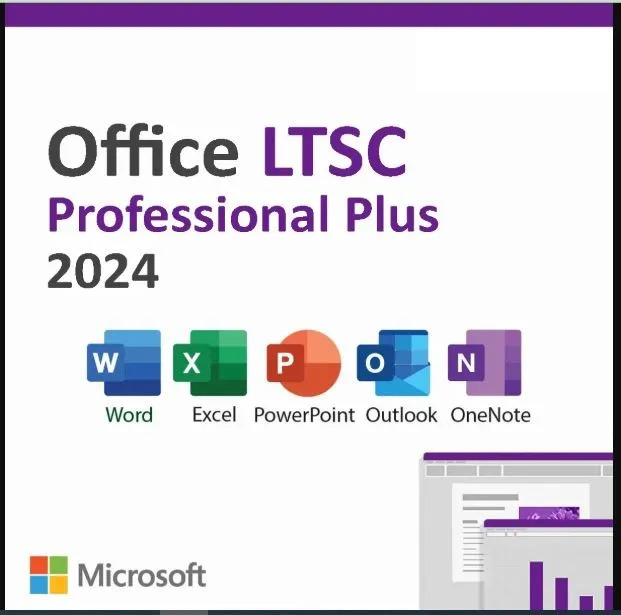
Microsoft Office 2024 Professional Plus LTSC
Original License Key
Official Microsoft Product
Number of User: 1/2/3/5/10/20
Validity: Lifetime
License Type: LTSC
Activation Method: Phone/Online Activation
Platform: Windows PC
HOW TO ACTIVATE MICROSOFT OFFICE (ONLINE ACTIVATION)
1. Run any of the office app on your PC eg Word, Excel, PowerPoint, etc.
2. Go to Account and click on "Activate Office" OR "Switch License"
3. Click on "I have a product key"
4. Input the key and click "Activate Office"
5. Two options pop-up; select "I want to activate the software by Internet"
6. Then click NEXT
OFFICE ACTIVATED!
HOW TO ACTIVATE MICROSOFT OFFICE BY TELEPHONE METHOD
1. Run any of the office app on your PC eg Word, Excel, PowerPoint, etc.
2. Go to Account and click on "Activate Office" OR "Switch License"
3. Click on "I have a product key"
4. Input the key and click "Activate Office"
5. Two options pop-up; select "I want to activate the software by Telephone"
6. Installation ID pops up (You can screenshot the wizard and send to us)
7. The Installation ID will be used to generate the Confirmation ID
You will send us (a clear screenshot of) your Installation ID and we will generate and send your Confirmation ID within a minute
8. Input the confirmation ID into the boxes below the Installation ID batch by batch
9. Then click NEXT
OFFICE ACTIVATED!