
Predictive Analysis with Single and Multiple Linear Regression - with Dataset

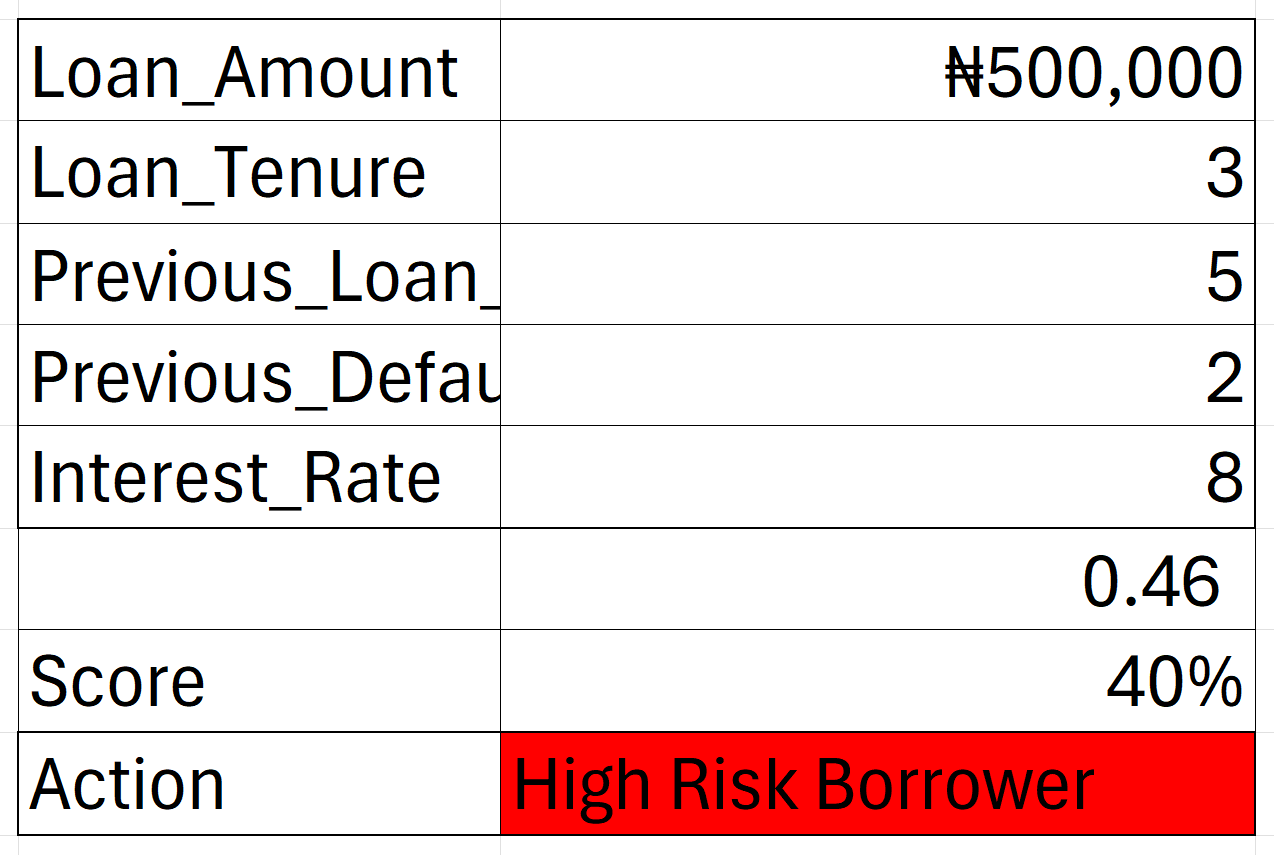
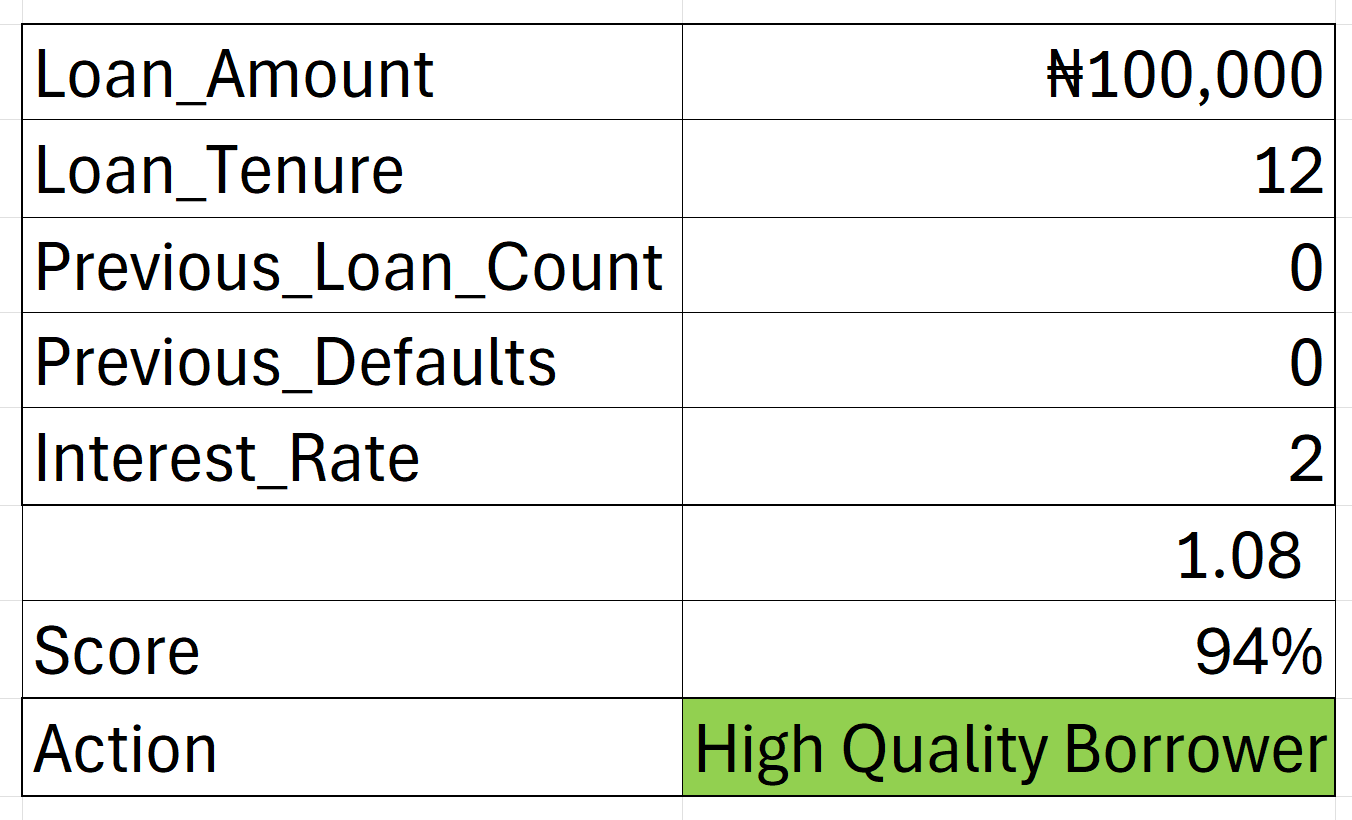
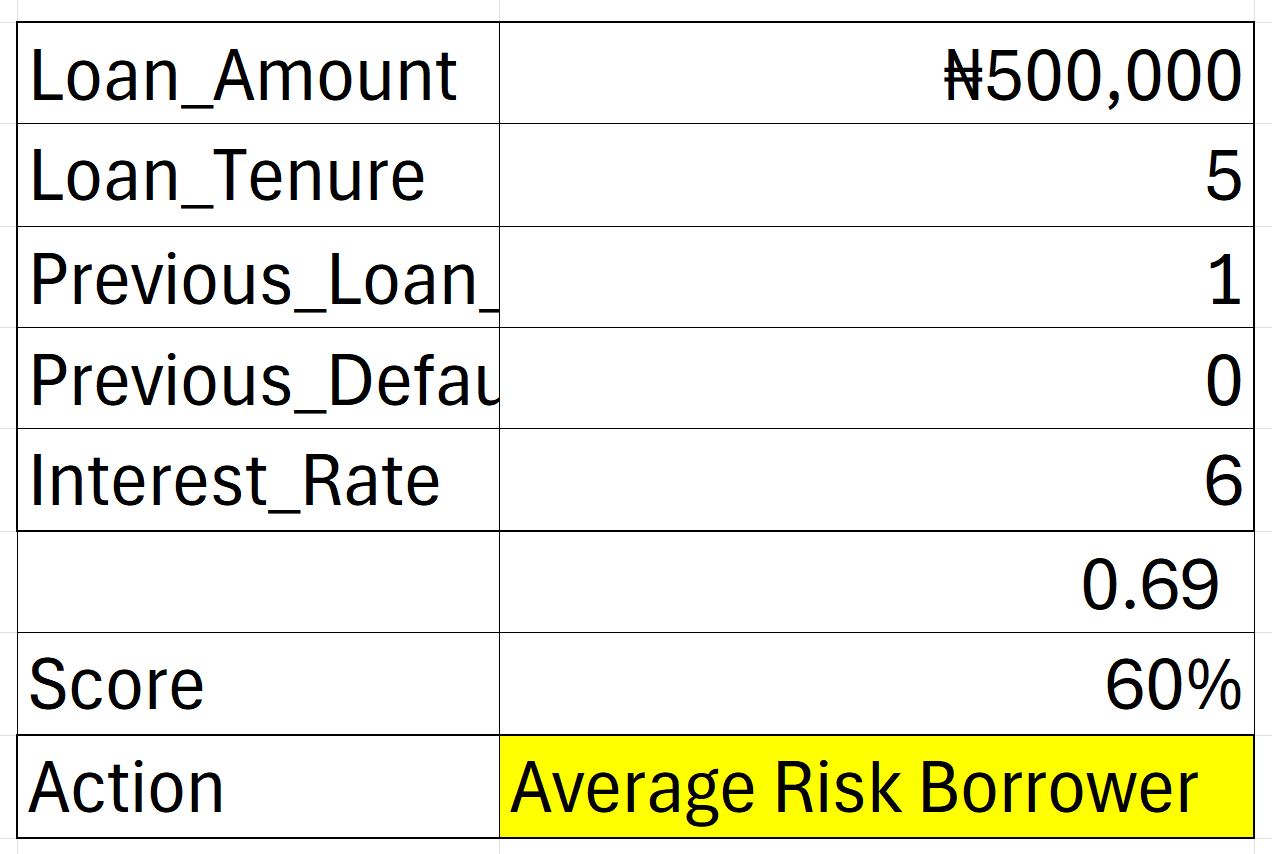
By the end of this class, you’ll build a complete Loan Repayment Prediction Model used by banks and financial institutions.
What you’ll learn:
✔️ How to run predictive analysis the right way
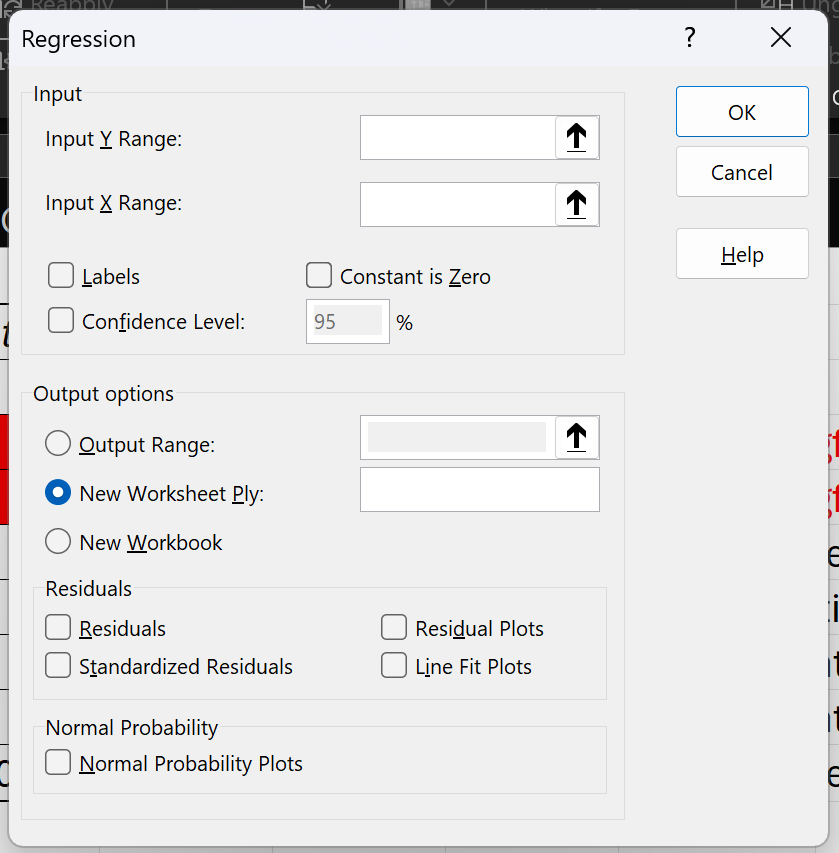
✔️ Step-by-step Multiple Regression modeling
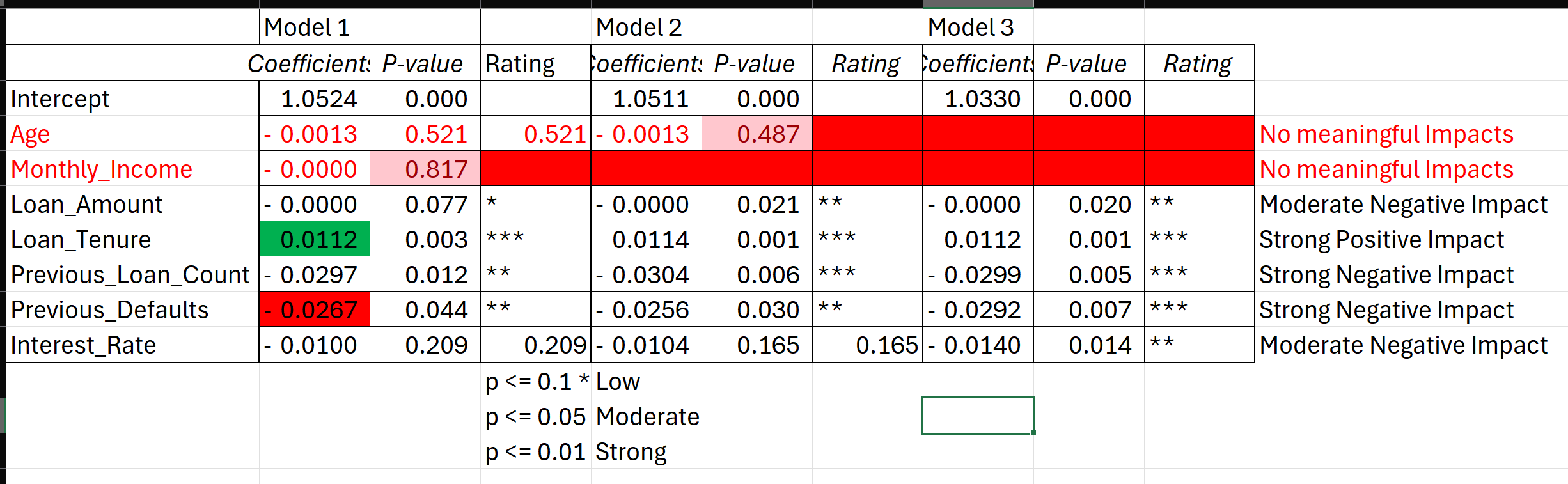
✔️ How to interpret coefficients, p-values & significance levels
✔️ How to convert your results into a professional business report (not included)
✔️ How to build the loan app using Excel (not included)
In addition, I’d like to invite you to my 4-Day Excel Masterclass, which starts this Monday, 15th Dec, 2025.
As a registered participant, you’re eligible for a 50% discount. Kindly send me a message via WhatsApp: +234 816 763 7212 to claim the offer.
Course Breakdown:
Day 1: Formatting, Conditions, Formulas & Functions
Day 2: Pivot Tables & Power Pivot
Day 3: Statistics
Day 4: Reporting, Visuals & Dashboards
If you have friends or colleagues who may be interested in the Excel Masterclass, feel free to share this information with them.
.....
Learn Data Analytics, Data Science, AI / ML with SkillAhead Data Academy.
Certificate Courses: Excel, Power BI, SQL, Tableau, Google Sheets, Statistics, and Python.
To get a 20% discount, send “ETUK” via WhatsApp to +2348167637212
.....
📥 Support the Channel
If this Excel tutorial adds value to you, you can support my work by buying me a coffee — it truly means a lot and helps me keep creating helpful content.
👉 https://selar.com/showlove/anietieetuk
And if coffee isn’t an option right now, no worries — you can still support the channel by simply subscribing to my YouTube channel. Every subscription helps the channel grow.
👉 https://www.youtube.com/@LearnwithEtuk
Thank you for being part of this learning journey!


To download and unzip a file, first click the download link and save the .zip file; then, on Windows/Mac, right-click the file and select "Extract All" (Windows) or just double-click (Mac) to open the extraction wizard, choose a destination, and click "Extract" to get your usable files in a new folder.