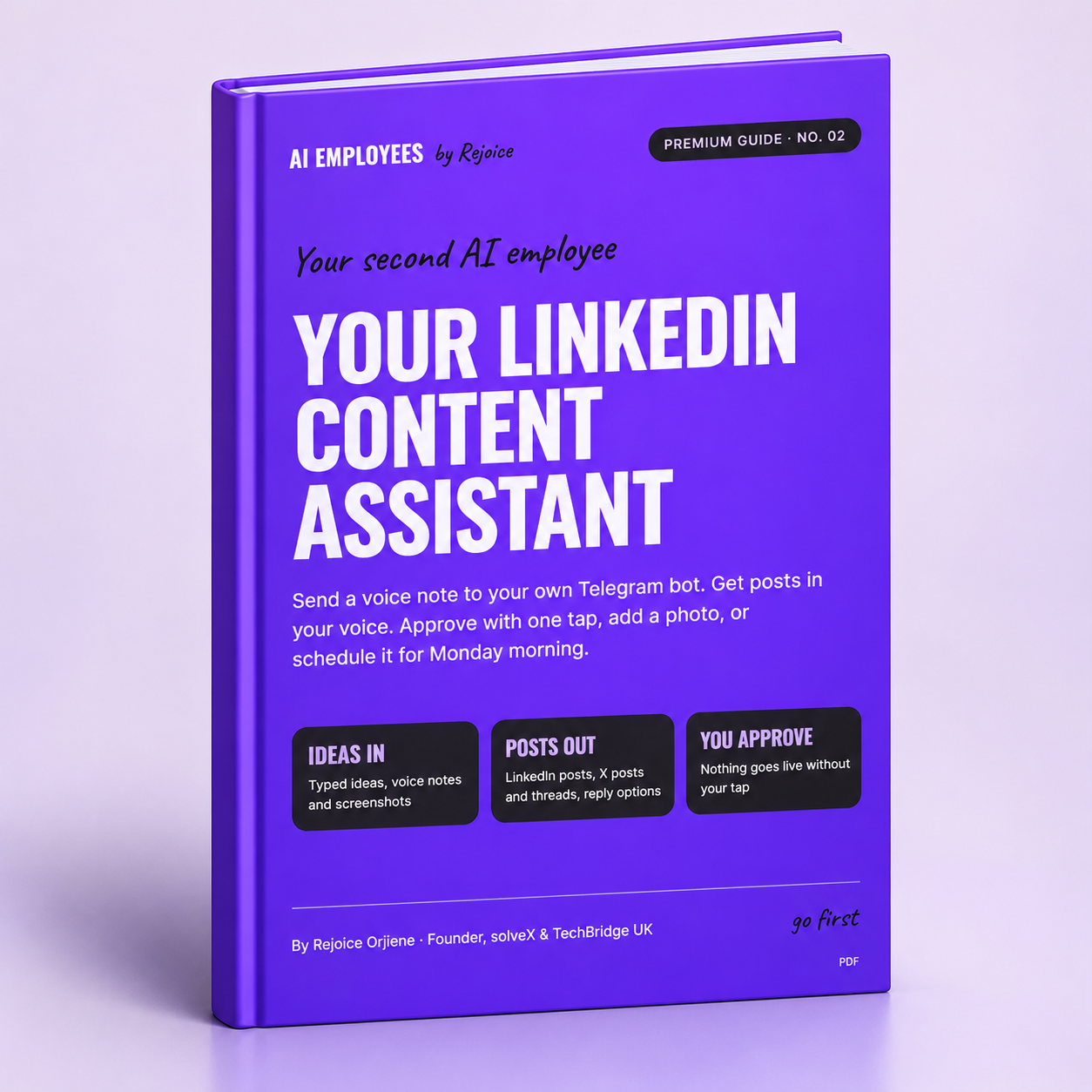
Your LinkedIn Content Assistant: Build Your Own AI Employee
I post consistently on LinkedIn without living on LinkedIn. Here’s how.
I built a personal AI assistant that lives in Telegram. I send it a rough idea or a voice note, and it returns a LinkedIn post and an X post in my voice. When I’m happy, I reply “post” or “post Monday 9am”, tap Approve, and it publishes to LinkedIn, with a photo if I add one.
This guide shows you exactly how to build your own, step by step. No coding.
What you get (12-page PDF guide)
- The full step-by-step build, from creating your Telegram bot to your first scheduled post
- The voice profile worksheet: the secret sauce that makes drafts sound like you, not generic AI
- Two copy-and-paste prompts that get Claude to build the whole workflow for you
- How to turn screenshots of DMs and comments into 3 reply options you can paste
- One-tap approval, photo posts and scheduling
- A daily cheat sheet of every command
- My 1-hour-a-week content system, plus 10 voice-note starters for empty days
- A troubleshooting page covering every problem I hit while building it
Who it’s for
Founders, professionals, and creators who know they should post more but don’t have the time, or who freeze at a blank page.
What you’ll need
- A Claude account (claude.ai) with connectors on your plan
- An n8n Cloud account (free trial, then a paid plan)
- Telegram and your LinkedIn account
- About 90 minutes on a laptop
Good to know
- It drafts, and you decide. Nothing goes live without your tap.
- It never comments, DMs, or likes on LinkedIn for you, because that breaks LinkedIn’s rules and puts your account at risk. It drafts replies you paste yourself.
- X posts are drafted for you to copy and paste. Automatic posting is for LinkedIn only.
Founding price: £20 for the first 40 people. Instant PDF download after payment.
Questions or stuck? Reply to your purchase email with a screenshot, and I’ll help.
Rejoice Orjiene