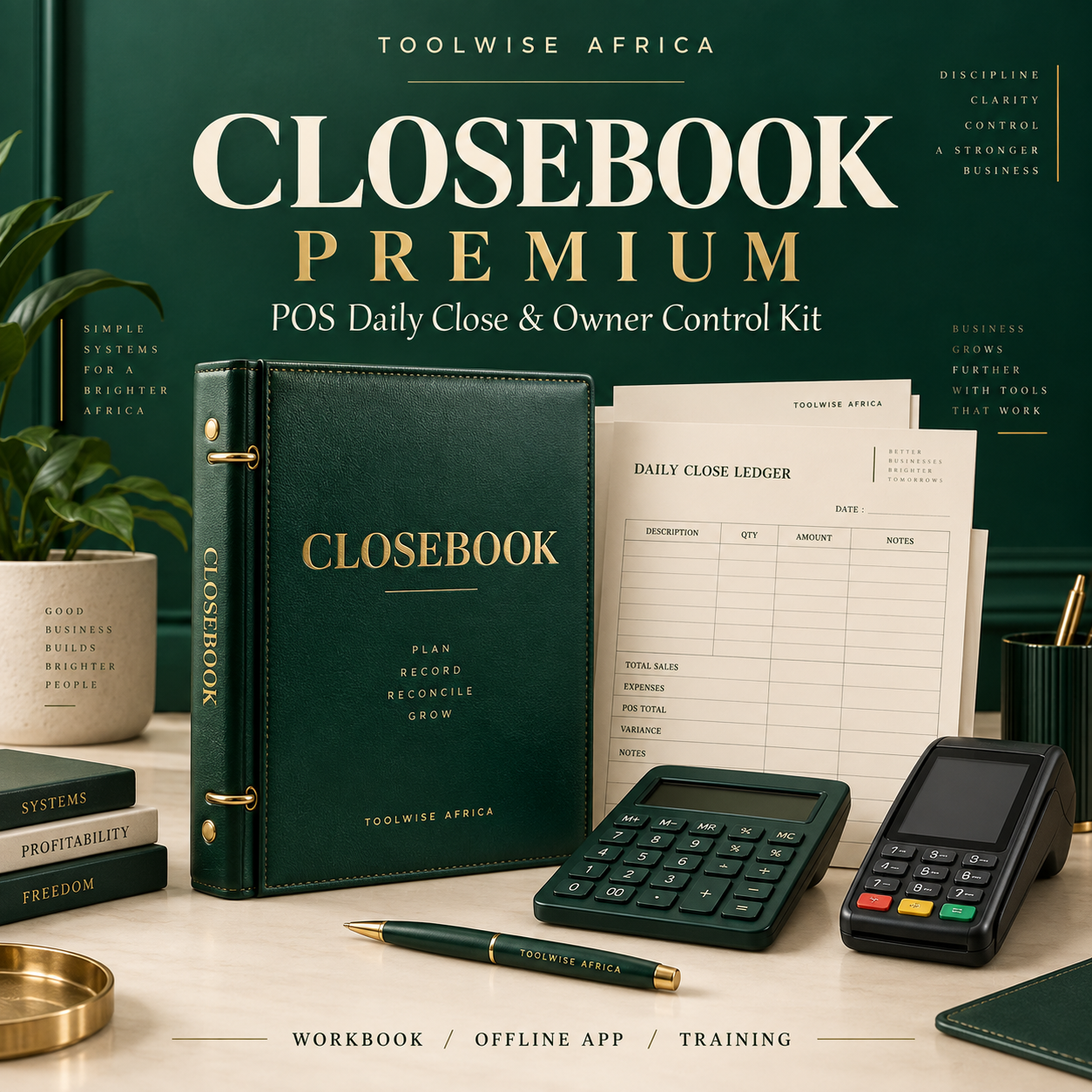
Closebook Premium — POS Daily Close & Owner Control Kit

Shop don close. Is the money complete?
Watch the 2-minute walkthrough
Your staff sends a wallet screenshot. You still have to work out the cash, charges, expenses and what should be left.
Closebook Premium gives you a repeatable daily close—and a clear owner view across three POS branches.
Record the money. Compare what should be there with what was counted. See your profit and the differences that need an explanation.
Know what happened to today’s money
Expected versus counted funds: compare the day’s recorded activity with closing cash and wallet balances.
Customer fee checks: compare your approved prices with what staff actually collected. Review provider deductions separately.
A proper profit view: track fees, commissions, provider costs, expenses, overhead allocation and equipment depreciation.
Owner oversight: compare branches and staff, check evidence references, track incidents and spot repeated shortfalls.
One purchase. The complete operating kit.
1. Premium Excel workbook
14 worksheets covering three branches, a reusable 30-day cycle, six staff IDs, 600 transaction or batch entries, costs, debts, rates, assets, incidents, weekly pay, owner withdrawals and a dashboard. Import instructions for Google Sheets are included.
2. Offline daily closer app
A browser-based HTML tool for daily reconciliation, closing reports, evidence attachments, history and backups. Includes a built-in demo. Download, extract and open in a compatible browser.
3. Owner Playbook
A 15-page practical guide covering setup, the morning routine, closing, worked figures, weekly review and record keeping.
4. Three short training videos
Follow the setup, daily close and owner review routines with narrated instructional slides.
5. Printable staff tools
A customer charge poster you can fill with your approved prices, a first-day induction checklist, a daily-routine acknowledgement and a Pidgin closing checklist.
6. Ready-to-send staff messages
Morning and evening report formats, follow-up scripts and discrepancy-review templates.
The daily routine
MORNING: count opening cash, check wallet balances and keep the opening evidence.
DURING THE DAY: log transactions or same-price batches, actual fees, provider costs, expenses and money movements.
AT CLOSE: count cash, capture the wallet balance, reconcile the activity and send the closing report.
OWNER REVIEW: check the difference, follow up on exceptions and approve the day.
Useful beyond the daily close
Repeated-shortfall attention: flag staff with two or more negative money differences over seven days within the workbook cycle.
Weekly pay planner: calculate reviewed days, agreed base pay, bonuses and advances.
Owner withdrawal planner: protect operating float and commitments, set a reinvestment share and cap drawings by available funds and profit.
Debt and reversal follow-up: keep unsettled balances and the next action in view.
Built for POS business owners
For owners running one to three branches who want a consistent staff reporting routine and clearer control over charges, costs and closing balances. Set your own customer prices and confirm provider deductions against your current receipts.
NGN 5,500 launch price | One-time purchase
Get the complete download, including the dashboard, offline app, training and staff tools. No Closebook subscription. Reuse a clean workbook for each new 30-day cycle.
Before you start
What will I receive?
One ZIP containing the Excel workbook, offline HTML app, two PDF guides, three MP4 videos and a Start Here guide. This is a digital product; the cover is illustrative.
Can I use it on my phone?
The workbook can be opened in a compatible spreadsheet app. The offline app needs a browser that can open a downloaded HTML file; phone support varies. A computer is convenient for initial setup.
Does the app connect to my POS provider?
You enter or import your records manually. It does not connect to bank accounts. The app and workbook are separate working tools and do not automatically sync.
How do I keep my records?
Save dated workbook copies and export app backups daily. App records stay on the browser and device used. Keep original provider records with your reports.
Do I get a ready-made Google Sheets link?
The supplied file is Excel. The guide explains how to import your own copy into Google Sheets.
Make your next close a routine you can review.
Get Closebook Premium below. Start with the included guide, set your branch details and put the daily reporting routine to work.
Currency editions included: NGN, GHS and KES.