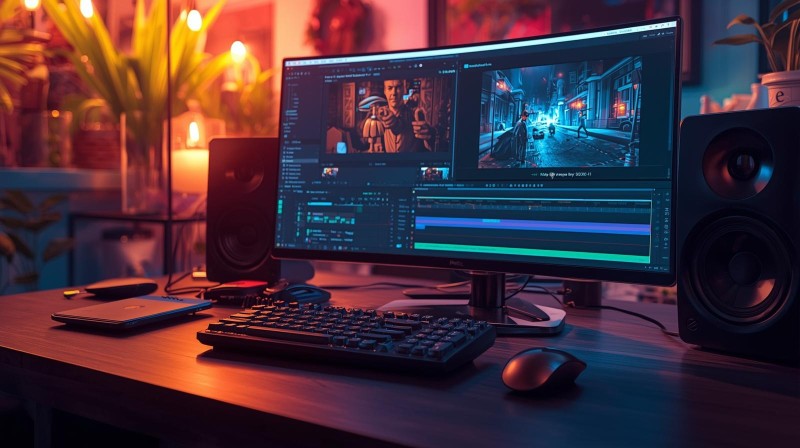
Video Editing with CapCut, Premiere Pro & DaVinci Resolve (Free Course) March 26th –27th

Video Editing with CapCut, Premiere Pro & DaVinci Resolve (Free Course) March 26th –27th
Course Topics / Modules
Introduction to video editing software (CapCut, Premiere Pro, DaVinci Resolve)
Cutting, trimming, and timeline management
Transitions, effects, and filters
Audio syncing and basic sound editing
Captions and text overlays
Color correction and grading basics
Exporting for different platforms (YouTube, Reels, Shorts)
Storytelling and pacing techniques
Workflow optimization for batch editing
Learning Outcomes
Edit videos professionally across multiple platforms
Apply effects, color correction, and captions for polished output
Optimize video workflows for social media and YouTube
Skill Level: Beginner to Intermediate
Practical Use: Produce polished videos for clients, personal brand, or monetization
Deliverables: Edited video samples, export-ready files, Co-Creation /partnerships with other learners.
Date: 26th -- 27th March, 2026
Register with coonial©