WordPress Pack (WordPress Security & Automation)

Announcing The Brand New, 8 Part, Step By Step Video Courses...
"Finally, Discover How to Secure and Automate Your WordPress Sites...Even If You Know Nothing About Security and Automation."
This specific training courses were designed to help you understand how to secure and protect your valuable WordPress site and also free up your valuable time and run your WordPress site on autopilot.
Dear Business Owners & WordPress Website Designers/Developers,
In a recent study done by Sucuri, around 90% of all the hacked content management systems that they investigated and helped fix in 2018 were WordPress sites.
If you rely on your website for your business - whether that means for marketing purposes, business operations, or anything important - protecting your asset is crucial.
If you haven't done it yet, then you need to do it.
Why?
Just like offline businesses - thieves can break into your business. Except when it comes to online security - you may not even know that there’s an intruder in your site or using your site until sometimes months or years later.
This is why it's essential to be proactive.
Note: WordPress sites don’t get hacked because of WordPress original code, but due to backdoors from 3rd party code.
But what do backdoors mean? If you're not tech-savvy, what are some quick and easy ways to secure your WordPress website safely?
Introducing...
WordPress Website Security
8 Part Video Course
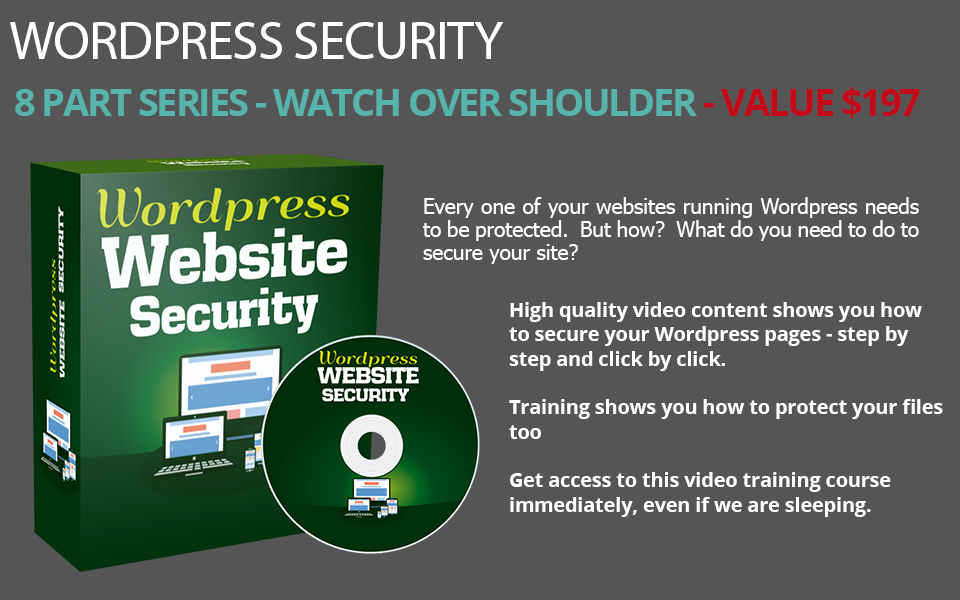
Here's a list of this 8-part video series in more details:
Video #1 - Introduction to WP Security
Let’s talk a little about WordPress. You’ll also get a bird’s eye view of the course and how it is laid out. More importantly – what you need to get started.
Video #2 - Backdoors
Understanding how back doors open up to allow a hacker into your website is crucial. This way, you can protect yourself and have a plan to implement to start the process.
Video #3 - WordPress Hosting
Believe it or not, your web hosting plays a crucial part in your word press site security. We will dive into why that is the case and how you can use that to your advantage. We will also go over certain web hosting companies that have done an excellent job and protecting their clients' websites.
Video #4 - Protect WP-Admin
One of the many lines of defense is to protect your WordPress admin login page. The reason why you want to do this is simply because the way people often get into your site is by trying to brute force their way into your login page. By brute force, we mean computers and or hackers will try and guess what your password is and your username is.
Video #5 - Different Security Plugins
There are hundreds of different word press security plug-ins out there. The question is which one of them is going to protect you from various attacks. This video will cover precisely that.
Video #6 - 2-Step Authorization Plugins
Another line of defense is to protect your login page from a two-step authorization process. I will show you how to do this in this video.
Video #7 - Protect Files
Another line of the fence is to protect your files such as your images, your other media files, and more. Know what we mean by protecting your data is to protect them from what we call hotlinking. This is when an outside source or outside website decides to take your data, such as your images and post it on their site. What ends up happening is it inns up using your bandwidth with that you were paying to your web host. Well, that might not seem like a big deal if a hacker decided to send hundreds and thousands of people to that image that could accrue more expensive costs.
Video #8 - Password Protection
Well, creating a strong password may seem like common sense, you'd be surprised to know how many people do not adhere to this process. In this video, we will discuss how you can not only go about creating a stronger password, but how you can utilize password protection apps to help you remember exactly what they are. In addition to that, when you create your WordPress username and password, there are certain things you want to avoid using to prevent brute force attacks.
ALSO;
As you know - your time is money. Running a WordPress website, whether you are trying to sell your product or service online, run a membership site, or any site takes time.
What should have been a tool to help you make more money - ended up becoming a full-time job. Worse, you're unable to spend your time on your actual business.
Sound familiar?
We’re talking about the most tedious and boring tasks that it takes to run your WordPress site.
Everything from essential website maintenance, creating posts and pages for your content marketing, making you sure your site runs fast, and to creating a fantastic experience for your customers.
The list continues to go on and on and on...
That said, one of the biggest problems is that many people don't know where to start. There are thousands of WordPress plugin out there for you to choose from.
Which one should you use?
Introducing...
WordPress Website Automation
8 Part Video Course
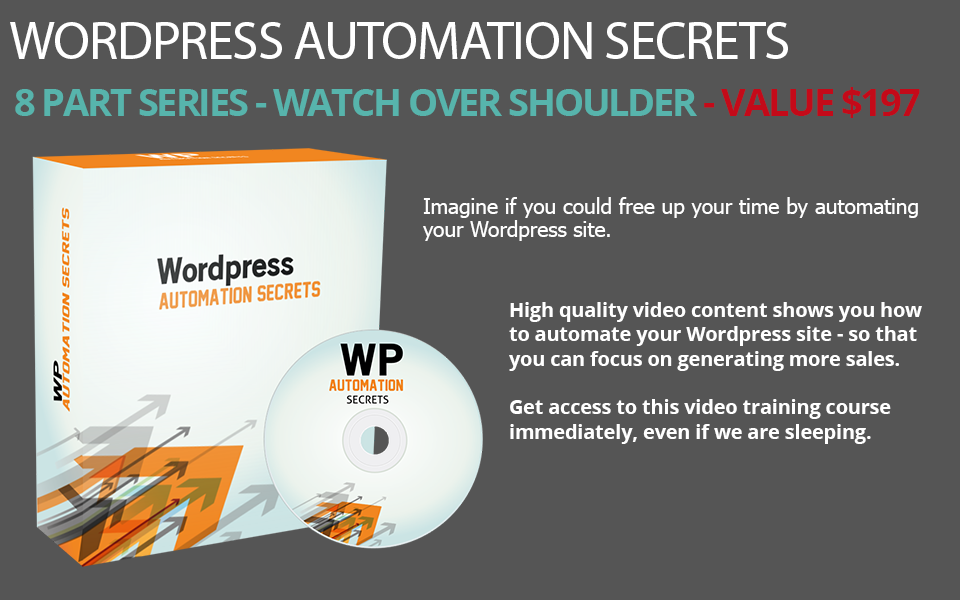
Here's a list of this 8-part video series in more details:
Video #1 - Introduction
Before we jump right into showing you how to automate your site, we want to begin by introducing you to the video course as a whole. There are lots to discuss what you need in terms of successfully implement everything that you have learned.
Video #2 - Different Automation Scenarios
Before we jump into how to automate every part of your WordPress site, because your situation might be different than somebody else: we want to make sure that we show you as many different scenarios as possible. In other words, what are the different situations you could automate.
Video #3 - Website Maintenance Automation
Now it's time to understand how to automate the most boring, yet most crucial part of your WordPress site. This includes things such as updating your theme and plugins, making sure that your website continually runs fast and smooth, and much more.
Video #4 - Content Marketing Automation
Now, what about auto-scheduling your posts and pages? In other words, the content you created, such as articles, audio, video, and other content.
Video #5 - Social Media Automation
It's time to take it a step further by understanding how to make that your content and automatically posted on to your social media platforms. Unfortunately, this particular task of publishing the different social media platforms is often one of the biggest complaints that we hear from site owners. This is because, depending on the number of social media platforms that you have, it can become a full-time job.
Video #6 - ECommerce Automation
What if you run an e-commerce site? How do you go about automating different pieces of your website to ensure that The customer gets the best experience possible?
Video #7 - Membership Automation
What if you run a membership site? How can you make it the best possible experience for your members and free up your time so that you can spend it on focusing on building your community?
Video #8 - Best Complete Automation Plugins
While we discuss different WordPress plugin's in the previous videos, and the specific video you'll learn how to completely automate your WordPress site on a whole new level. For example, say you want to automate certain things based upon how your users interact with your website.
Grab this video courses and learn how to secure and automate your WordPress site today!
PRICE WILL RETURN TO NORMAL SOON
Regards,
Course Ware
P.S. Download this course, even if we’re sleeping.
P.P.S. This specific training courses was designed to help you understand how to secure and automate your WordPress site.