Sales Tracker & Business Dashboard Excel Template (Automated Profit & Sales System)

NO MORE LOSS CONFUSION — KNOW YOUR PROFIT DAILY
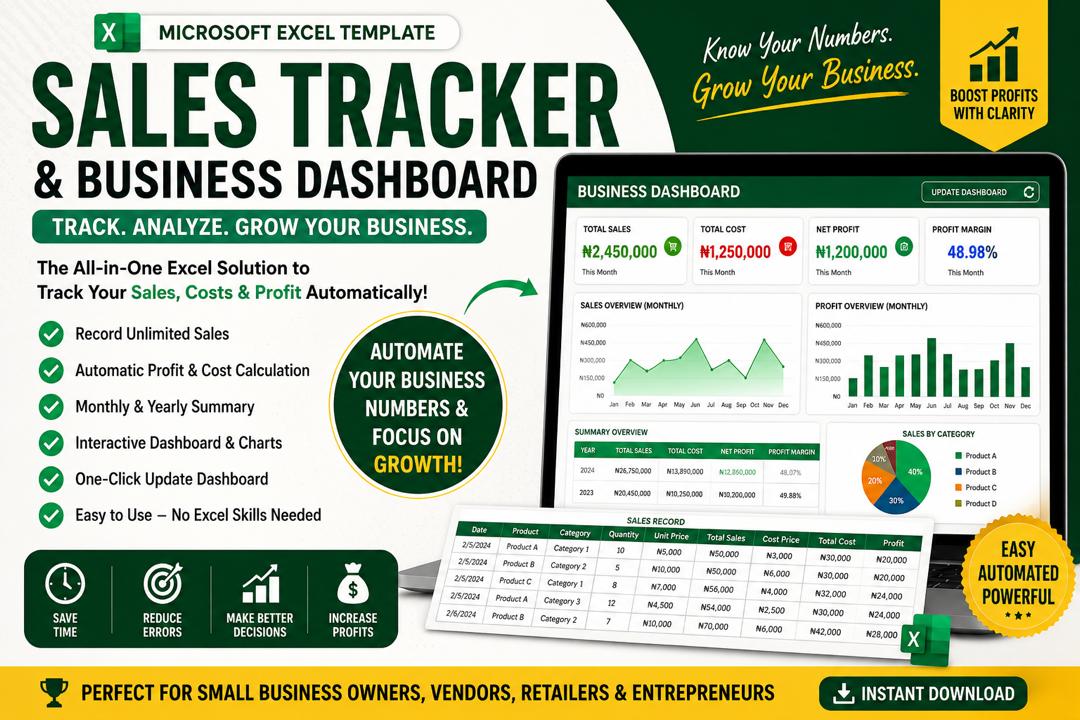
This is a fully automated Sales Tracking & Business Dashboard Excel Template designed to help business owners, vendors, and entrepreneurs track their daily sales, costs, and profit with ease.
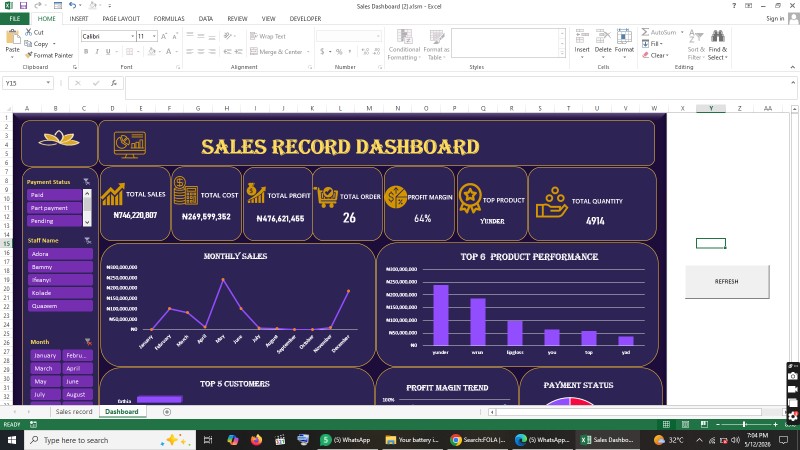
It comes with a powerful dashboard that updates automatically using PivotTables and a one-click refresh button.
No manual calculations needed — just input your sales and everything updates instantly.
🚀 WHAT THIS TEMPLATE DOES
• Tracks all sales automatically
• Calculates total sales, total cost, and profit
• Automatically organizes data by month and year
• Provides a clean visual dashboard
• Updates everything with one click
• Helps you understand business performance instantly
📌 FEATURES
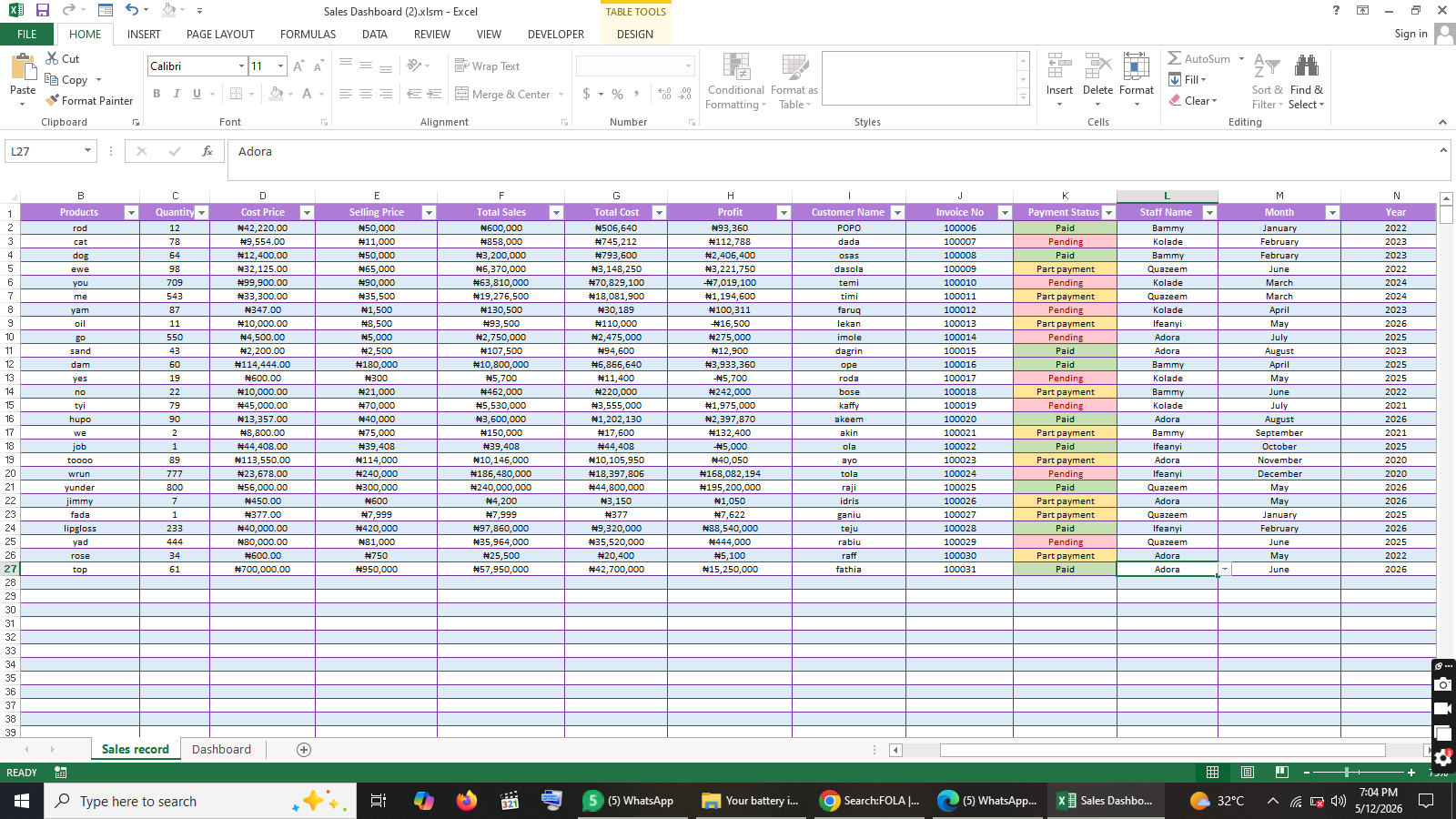
✔️ Automated Sales Recording Sheet
✔️ Profit & Cost Calculator (No manual math)
✔️ Monthly & Yearly Summary System
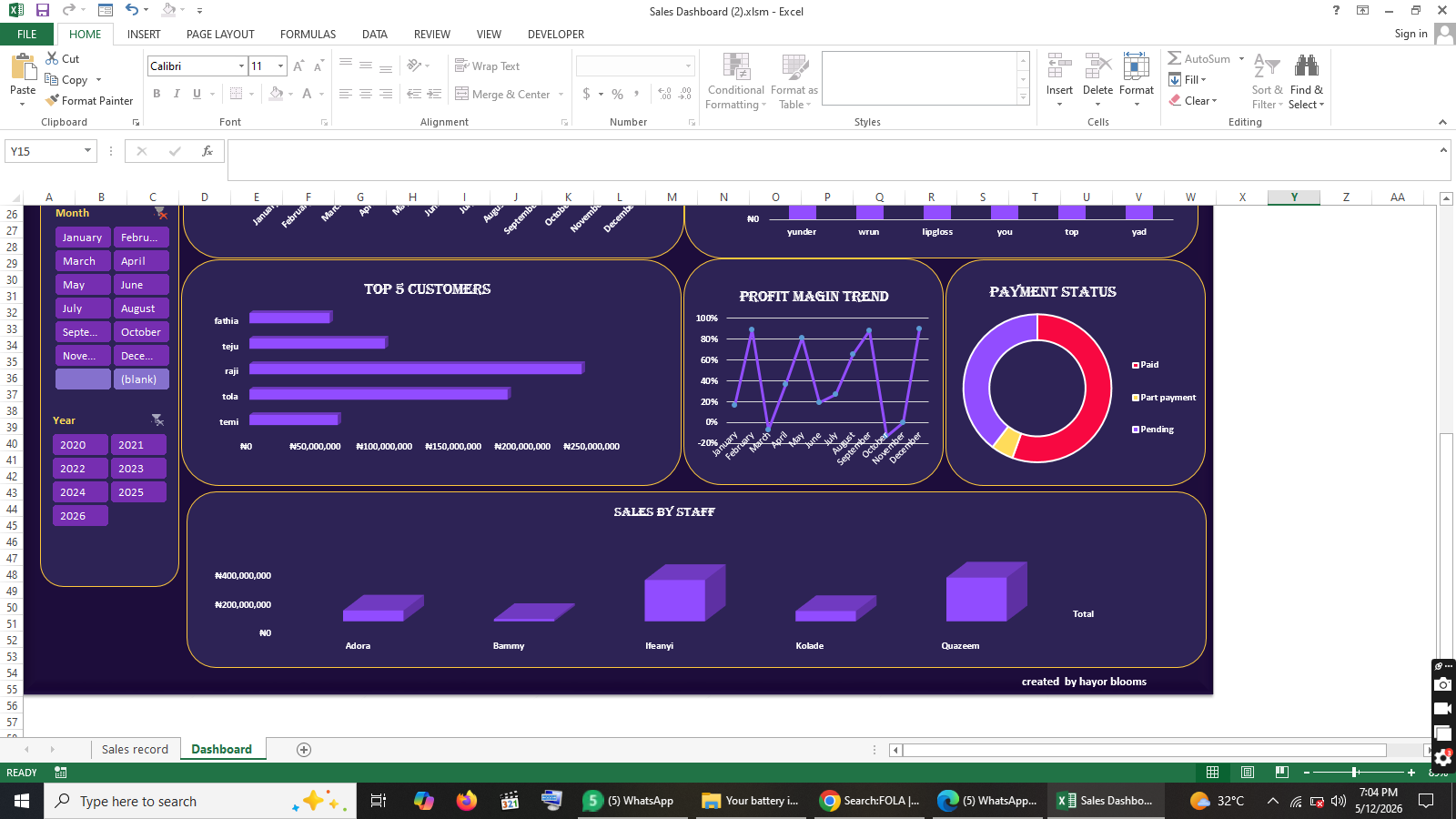
✔️ Interactive Dashboard with charts
✔️ PivotTable-powered analytics
✔️ One-click “Update Dashboard” button
✔️ Clean and professional layout
✔️ Beginner-friendly design (no Excel skill needed)
⸻
📊 DASHBOARD INCLUDES
• Total Sales Overview
• Total Cost Overview
• Net Profit Display
• Monthly Sales Trend
• Performance Summary Charts
• Real-time updates from your sales data
⚙️ HOW TO USE (IMPORTANT)
STEP 1: DOWNLOAD FILE
After purchase, click the download button to get the Excel file.
👉 The file may open in your browser (Google Drive preview).
If that happens:
• Click Download
• Save the file to your device
STEP 2: OPEN IN EXCEL
• Locate the downloaded file on your device
• Open it using Microsoft Excel (Desktop App recommended)
STEP 3: ENABLE EDITING
When Excel opens:
• Click “Enable Editing”
STEP 4: ENABLE CONTENT (VERY IMPORTANT)
A yellow bar may appear at the top:
• Click “Enable Content”
This activates:
• Dashboard formulas
• PivotTables
• Automation features
STEP 5: START USING
• Go to Sales Record Sheet
• Input your daily sales data
• Go to Dashboard
STEP 6: REFRESH DASHBOARD
After entering data:
• Click “Update Dashboard” button
• Everything updates automatically
⚠️ IMPORTANT NOTES
• This file works best with Microsoft Excel (Desktop version)
• Do NOT delete or edit formula cells
• Always use the input section only
• Enable macros for full functionality
🎯 WHO THIS IS FOR
• Business owners
• POS operators
• Online vendors
• Retail shops
• Entrepreneurs tracking income & expenses
• Anyone who wants business tracking in Excel
📈 BENEFITS
• Saves time on manual calculations
• Reduces errors in business records
• Gives clear profit insight
• Helps business decision-making
• Professional dashboard reporting
📦 FILE INCLUDES
• Excel Sales Tracker Template (.xlsm)
• Automated Dashboard
• Instructions (inside file + this guide)