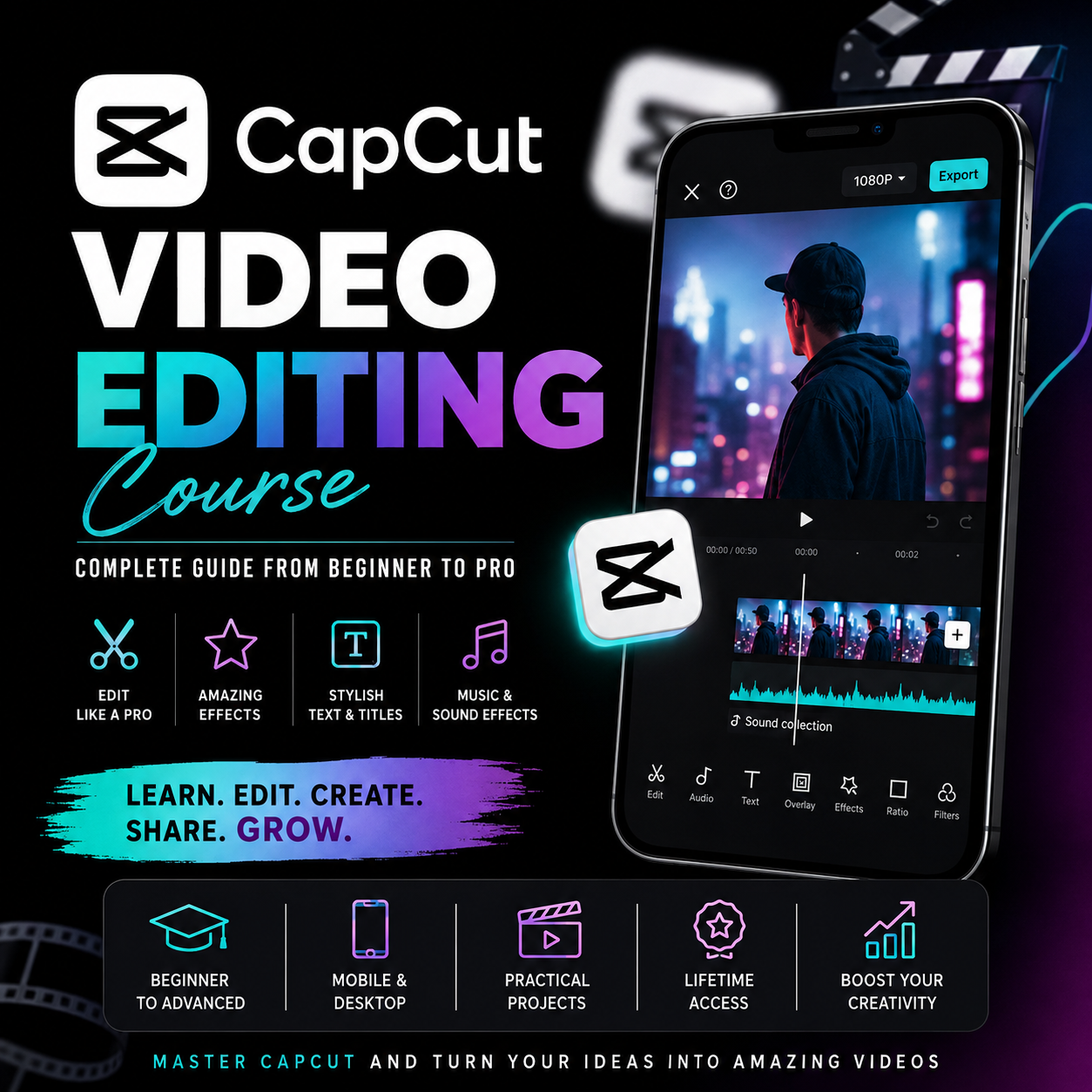
CAPCUT VIDEO EDITING MASTERCLASS

Master CapCut and turn your creativity into a valuable digital skill.
CapCut is a powerful, beginner-friendly video editing platform that can be used to create short-form videos, YouTube content, advertisements, tutorials, product videos, social-media content, and more. It includes tools such as transitions, effects, filters, captions, text-to-speech, background removal, keyframes, color correction, templates, and AI-assisted editing features. �
CapCut +2
💎 What You'll Learn
Inside this course, you'll learn how to:
✂️ Cut, split, trim and arrange videos professionally
🎨 Apply filters, effects and color adjustments
🎬 Create smooth transitions and cinematic edits
🔥 Use keyframes and motion tracking
🟢 Remove backgrounds and use chroma key
📝 Create professional text and auto-captions
🎙️ Use voice-over and text-to-speech tools
🎵 Add music and sound effects
📱 Create videos for different social-media formats
🤖 Use CapCut's AI-assisted editing tools
🚀 Export high-quality videos correctly
💼 Build a portfolio of editing projects
CapCut's current tools include features such as keyframes, graphs, color controls, auto captions, background removal, effects, templates and AI-assisted workflows, although availability can vary by platform and region. �
CapCut +1
💰 How You Can Make Money With Video Editing
Learning CapCut can give you a practical skill that can be used to offer legitimate creative services. For example, you can build a portfolio by making practice projects and eventually, with appropriate adult guidance where needed, explore opportunities such as:
🎥 Editing videos for creators and content teams
📱 Creating short-form social-media videos
🛍️ Creating promotional videos for businesses
🎬 Editing YouTube videos
📢 Creating advertisements and promotional content
🛒 Making product showcase videos
📝 Creating captioned educational or tutorial videos
CapCut itself highlights use cases including social-media content, marketing, tutorials and e-commerce videos. �
CapCut
🚀 Why Learn CapCut?
You don't need to start as a professional editor. You can begin with basic cutting and gradually learn advanced techniques such as animation, color grading, compositing, audio editing and AI-assisted workflows.
The goal of this course isn't just to teach you where buttons are—it is to help you develop the editing skill, creativity and portfolio needed to produce useful video content.
**Learn. Edit. Create. Build your skills.**