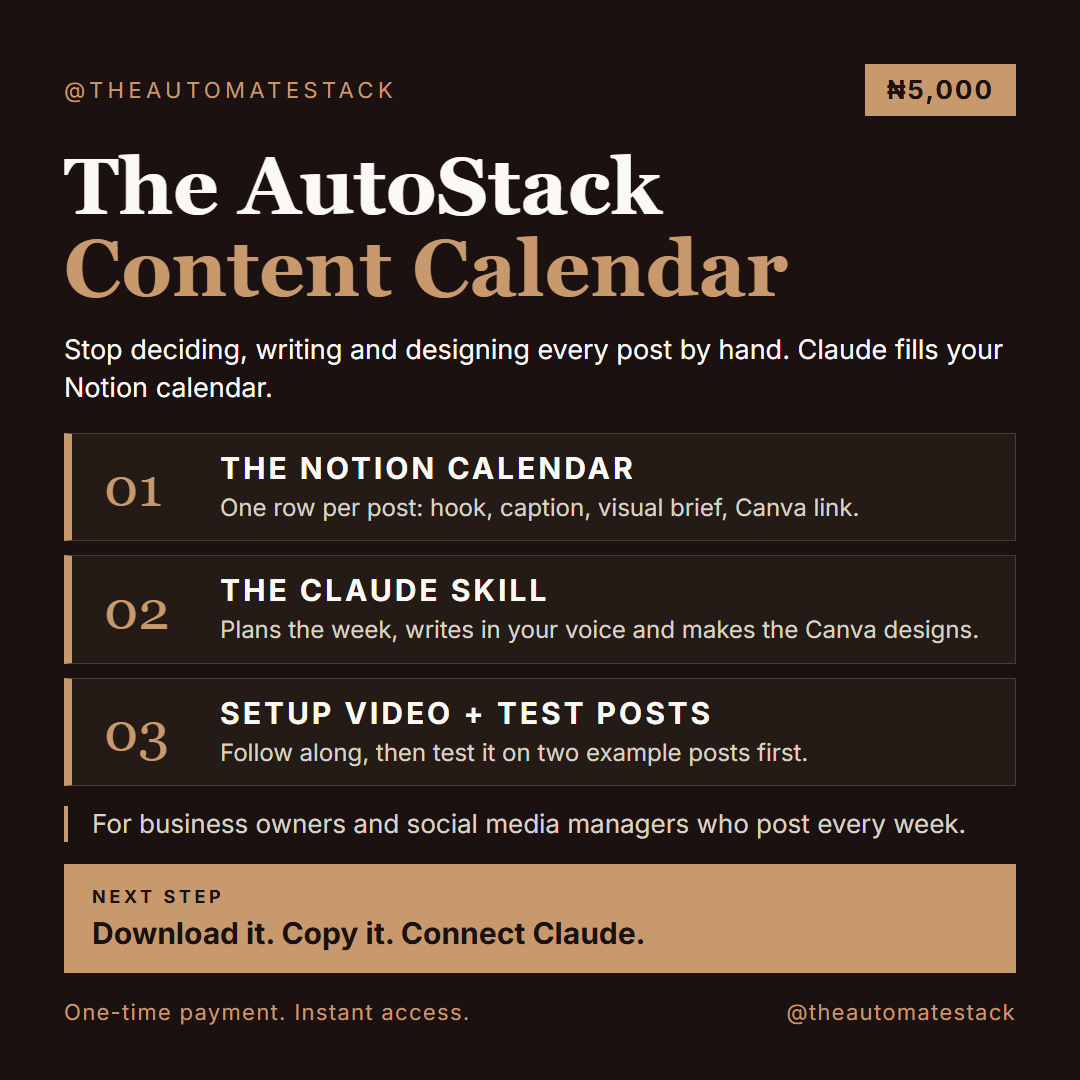
AutoStack Content Calendar: A Notion content calendar that Claude fills for you: hooks, captions and the Canva designs, ready-to-use
Every week it is the same job. You decide what to post. You write it. You design it. Then you try to keep track of all of it, for yourself or for your clients, and by Friday you are behind again.
The AutoStack Content Calendar takes that weekly job off your plate.
It is a Notion content calendar plus a Claude skill. You tell Claude the week or the month. It writes a hook and a caption for each post in your voice, makes the matching design in Canva, and puts everything in your calendar. You read it, change what you want, and mark it Approved. Claude never posts anything.
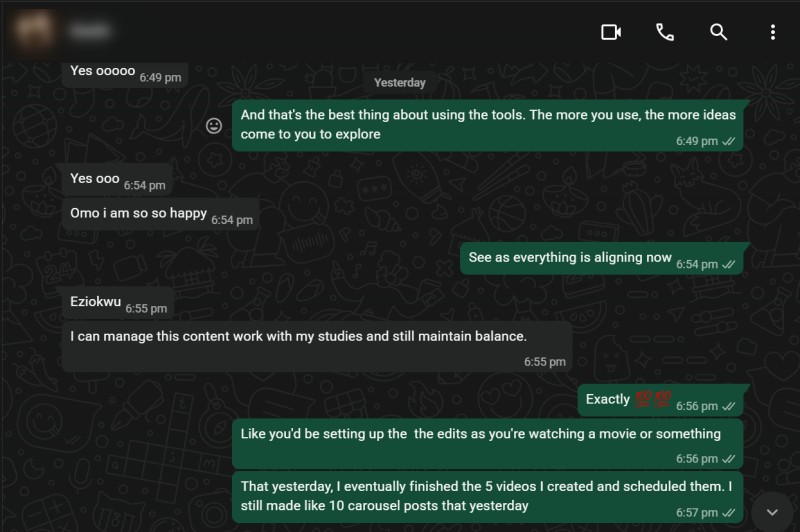
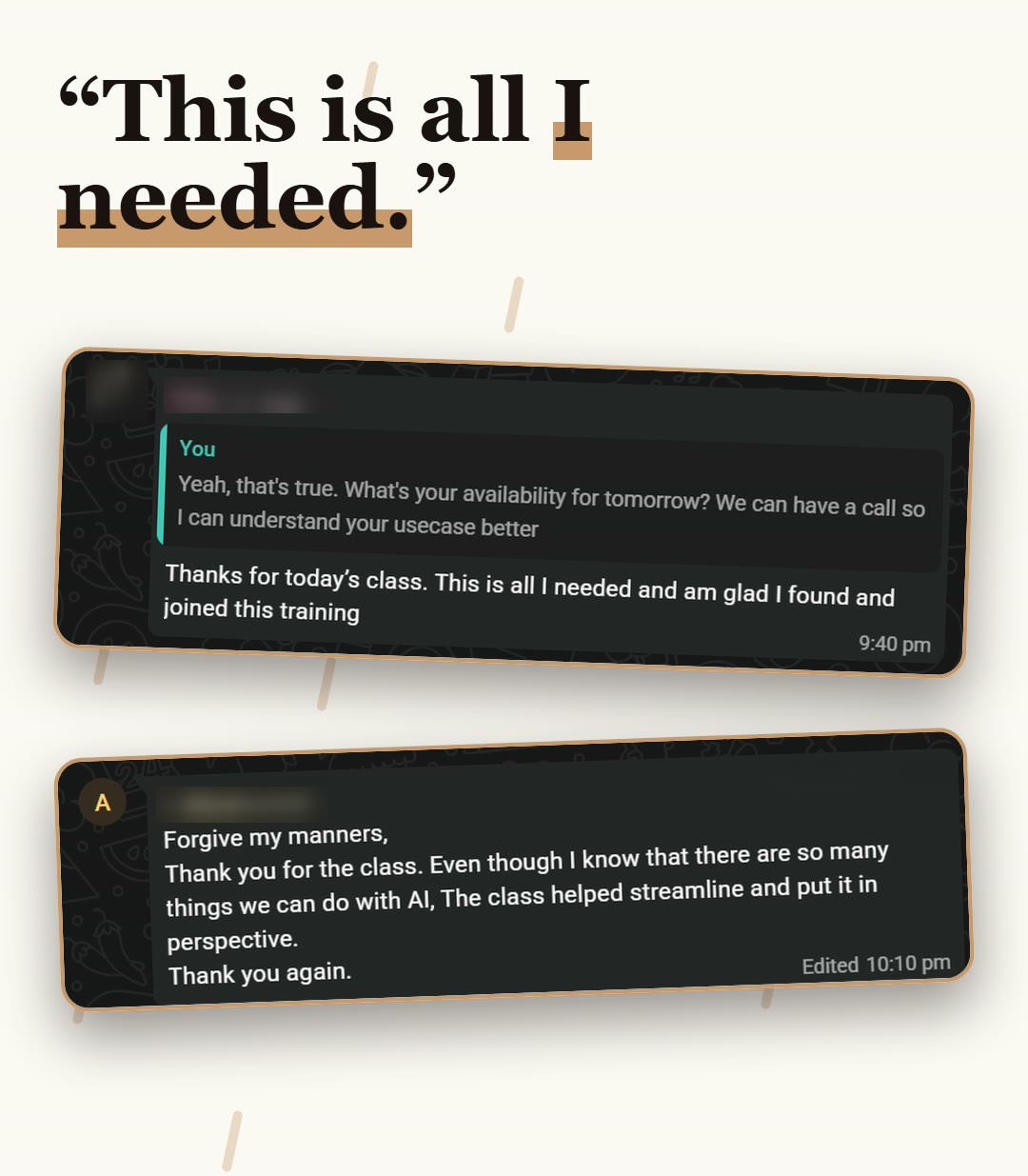
"I can manage this content work with my studies and still maintain balance." - PhD Student
What you get
- The Content Calendar template for Notion. One row per post: date, status, platform, format, hook, caption, visual brief and Canva design link. It has a calendar view.
- The Content Calendar skill, which tells Claude how to plan, write and design, and how to fill your calendar correctly.
- A step-by-step walkthrough video of the full setup, about 10 minutes, from the download to your first Canva designs.
- A short video on connecting Claude: signing in, projects and connectors (under 3 minutes).
- Starter prompts and two example posts, so you can test it before you use it on your own content.
How it works
1. Download your documents and watch the setup video.
2. Connect Notion and Canva to Claude, and add the skill.
3. Duplicate the calendar into your own Notion.
4. Tell Claude the week, your business and your voice.
5. Read the drafts, then approve.
What you need
- A Claude account
- A Notion account
- A Canva account
What it does not do
- It never posts or schedules anything.
- It only touches your Content Calendar, never the rest of your Notion.
- It never changes a post you have marked Approved without asking.
Good to know
- Claude drafts, you approve. Read every caption and design before it goes anywhere.
- It connects to one Notion workspace and one Canva account, so it works from your own accounts.
- The free plans of Notion and Canva have limits. Check your plan page.
After you pay, you are sent to a page with your walkthrough, your documents and the setup videos.
If you get stuck, reply to your delivery email with a screenshot.