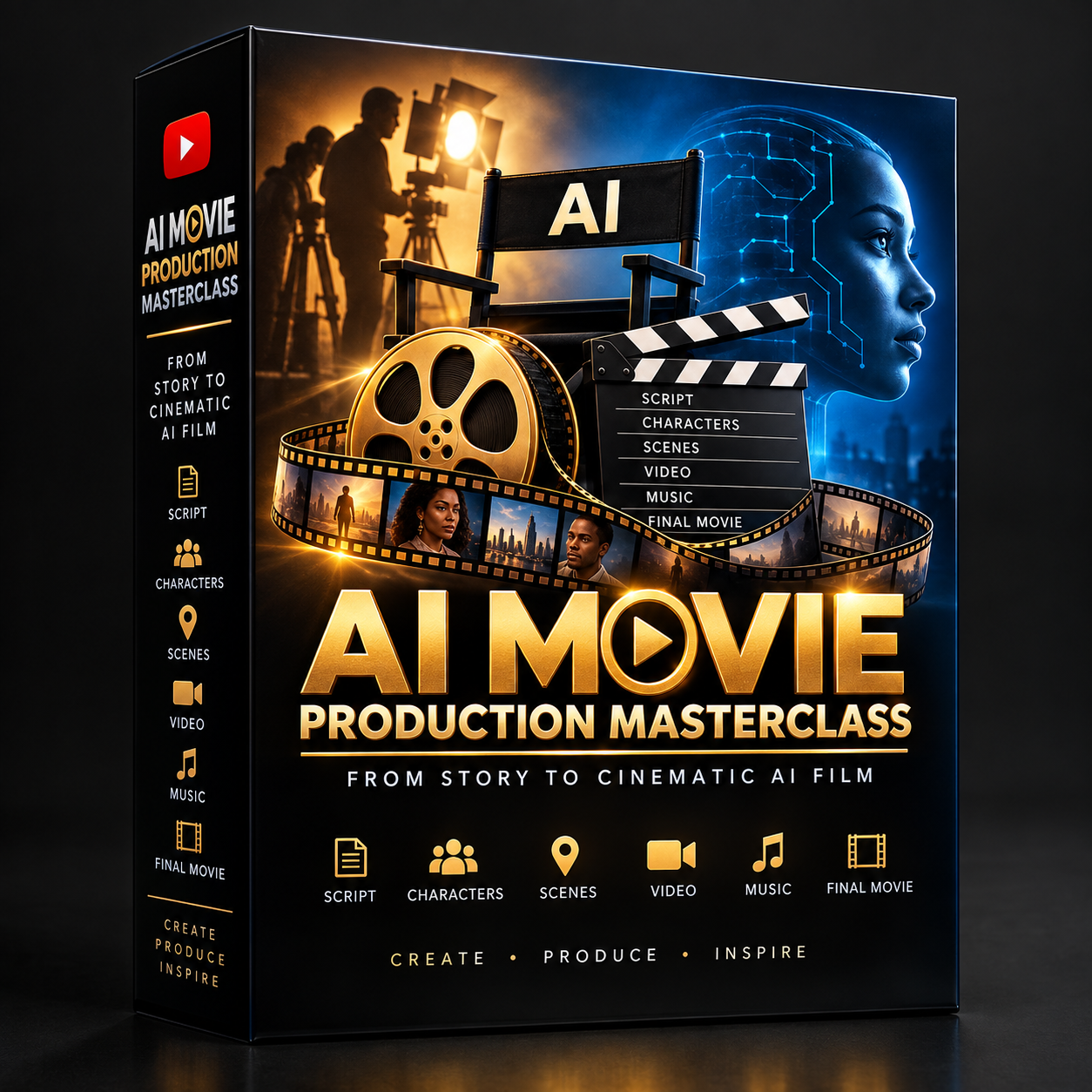
AI Filmmaking Masterclass

🎬 AI MOVIE PRODUCTION MASTERCLASS
From Story to Cinematic AI Film
Learn a complete, step-by-step system for turning a simple movie idea into a consistent, cinematic AI-generated movie ready for YouTube.
This masterclass takes you through the entire filmmaking process—from developing the story and writing the screenplay, to creating consistent characters and locations, generating cinematic images and video clips, adding dialogue and music, editing the movie, checking continuity, and finally packaging and publishing the finished film on YouTube.
🎓 WHAT YOU WILL LEARN
MODULE 1 — CREATE YOUR YOUTUBE CHANNEL
You will learn how to build the foundation for an AI movie channel, including:
- Choosing your movie niche and sub-niche
- Identifying your target audience
- Choosing your movie style and tone
- Creating your channel name
- Writing your channel description
- Developing your visual identity
- Deciding your publishing format
- Choosing appropriate video length
- Planning your content direction
- Creating a repeatable movie-channel strategy
- Using a copy-and-paste AI prompt to develop your channel strategy
The course specifically demonstrates how to structure a channel around long-form, dialogue-driven African drama movies.
MODULE 2 — DEVELOP THE STORY IDEA
You will learn how to take a simple idea and develop it into an original movie concept.
You will learn how to create:
- Movie premise
- Main character
- Love interest
- Antagonist
- Supporting characters
- Character goals
- Central conflict
- Emotional stakes
- Major twists
- Midpoint
- Emotional climax
- Ending
- Moral lesson
- Major scenes
- Scene-by-scene story blueprint
You will also learn how to use an existing high-level story concept, headline, genre, or situation as inspiration while developing your own original story rather than copying another creator's script or distinctive expression.
MODULE 3 — WRITE THE MOVIE SCRIPT
Once your story blueprint is approved, you will learn how to turn it into a complete screenplay.
You will learn how to create:
- Strong opening hooks
- Natural African drama dialogue
- Character motivations
- Escalating conflict
- Emotional scenes
- Midpoint developments
- Major twists
- Cinematic action descriptions
- Powerful climaxes
- Satisfying endings
You will also learn the importance of keeping the approved characters, plot, events and ending consistent throughout the screenplay.
MODULE 4 — TURN THE SCRIPT INTO DIALOGUE
You will learn how to transform the screenplay into a production-ready dialogue sheet.
For every scene, you will organize:
- Scene number
- Location
- Time
- Characters
- Exact spoken dialogue
- Character emotion
- Delivery style
- Pauses and reactions
- Actions happening while the character speaks
The important part is that the approved dialogue is preserved exactly, so it can later be placed directly into your AI video prompts.
MODULE 5 — TURN DIALOGUE INTO SCENES & CLIPS
You will learn how to break the movie into manageable production scenes and short AI video clips.
You will plan:
- Scene numbers
- Locations
- Time of day
- Characters
- Wardrobe
- Props and accessories
- Emotional states
- Scene objectives
- Clip numbers
- Clip duration
- Exact dialogue
- Physical actions
- Camera shots
- Camera movement
- Continuity notes
You will also learn the ONE CLIP = ONE COMPLETE PERFORMANCE approach, where each clip contains the reference image, action, exact dialogue, emotion, camera and environment information needed for the AI video generation.
MODULE 6 — CREATE CONSISTENT CHARACTER REFERENCES
This is one of the most important parts of the course.
You will learn how to create MASTER CHARACTER REFERENCES that can be reused throughout your entire movie.
You will control:
- Character name
- Age
- Gender
- Nationality
- Face shape
- Eyes
- Eyebrows
- Nose
- Lips
- Cheekbones
- Skin tone
- Hair
- Hair length
- Hair texture
- Body
- Height
- Build
- Proportions
- Personality
- Voice/personality direction
- Wardrobe
- Accessories
- Physical condition
- Relationships
You will also learn how to generate multiple reference views:
- Front
- 3/4 left
- 3/4 right
- Side profile
- Full body
- Neutral expression
- Happy
- Sad
- Angry
The goal is to maintain the same facial identity, skin tone, hairstyle, body proportions and distinctive features throughout the movie.
MODULE 7 — CREATE CONSISTENT LOCATION REFERENCES
You will learn how to create master references for the environments in your movie.
This includes:
- Houses
- Bedrooms
- Offices
- Restaurants
- Hospitals
- Streets
- Other important locations
You will control:
- Architecture
- Doors
- Windows
- Furniture
- Room layout
- Décor
- Permanent props
- Lighting
- Color palette
- Exterior/compound
- Entrances
- Exits
You will also create multiple location views:
- Wide establishing view
- Front angle
- Left angle
- Right angle
- Reverse angle
- Important detail views
This allows the same environment to remain visually consistent from scene to scene.
MODULE 8 — PROPERTIES, ACCESSORIES & VEHICLES
You will learn how to control the small objects that appear in your movie, rather than allowing AI to randomly change them between scenes.
You will learn how to create master references for:
- Phones
- Phone cases
- Watches
- Wedding rings
- Engagement rings
- Necklaces
- Bracelets
- Earrings
- Handbags
- Backpacks
- Wallets
- Keys
- Key fobs
- Laptops
- Tablets
- Headphones
- Earbuds
- Eyeglasses
- Sunglasses
- Shoes
- Belts
- Documents
- Envelopes
- Cars
- Motorcycles
- Car interiors
- Wheelchairs
- Crutches
- Medical equipment
- Furniture
- Food and drinks when continuity matters
- Other story-critical objects
You will learn to assign Asset IDs and create master references showing the same physical object from multiple views.
MODULE 9 — BUILD YOUR PRODUCTION BIBLES
You will learn how to create a complete production-control system for your movie.
This includes:
Character Continuity Bible
Track:
- Character ID
- Name
- Master reference
- Appearance
- Hair
- Body
- Personality
- Relationships
- Wardrobe by scene
- Accessories
- Properties owned
- Physical condition
- Important changes
Location Continuity Bible
Track:
- Location ID
- Location name
- Master reference
- Architecture
- Furniture
- Permanent props
- Doors/windows
- Lighting
- Time-of-day rules
- Scenes used
Asset Register
Track:
- Phones
- Watches
- Jewelry
- Bags
- Wallets
- Keys
- Documents
- Electronics
- Eyewear
- Vehicles
- Medical equipment
- Furniture
- Story-critical properties
Wardrobe Bible
Track:
- Outfit ID
- Exact clothing
- Colors
- Shoes
- Accessories
- Scenes worn
- Reason for changes
Physical Condition Bible
Track:
- Healthy/injured status
- Vision state
- Mobility
- Casts/braces
- Wheelchair/crutches
- Hospital equipment
- Recovery stage
This module teaches you how to make continuity enforceable through a system instead of relying on memory.
MODULE 10 — GENERATE CINEMATIC IMAGES & AI VIDEO
This is the main production stage.
You will learn how to use your approved:
Character References + Location References + Assets + Wardrobe + Production Bible + Scene Information
to create cinematic reference images and then turn those images into AI video clips.
You will learn how to control:
- Character
- Location
- Wardrobe
- Props
- Vehicles
- Physical action
- Facial expression
- Emotion
- Dialogue
- Delivery
- Camera shot
- Camera movement
- Lens
- Environment
- Atmosphere
- Continuity
The course uses an all-in-one video prompt approach, where the approved dialogue, action and performance instructions are incorporated directly into the AI video-generation prompt rather than creating a separate dialogue-generation/lip-sync production pipeline.
You will also learn to generate short cinematic clips, with the course specifying a typical target of 5–10 seconds per clip.
MODULE 11 — BACKGROUND MUSIC
You will learn how to create scene-specific cinematic background music that supports the emotion of the movie without overpowering the dialogue.
You will learn to control:
- Scene emotion
- Musical atmosphere
- Cinematic pacing
- Music duration
- How music supports dramatic scenes
The document specifically separates background music from the character-performance generation layer.
MODULE 12 — EDIT THE MOVIE
You will learn how to assemble your generated material into the final movie.
You will learn how to:
- Place clips in script order
- Remove failed generations
- Trim unwanted frames
- Connect consecutive clips
- Create natural dramatic transitions
- Add background music
- Balance music against dialogue
- Add ambient sound when required
- Add subtitles/captions
- Review pacing
- Review transitions
- Export the finished movie
The final assembly brings together:
VIDEO CLIPS + BUILT-IN DIALOGUE/PERFORMANCE + MUSIC + EDITING = FINAL MOVIE.
MODULE 13 — CONTINUITY & QUALITY CONTROL
You will learn how to perform a final continuity audit before publishing.
You will check:
Characters
- Face
- Skin
- Hair
- Body
- Clothes
- Jewelry
- Glasses
- Watch
- Phone
- Bag
- Shoes
Properties
- Phone model
- Phone case
- Watch
- Rings
- Bags
- Wallets
- Keys
- Documents
- Electronics
- Furniture
- Medical equipment
Vehicles
- Model
- Color
- Wheels
- Interior
- Damage
- Ownership
- Story status
Locations
- Architecture
- Furniture
- Doors
- Windows
- Décor
- Lighting
- Time of day
Physical Condition
- Injuries
- Vision
- Wheelchair
- Crutches
- Casts
- Hospital equipment
- Recovery stage
You will also learn a 30-second continuity check to quickly identify common AI movie inconsistencies.
MODULE 14 — PACKAGE & PUBLISH ON YOUTUBE
Finally, you will learn how to prepare your completed movie for YouTube.
You will work on:
- Movie title
- Thumbnail
- Description
- Keywords
- Subtitles
- Chapters
- End screen
- CTA
- Channel branding
You will also learn how to use AI to generate and rank potential YouTube titles based on:
- Curiosity
- Emotional conflict
- Clarity
- Audience suitability
- Strong movie positioning
without relying on misleading claims.
🚀 THE COMPLETE SYSTEM YOU WILL MASTER
By the end of the masterclass, students will understand this complete workflow:
IDEA
↓
STORY BLUEPRINT
↓
SCREENPLAY
↓
DIALOGUE
↓
SCENES & CLIPS
↓
CHARACTER REFERENCES
↓
LOCATION REFERENCES
↓
PROPS / ACCESSORIES / VEHICLES
↓
PRODUCTION BIBLES
↓
CINEMATIC IMAGES
↓
AI VIDEO + DIALOGUE + PERFORMANCE
↓
BACKGROUND MUSIC
↓
EDITING
↓
CONTINUITY & QUALITY CONTROL
↓
THUMBNAIL + TITLE + DESCRIPTION
↓
🎬 FINAL AI MOVIE → YOUTUBE
That is the real value of OUR course: WE are not simply teaching people how to generate an AI video; WE are teaching YOU a repeatable production system for taking a story from idea to a complete cinematic AI movie.