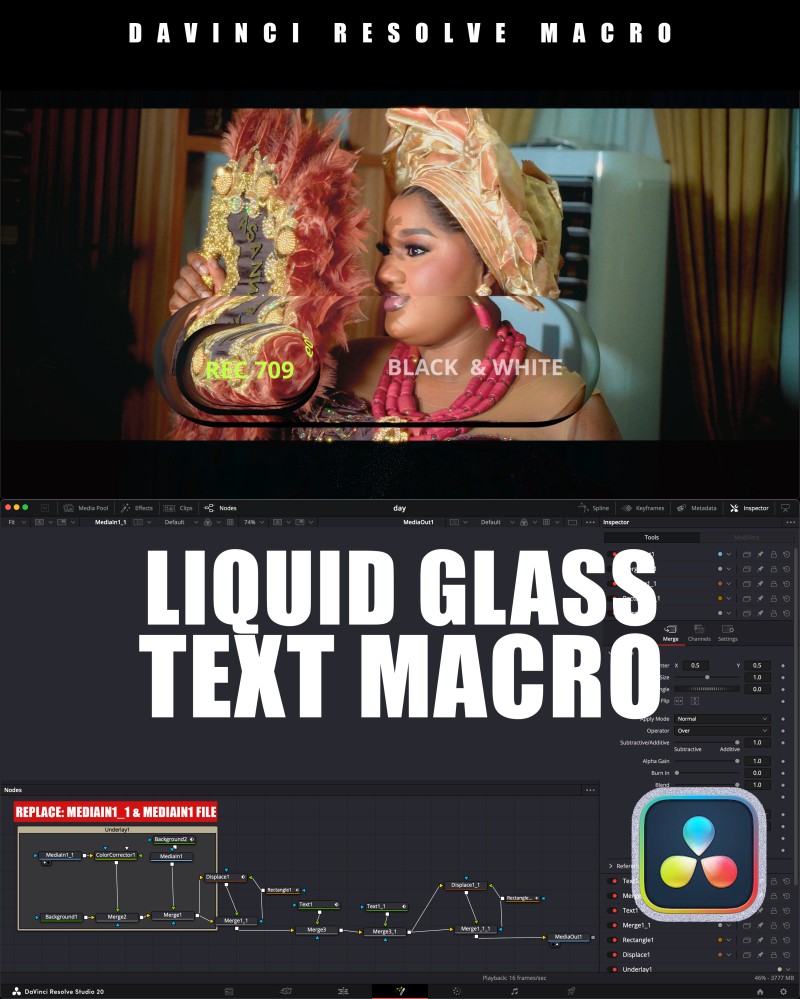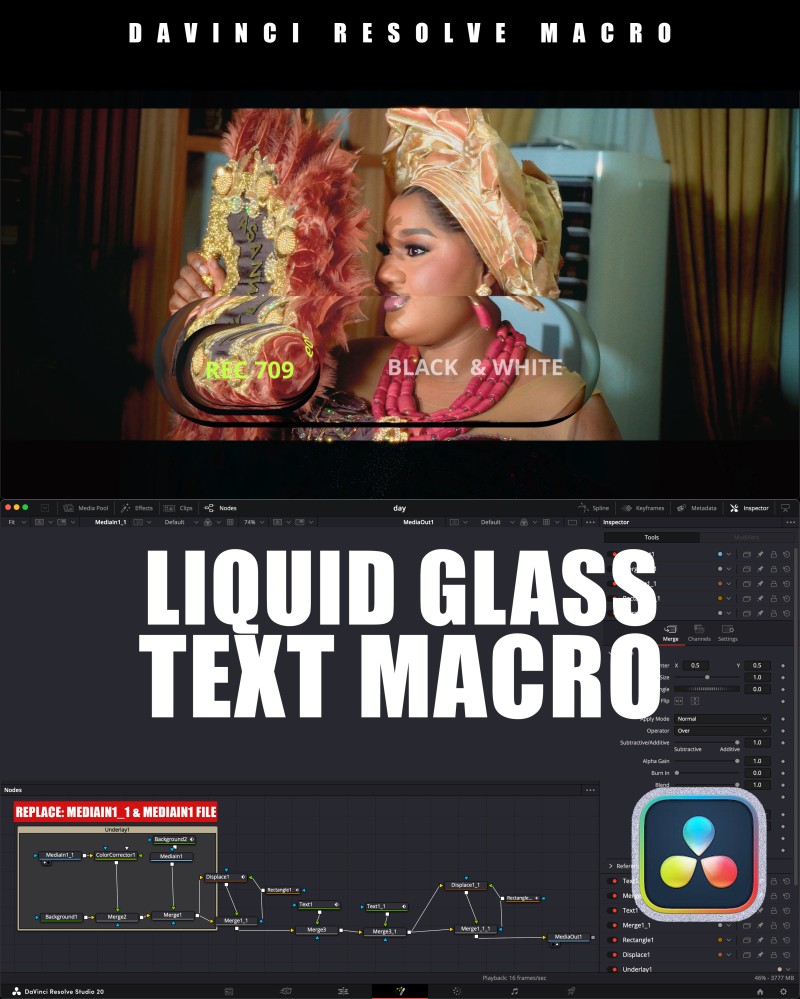
Downloadable
💎 LIQUID GLASS TEXT | DaVinci Resolve Fusion Macro

(0 Ratings)
1
$3.69
Bring elegance and shine to your titles with this Liquid Glass Text Macro for DaVinci Resolve Fusion.
This effect gives your text a smooth, reflective glass finish with subtle light motion — perfect for cinematic intros, logo reveals, and classic text animations.
Designed to be simple, lightweight, and fully customizable, it’s ideal for editors who want a premium look without a complex setup.
✨ Features
✅ Fusion Page Only
✅ Fully Customizable – adjust color, reflection, light motion, and depth
✅ Classic & Minimal Look – clean and professional
✅ Smooth Render – optimized for both Free & Studio versions
✅ Quick Setup – just drag and drop your text
⚙️ How to Install
- Copy the
.settingfile. - Paste it into your Fusion Macros Folder:
- Windows:
C:\ProgramData\Blackmagic Design\DaVinci Resolve\Fusion\Templates\Edit\Titles- macOS:
/Library/Application Support/Blackmagic Design\DaVinci Resolve\Fusion\Templates\Edit\Titles
- Restart DaVinci Resolve.
- Find it under Fusion → Templates → Macros → Liquid Glass Text
🎨 Perfect For
- Logo intros
- Elegant title reveals
- Corporate or cinematic projects
- Minimal design videos