Downloadable
CINEMATIC LOGO 3D INTRO

(0 Ratings)
1
$3.00
CINEMATIC LOGO 3D INTRO
A professional Fusion macro for creating a stunning 3D cinematic logo reveal inside DaVinci Resolve. Designed for simplicity, flexibility, and impact, this intro effect transforms any logo into a powerful opening animation.
✨ Features
- Drag & Drop → Works directly in Fusion (no Edit page required).
- Fully Customizable → Adjust colors, lighting, reflections, depth, camera moves, and glow to match your brand.
- High-Quality Look → Smooth 3D animation with cinematic lighting.
- Logo Support → Import any PNG/JPEG/SVG logo.
⚡ How to Use
- Open your project in DaVinci Resolve Fusion Page.
- Drag & drop the CINEMATIC LOGO 3D INTRO macro.
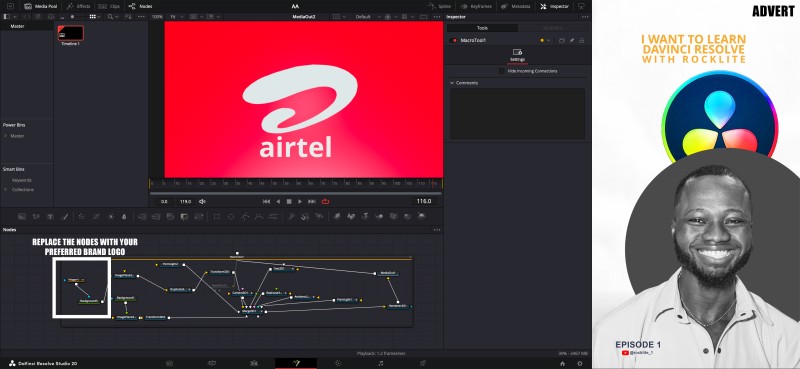
- Replace the placeholder with your own logo.
- Customize text, color, light, and animation speed.
- Render and enjoy your professional 3D intro!
📂 Installation
- Copy the macro file.
- Paste it into your Fusion Macros folder.
- (Usually found in:
Fusion/Templates/Edit/TitlesorMacros)
- Restart DaVinci Resolve.
- You’ll find the preset ready to use in the Fusion > Templates > Macros section.
🎨 Thumbnail/Design Concept
For your Gumroad/YouTube showcase thumbnail:
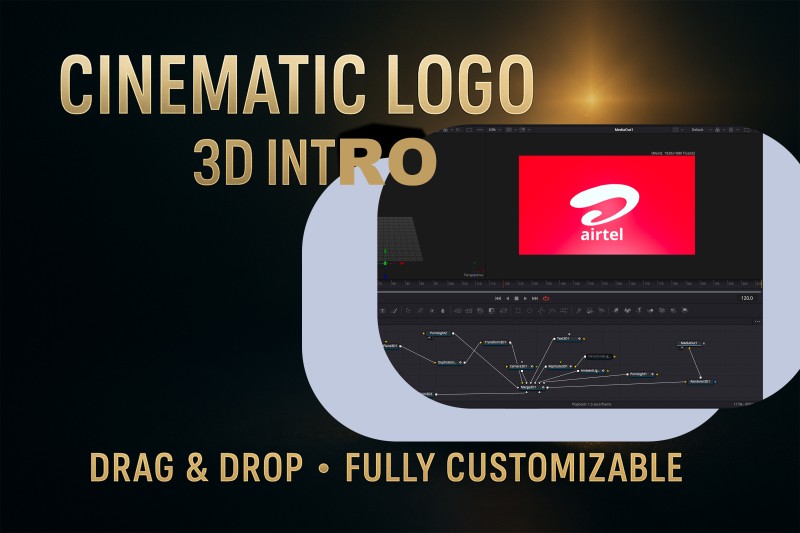
- Text: “CINEMATIC LOGO 3D INTRO” (bold, metallic or glowing text)
- Visual: A glowing 3D logo (sphere/triangle or placeholder icon) floating in cinematic light beams.
- Colors: Black/dark blue background + gold/silver logo shine.
- Highlight: “Drag & Drop • Fully Customizable” in small bold text at the bottom.