Flexible Subscription
🔥🔥 Figma Design Basic And Features 🔥🔥

(6 Ratings)
KSh
You'll pay KSh45,000 now, then KSh5,000 after one week.
KSh50,000.00
In this Tutorial you'll learn
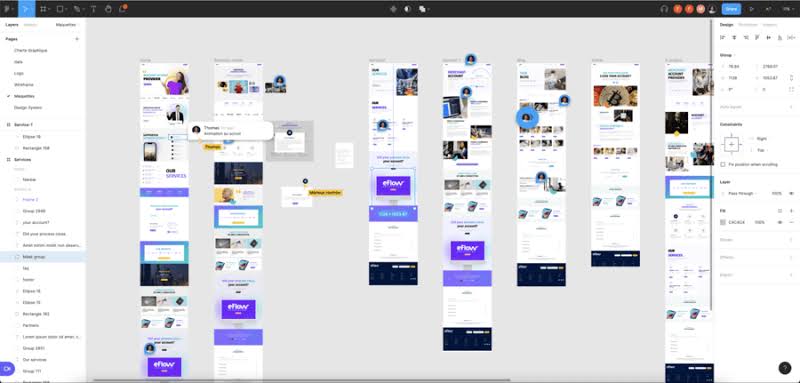
From traditional creatives to seasoned developers, understanding and creating user interfaces is an immensely valuable skill to have. Figma has all the trappings to get you there and advance your design skill set to the next level. In this course, Figma: Getting Started, you will learn what Figma is and what it isn't. Next, you will dive into creating basic shapes and customizing objects. Then, you will learn about layers and their behaviors. Finally, you will explore prototyping, exporting, and libraries. When you are finished with this course, you will have the fundamental skills to get started in Figma. Software required: Figma.
This ‘Figma Design Basics and Features’ course has been designed to teach you the essential skills and techniques required to create vector graphics and app prototypes. This course teaches you how to develop basic shapes in Figma, make comments, share Figma files and export your designs. Explore some advanced Figma features, which include some keyboard shortcuts and how to design an IOS prototype app. Enrol today!