
If you’ve bought more than one thing from creators on Selar, you already know the small annoyance that comes with it. One receipt sits in your email, another purchase link is buried in a WhatsApp chat, and your event ticket is a screenshot you’re hoping you didn’t delete. None of it is hard to find exactly, it’s just scattered.
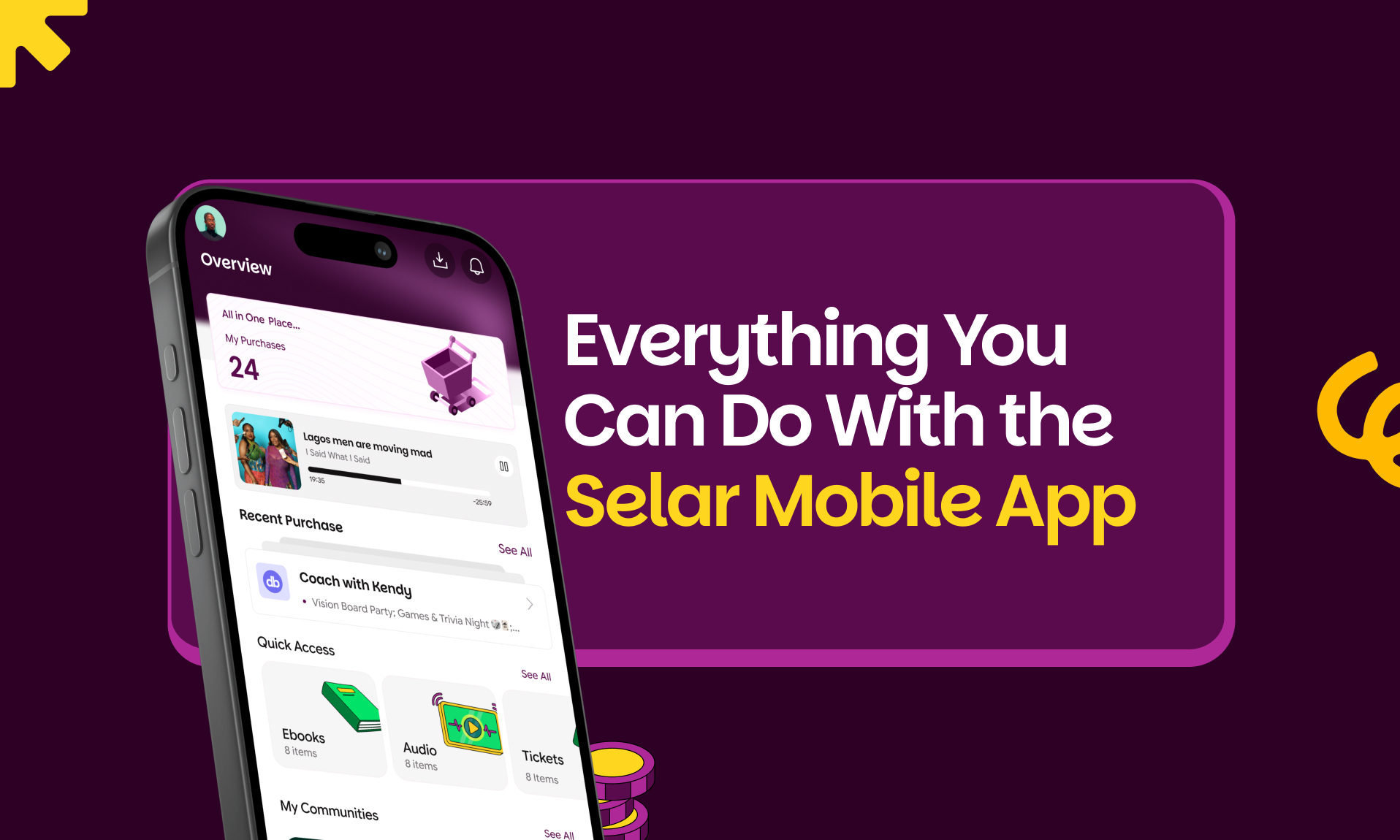
The Selar mobile app exists to fix that. Every purchase you make from a Selar creator, regardless of what kind of product it is, shows up in one place. Sign in once, and everything you’ve bought is right there, along with a growing list of features built around how people actually use their purchases day to day.
Here’s a full look at what the app does.
Getting started is quick
You can sign up and sign in with email and password, or use Google, Twitter, or Facebook if you’d rather skip typing out another password. Once you’re in, dark mode is available too, so the app can match your phone’s settings or however you prefer to read and watch at night.
One dashboard, every purchase in view
Your dashboard is a running record of everything you’ve bought: the product name, who you bought it from, what you paid, when you paid it, and a button to access it. You can filter by product type, date, or currency if you’re trying to find something specific.
Built for every kind of product
Creators on Selar sell a wide range of things, and the app is built to handle all of it, including:
Courses and memberships. Stream your lessons on video or audio, download content to watch offline, and pick up right where you left off. If you’d rather listen than watch, you can play a course in the background while you do something else on your phone.
Tickets and masterclasses. Your event details and QR code live inside the app, so there’s no printing anything or digging through your inbox before you walk in.
Physical products. Track your order and see delivery updates without needing to ask the creator directly.
Services. View and manage the appointments or sessions you’ve booked, all from your dashboard.
Subscriptions and flexible subscriptions. See what you’re subscribed to, when it renews, and manage payments without leaving the app.
Ebooks. Read online with a built-in reader that fits your screen, or download for offline reading, in both PDF and EPUB. Either way, the app remembers where you stopped. You can also highlight text anywhere in a PDF, so marking important information and returning to key sections later is quick and easy.
Audio and video products. Standalone audio and video purchases open properly in the app, the same way courses and ebooks do.
Downloadable files and bundles. Access anything you’ve purchased, including bundled products, and save files directly to your device for use outside the app.
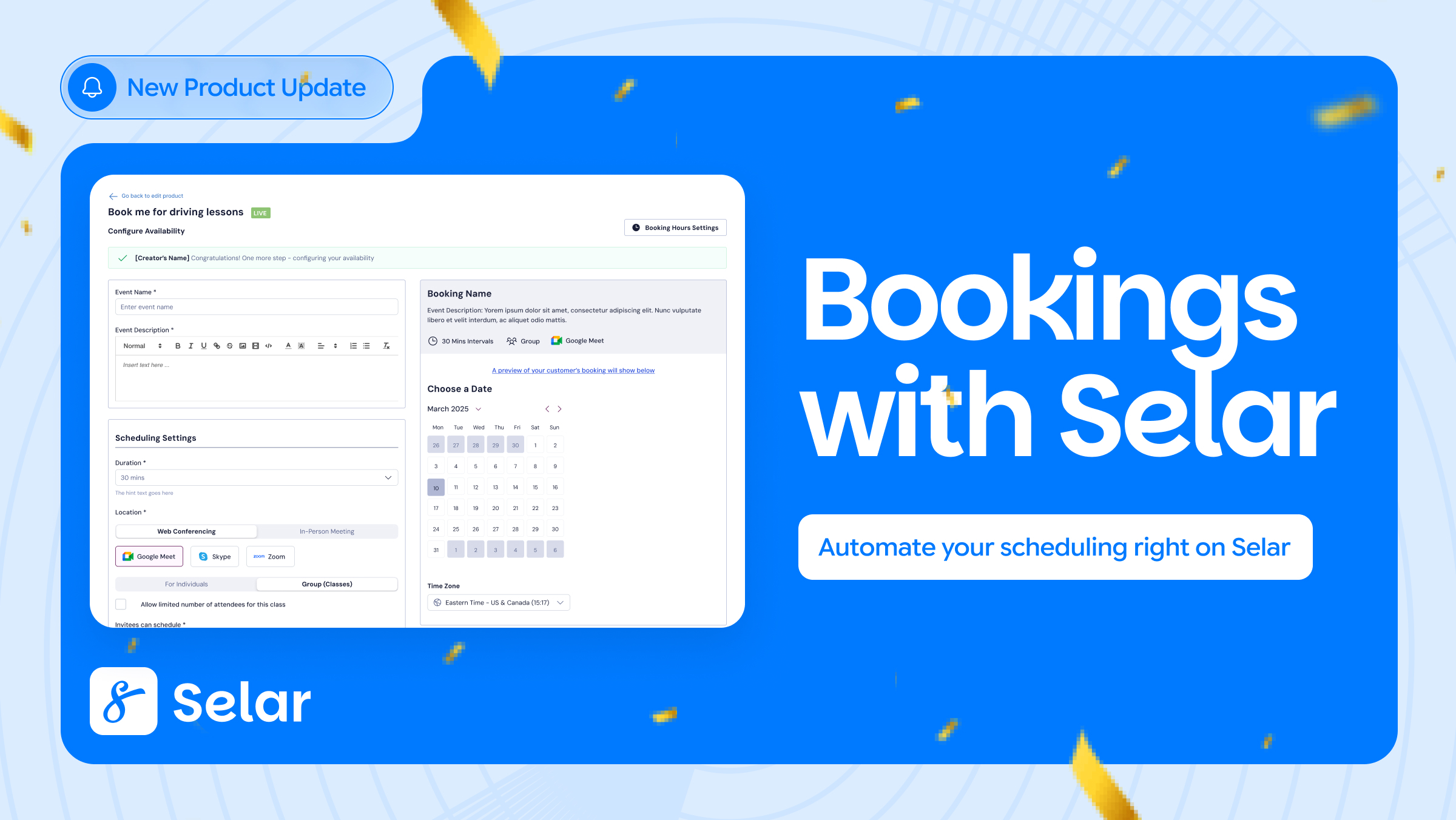
Bookings. Secure sessions with a coach, consultant, or creator, and add them to your calendar in a tap. If you’re curious how creators set these up on their end, we wrote about how Bookings works when it launched.
Communities. Access community memberships you’ve joined, right alongside everything else you’ve purchased.
Offline access and downloads
Data isn’t always reliable, so the app is built to work around that. Downloaded ebooks now work with no connection at all, and the app is aware of your connectivity, adjusting automatically when you go offline instead of leaving you staring at a loading screen.
Security and reliability
Downloaded files are encrypted on the device, so what you’ve paid for stays protected. The app also nudges you toward the latest version with in-app update prompts, so you’re rarely running outdated software without realising it.
Audio and video, rebuilt
The audio player now supports background playback, so you can lock your screen or switch apps and keep listening. Video playback has also had stability improvements across the board, so fewer stalls and buffering interruptions.
A better course experience
If you learn through Selar, there’s a lot here for you. The in-app course video player has been rebuilt with a cleaner, more responsive layout and smarter sizing that syncs to the actual video, so lectures display correctly and play in higher quality regardless of device. Lectures hosted on YouTube, Vimeo, and Loom now play natively inside the app too, with proper loading and error handling instead of getting stuck.
Courses also come with a curriculum view, so you always know what’s next, and you can comment directly on lecture videos, see what other customers are saying, and reply to their comments.
Reviews, on your terms
Once you’ve bought something, you can leave a review, and edit or delete it later if your thoughts change. It’s a small feature, but it means your feedback stays accurate and useful, both for you and for other buyers deciding what to purchase.
Support, without leaving the app
If something’s unclear or not working, you can reach Selar support or message the creator directly from within the app, the same way you’d use the chat widget on the web. No need to dig up an email address separately.
A smoother everyday experience
Beyond the bigger features, a lot of smaller things have been refreshed too: a new onboarding animation for first-time users, a cleaner dashboard, search, and product pages throughout, and a better PDF/EPUB reading experience with clearer error handling when content doesn’t load right away. Happy users may also see the occasional prompt to leave a rating, timed to when they’re actually enjoying the app.
Why people tend to stick with it
A few things come up often from customers already using the app:
- Everything in one view. No more juggling links across emails and chats, just one login and your full purchase history.
- Faster event entry. Your ticket and QR code are always available, even if your internet isn’t cooperating that day.
- Learning that doesn’t stop. Courses, audio, and ebooks stay accessible offline, so a bad connection doesn’t interrupt your progress.
- Everything stays organised and protected. Purchases are structured, encrypted, and easy to find whenever you need them.
Frequently asked questions
What products can I access on the app? Everything available on Selar: courses, ebooks, audio, video, tickets, subscriptions, memberships, communities, physical products, services, bookings, bundles, and more.
Do I need to create a new account? You can create a Selar account directly in the app, using email and password or a social login. If you’ve already made purchases, sign in with the same email and they’ll show up automatically.
How do event tickets work? Each ticket comes with a QR code stored inside the app. Show it at the event for quick entry.
Is the app free? Yes, it’s free to download and free to use for all your purchases.
Can I use it on more than one phone? Yes, you can log in with the same email on up to two devices.
Do I need internet access to use the app? You’ll need a connection to browse and load new content. Anything you’ve already downloaded works offline.
Can I download my videos? Yes. Course videos and audio files can be downloaded and watched or listened to without an internet connection.
Can I leave a review for something I bought? Yes, and you can edit or delete your review at any time from your purchase dashboard.
What if I have a question about a purchase? You can reach out to Selar support or message the creator directly from within the app.
What happens if I change my email address? Your purchases are tied to the email you used at checkout, so you’ll need to sign in with that same email to see them.
What if I don’t see one of my purchases? Double check you’re logged in with the email used at checkout. If it’s still missing, reach out to our support team and we’ll help you sort it out.
Ready to try it?
Your purchases are already waiting for you.