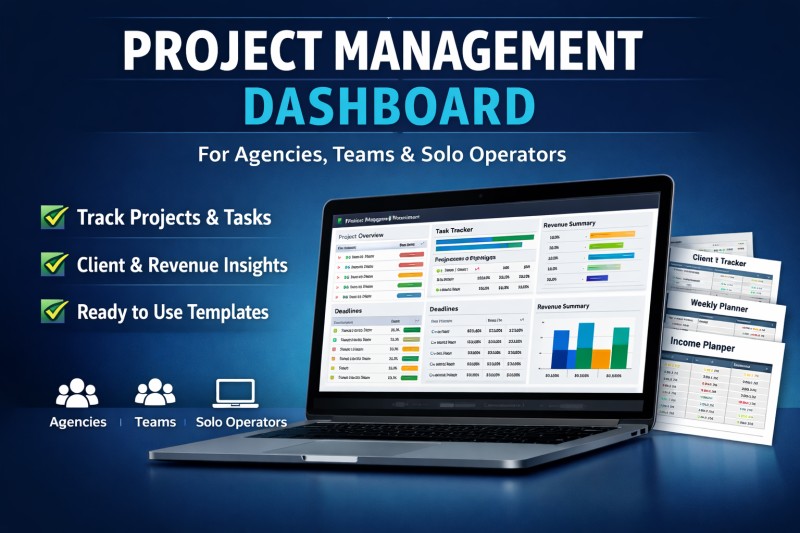
Project Ops Dashboard Pack

A project management dashboard for agencies, teams, and solo operators who want a cleaner way to track projects, tasks, hours, and delivery status.
Track projects, deadlines, workloads, and progress from one easy-to-use spreadsheet dashboard. Includes dedicated views for agencies, teams, and solo operators, plus a client status report, weekly review sheet, and kickoff checklist.
If your projects live in scattered notes, chat messages, and half-updated spreadsheets, this dashboard gives you one place to see what is active, what is overdue, and what needs attention.
Project Ops Dashboard Pack is built for three specific buyer types:
- agencies managing multiple clients and delivery timelines
- small teams tracking active work, workload, and execution
- solo operators who need a simpler command center for deadlines and priorities
Inside the workbook, buyers get:
- a main dashboard with high-level KPIs
- an agency view for client delivery health
- a team view for workload and utilization
- a solo view for focus and deadline tracking
- a weekly review page
- a client status report page
- a kickoff checklist page
WHAT BUYERS GET
- 1 spreadsheet dashboard workbook (.xlsx)
- dashboard mode selector
- project tracker
- task tracker
- team capacity tracker
- agency view
- team view
- solo view
- weekly review add-on
- client status report add-on
- kickoff checklist add-on
KEY BENEFITS
- see active projects fast
- spot overdue tasks quickly
- track progress and spend in one place
- get a cleaner weekly review workflow
- give clients a simple status summary
- use one file instead of multiple scattered trackers
SUGGESTED FAQ
1. Do I need Canva to use this?
No. Everything is included as a spreadsheet file.
3. Can I use it for client work?
Yes. It is suitable for internal operations and client delivery tracking.
4. Is there sample data inside?
Yes. Sample rows are included so the dashboard is easy to understand on first open.
5. Can I replace the sample data with my own?
Yes. Replace the blue input cells in the input sheets.