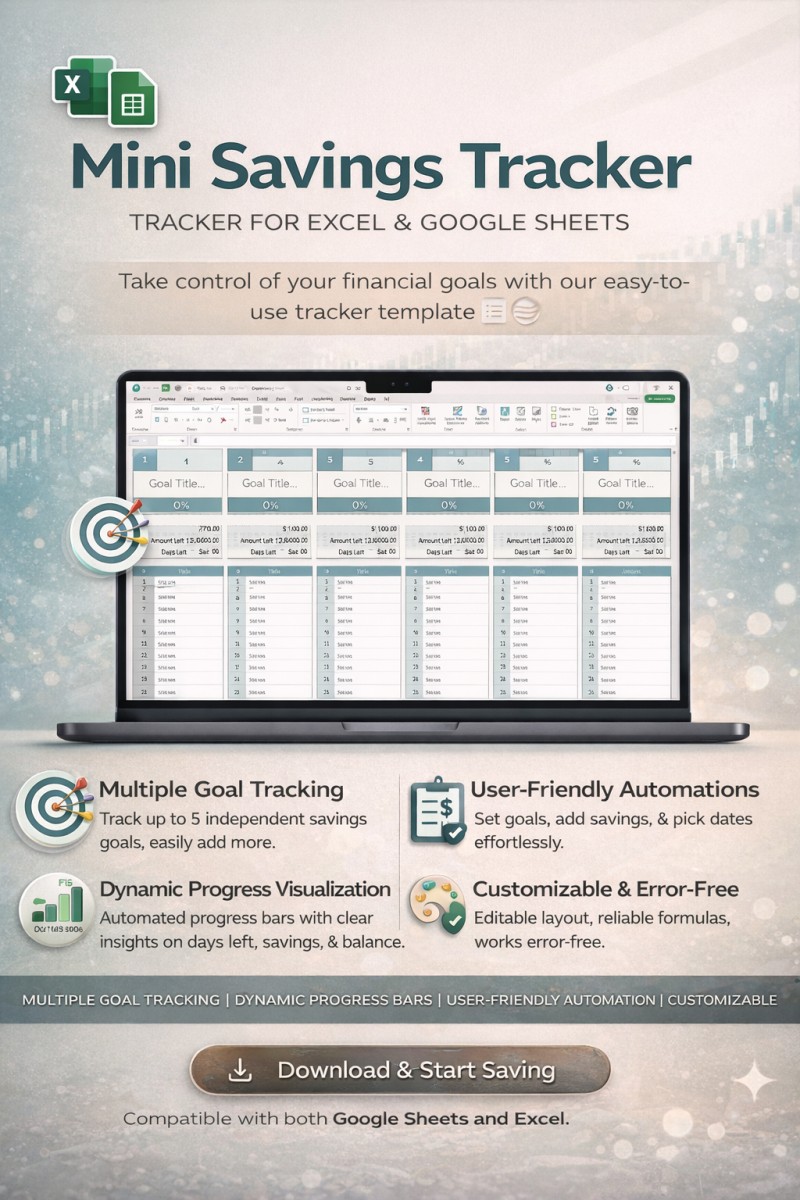
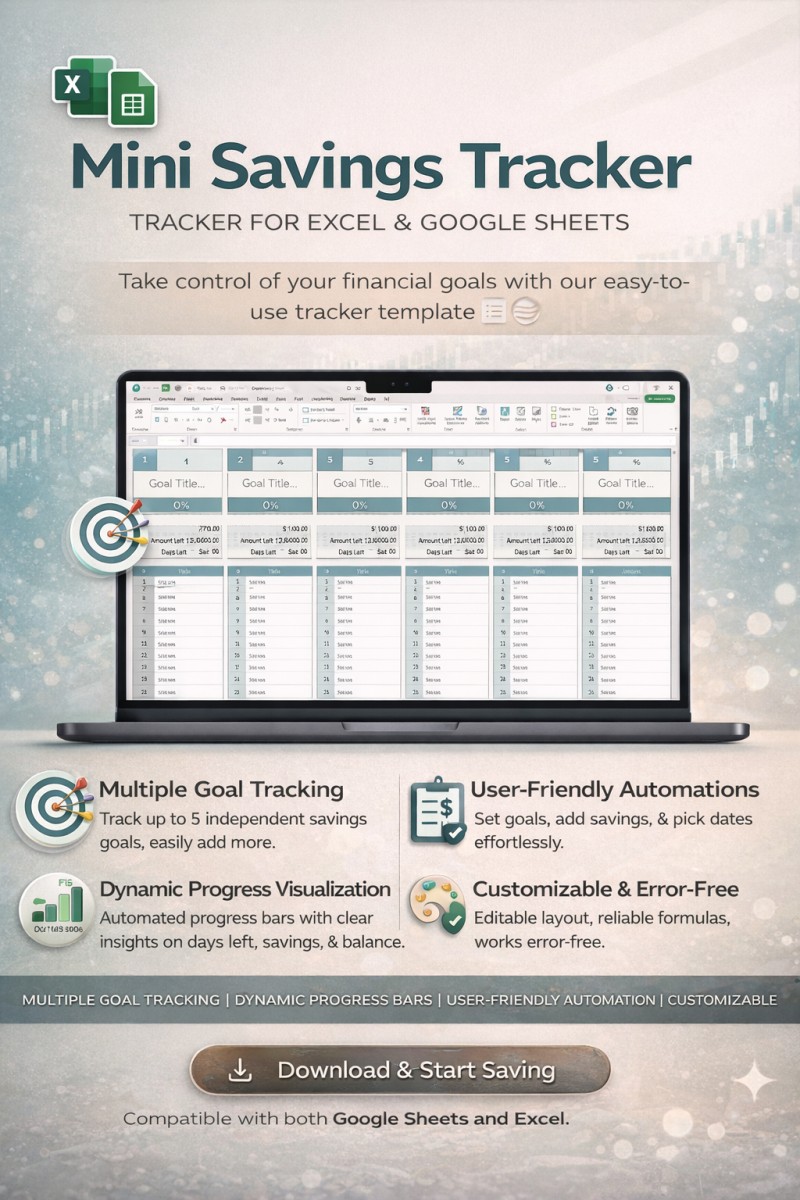
Mini Savings Tracker

Mini Savings Tracker Template for Excel and Google Sheets
Take control of your financial goals with the Savings Tracker Template, available for Google Sheets and Excel. This template empowers you to manage and monitor your savings with ease.
Key Features:
- Multiple Goal Tracking:
- Track up to 5 savings goals simultaneously, with each section fully independent.
- Easily add more goals by duplicating tables or expanding columns.
- Dynamic Progress Visualization:
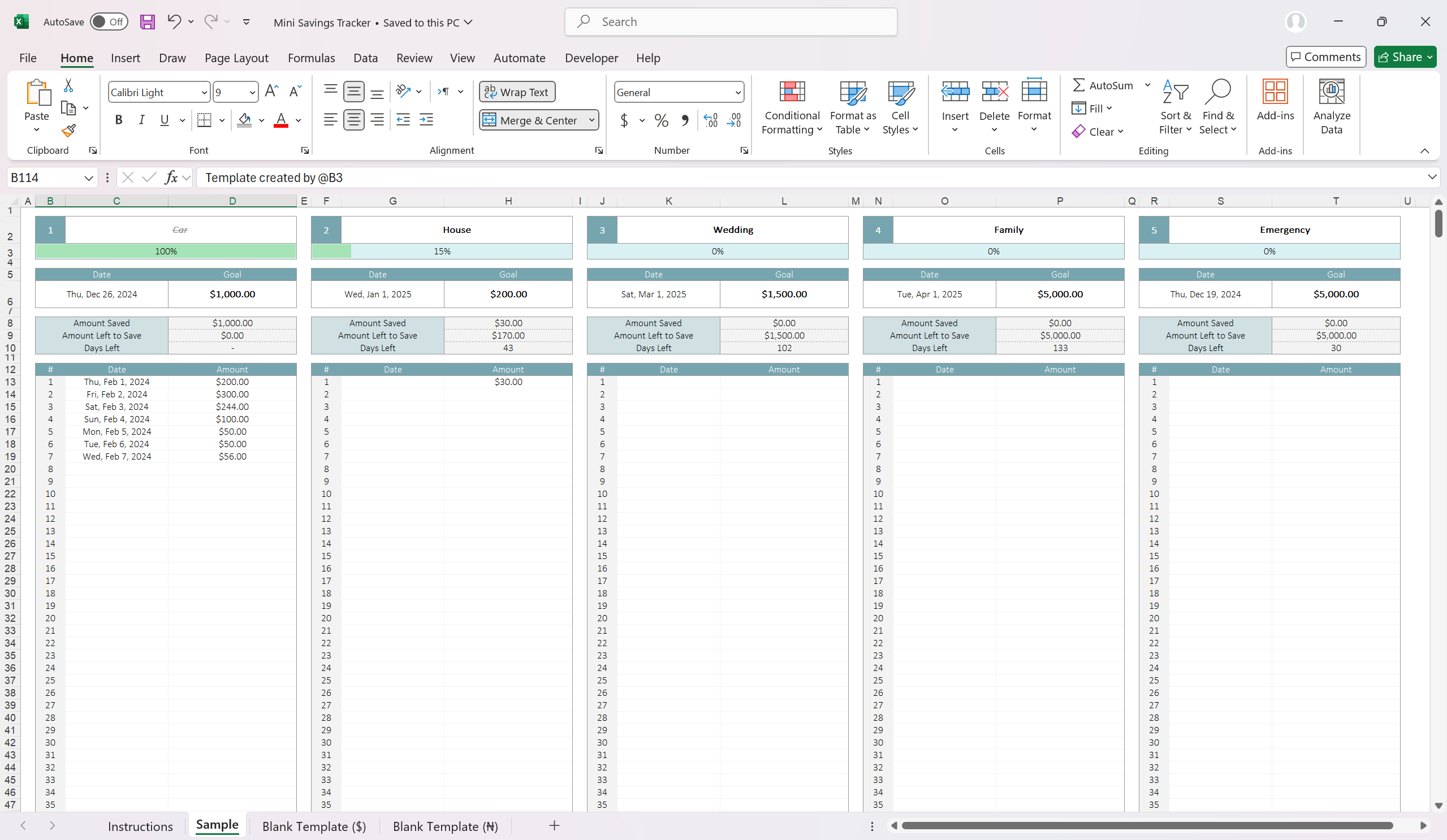
- Automated progress bar updates based on your savings percentage.
- View days remaining, amount saved, and balance needed at a glance.
- User-Friendly Automations:
- Input your goal title, deadline, and target amount to get started.
- Add transactions effortlessly with pre-set date pickers and dynamic calculations.
- Conditional Formatting:
- Goals are visually marked as complete when 100% progress is reached, with titles automatically scratched off.
- Customizable Layout and Formatting:
- Fully editable styles, including fonts, colors, and grid alignments.
- Choose from preset or custom date formats for your preferences.
- Error-Free Formulas:
- Built-in error handling ensures smooth operation even if data is incomplete.
Template Preview:
- Goals Section: Add goal details, set deadlines, and define target amounts.
- Transactions Table: Log savings with date and amount inputs for real-time progress tracking.
- Automated Insights: Track total savings, remaining balance, and days left with automated calculations.
How to Use:
- Input your savings goal details (name, amount, and deadline).
- Add transactions in the dedicated table to watch your progress bar fill dynamically.
- Manage multiple goals side-by-side or duplicate the template for additional use.
Download Instructions:
Get started now by downloading the Savings Tracker Template. Compatible with both Google Sheets and Excel, this tool ensures seamless integration into your financial planning routine.
Note: White background cells are user-input fields, while gray cells are automated with pre-configured formulas. Please avoid overwriting formulas for optimal functionality.
No VBA Required: Built using pure Excel functions, this template is compatible with almost all Excel versions.
Why Choose B3?
- State-of-the-Art Design: Our templates are crafted with a clean, modern look, ensuring both functionality and aesthetic appeal.
- Powerful Features: Years of development and user feedback have resulted in a template that meets the demands of professional project planning.
- Comprehensive Documentation: Get instant access to step-by-step guides to help you maximize the template's potential from day one.
- Secure Transactions: All purchases are securely processed through Selar, ensuring your peace of mind during checkout.
Download now!
Gain lifetime access to this game-changing tool and revolutionize your finance.
✔ Lifetime License
✔ Instant Digital Download
✔ Secure Payment with Selar
Ready to elevate your workflow?
Click "Download/Buy Now" and take the first step toward effortless financial management!
For inquiries, contact us at:
Made for Professionals by Professionals
2026 © B3. All Rights Reserved.