Featured Products
SickSFX: The Ultimate Sound Design Engine for Premiere Pro
Whether you want to manually drop sounds exactly at your playhead with a single click, or instantly batch-fill your timeline markers with audio from your custom library, SickSFX is the ultimate workflow cheat code.⚡️ Game-Changing Features:🎯 Continuous Replace ModeNever manually delete and replace an audio clip again. Turn on Replace Mode, highlight a bad clip on your timeline, and click a new sound in your panel. SickSFX instantly deletes the old sound and snaps the new one perfectly in its place. Keep clicking to swap endlessly until it sounds perfect.⏭️ Rapid MappingThe fastest way to do manual sound design. Drop markers where you want hits and whooshes. Rapid Map mode physically jumps your timeline playhead to your first marker. Click a sound—it places it, and instantly jumps to the next marker.🎲 1-Click Random FillDon't know where to start? Let SickSFX do the heavy lifting. It scans your markers and instantly populates your timeline with perfectly timed, random short sounds (under 5 seconds) from your massive library.✂️ Placement Review Queue & InspectorNever accidentally drop a 3-minute ambience track onto your timeline again. SickSFX catches long audio files before they place, opens a sleek Inspector window, and lets you trim the exact part you want before sending it to the timeline.🚀 Blazing Fast & BeautifulLazy-Loading Engine: Got a massive folder with 5,000+ sounds? SickSFX handles it flawlessly without freezing Premiere Pro.Customizable UI: Drag and drop your workflow cards into the order you like. Resize the panel, shrink it into "Compact Mode," and switch between 5 gorgeous glowing themes (Purple, Blue, Green, Red, Silver).Mac & PC Compatible: Fully optimized for Windows, Intel Macs, and Apple Silicon.Who is this for?Motion Designers, YouTubers, Trailer Editors, and anyone who wants their videos to sound incredible in a fraction of the time.Work smarter. Sound sicker. Get SickSFX today. Important Disclaimer: What SickSFX Is (And Isn't)Please note that SickSFX is a powerful workflow automation tool, not a generative AI. It does not "watch" your video to guess where sound effects should go. You are still the creative director!Instead, you simply place markers on your timeline where action happens, and SickSFX automates all the tedious manual labor. It instantly routes, trims, swaps, and snaps sounds exactly to your markers. It doesn't replace your creativity—it just turns hours of manual dragging-and-dropping into minutes!
$3.69$14.75
View Details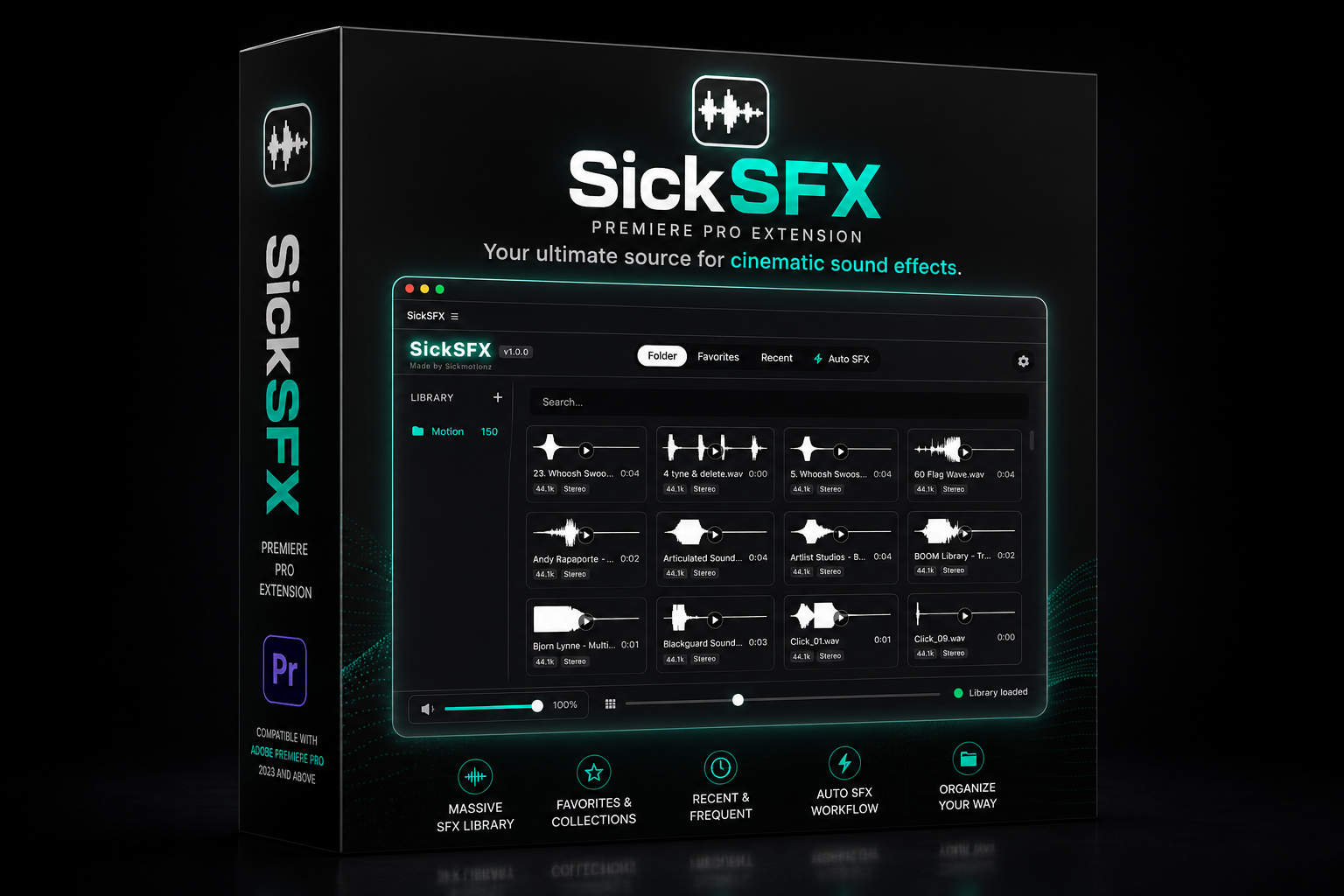
SickSFX: The Ultimate Sound Design Engine for Davinci Resolve
Whether you want to manually drop sounds exactly at your playhead with a single click, or instantly batch-fill your timeline markers with audio from your custom library, SickSFX is the ultimate workflow cheat code.⚡ Game-Changing Features🎯 Continuous Replace ModeNever manually delete and replace an audio clip again. Turn on Replace Mode, highlight a sound on your timeline, and click a new sound in your panel. SickSFX instantly removes the old sound and places the new one in the exact same position. Keep clicking to audition different sounds until it's perfect.⏭️ Rapid MappingThe fastest way to build your sound design. Drop timeline markers wherever you need hits, whooshes, or impacts. Rapid Mapping automatically jumps your playhead to each marker. Click a sound, it's placed instantly, then the playhead moves to the next marker.🎲 1-Click Random FillNeed a quick starting point? SickSFX scans your timeline markers and automatically fills them with perfectly timed, random short sound effects from your library.✂️ Placement Review Queue & InspectorNever accidentally place a long ambience or music track where a short SFX belongs. SickSFX detects long audio before placing it, opens a built-in Inspector, and lets you trim the exact section you need before sending it to your timeline.🚀 Blazing Fast & BeautifulLightning-Fast Library EngineLoad thousands of sound effects without slowing down DaVinci Resolve.Customizable InterfaceOrganize workflow cards, resize the panel, switch to Compact Mode, and personalize your workspace with five premium themes: Purple, Blue, Green, Red, and Silver.Mac & Windows CompatibleOptimized for Windows, Intel Macs, and Apple Silicon.Perfect ForMotion DesignersVideo EditorsYouTubersTrailer EditorsCommercial EditorsContent CreatorsAnyone who wants faster, better sound design inside DaVinci Resolve.Work smarter. Sound sicker.Get SickSFX for DaVinci Resolve today. Important Disclaimer: What SickSFX Is (And Isn't)Please note that SickSFX is a powerful workflow automation tool, not a generative AI. It does not "watch" your video to guess where sound effects should go. You are still the creative director!Instead, you simply place markers on your timeline where action happens, and SickSFX automates all the tedious manual labor. It instantly routes, trims, swaps, and snaps sounds exactly to your markers. It doesn't replace your creativity—it just turns hours of manual dragging-and-dropping into minutes!
$3.69$14.75
View Details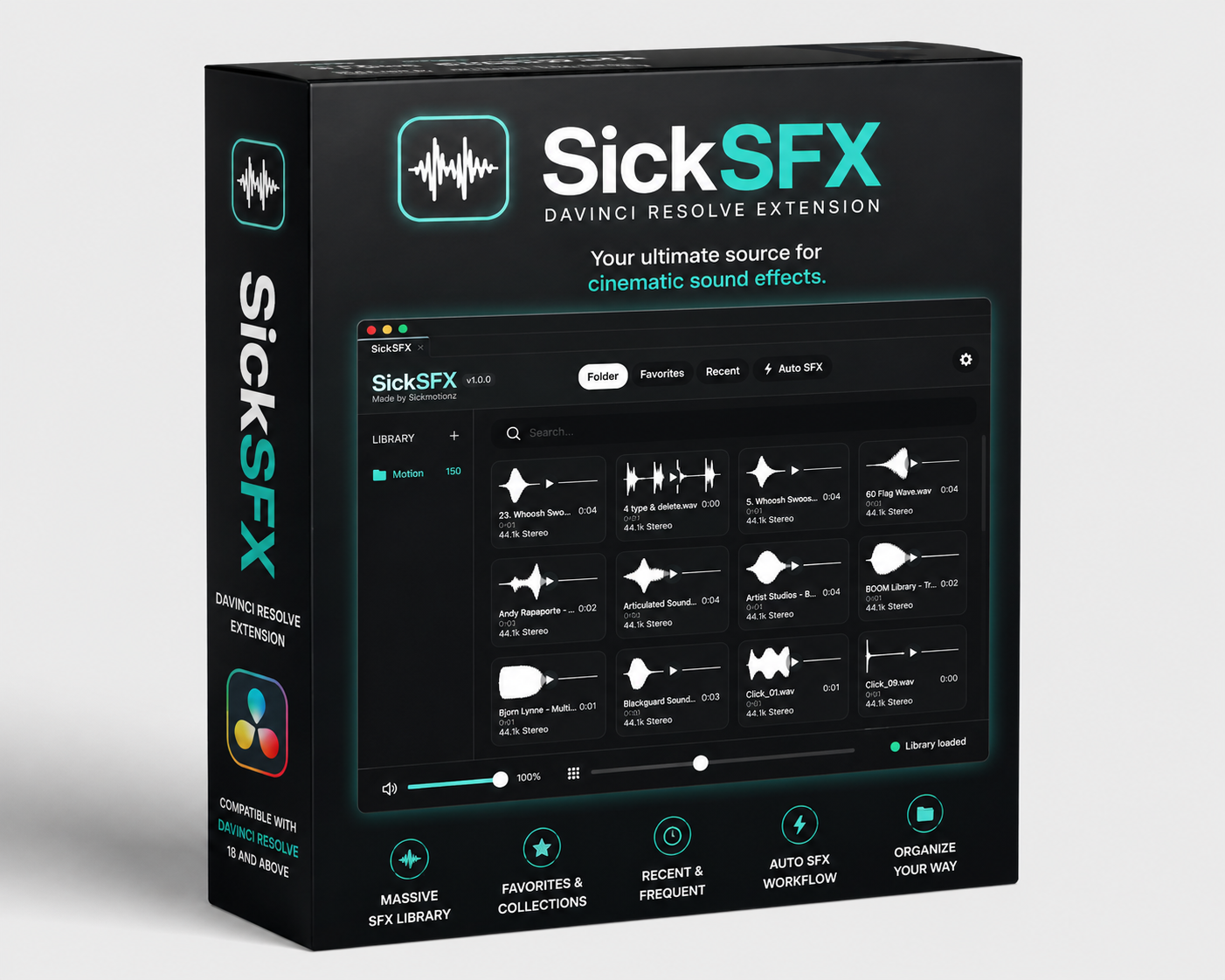
SickMotionz ToolBox Pro
🚀 SICKMOTIONZ TOOLBOX PRO25+ editing tools in one Premiere Pro panel.Stop jumping between plugins, websites and menus. Toolbox Pro puts the jobs you do every day into one clean panel inside Premiere Pro: cutting silences, captions, b-roll, music, audio cleanup, keyframes, exports and more. Most of them take one click.Built by an editor, for editors who'd rather create than click.⏱️ HOW FAST?Run one macro and a 1-minute talking-head video goes from raw clip to fully edited (silences and retakes cut, audio cleaned, color, captions, b-roll and music) in about 3 minutes. Leave it running and it can edit up to 300–500 videos in 24 hours, all from one 1-click macro or a single voice command.(Times depend on your computer and internet speed. Rendering the final export is extra.)⚠️ Works only with Premiere Pro 2025 and newer (Mac and Windows). It won't install or run on Premiere 2024 or older.⚡ ONE-CLICK WORKFLOWS• Home cards: Remove pauses, Add captions, Clean up audio, Add B-rolls, Background music, Basic color correction. Click once and it's done.• Macros: run a whole edit hands-free, about 3 minutes per 1-minute video. One-click workflows like "1-Click Talking Head", "Remove Silences + Captions" and "Auto B-Roll", plus a builder to chain any tools into your own macro.• Quick Slots: put your favourite effects, presets and tools on number keys 1–0.• Search: find and apply any effect, transition or preset by typing its name.🎙️ VOICE COMMANDS (BETA)Tap the mic and talk: "remove the pauses", "add captions", "add 5 b-rolls, 2 seconds each", "apply the fast zoom in preset", "export it for YouTube".Say "edit my videos" and it edits each talking-head video for you: removes silences and retakes, cleans the audio, adds color, captions, b-roll and music, then asks if you want to export. Your voice is processed on your computer and never uploaded.✂️ CUT FASTER• Silence Remover: finds and removes dead air, with a one-slider Quick mode or a Manual mode, and can alternate clips on V1/V2 for jump-cut edits.• Retake remover: catches sentences you started over and keeps the best take.• Trim tools: trim video to audio, trim head or tail, cut before or after the playhead.• Close Gaps, Offset Clips, Nest / Unnest, Assemble (build a sequence from your marked moments).💬 CAPTIONS AND TEXT• AI transcription on your computer: no subscription, no upload.• Animated caption styles: word-by-word build-up, size and position controls, preview on your own frame.• Fix words and remove filler words (um, uh) before captioning.• Translate captions into other languages, offline.• Export SRT files.• Multicam captions by speaker, each speaker in their own style.🎬 B-ROLL, MUSIC AND STOCK• Smart b-roll: reads what you say and places matching footage from Pexels and Pixabay, YouTube, or your own clips. You choose how many and how long.• Background music: finds royalty-free tracks and sets them at the right level under your voice.• Stocks tab: search free photos, videos and icons.• YouTube tab: search, preview, trim and download straight to your timeline.• 700k+ online sound effects, plus your own SFX library.🔊 AUDIO• Remove background noise on your computer, no upload.• Pro cleanup with Auphonic (needs your own Auphonic key).• Loudness fix for YouTube, Podcast, TV or TikTok/Instagram in one click.• Sound design: drops SFX on your markers automatically (whoosh, impact, pop…).• Convert audio to MP3, WAV, AAC, FLAC or OGG.🎥 MULTICAM AND SYNC• Sync by audio: lines up cameras and mics automatically.• Auto multicam: switches angles to whoever is talking, with wide shots when people talk over each other.✨ LOOK AND MOTION• KeyEase: ease, bounce, spring, elastic and stepped keyframes, with presets, your own curves and Reverse animation.• Layers: adjustment layers and color mattes in one click, plus saved effect stacks.• Every blend mode one click away, plus overlays (16:9 and 9:16) and 270+ MOGRTs (captions, titles, bounce presets and templates), with room for your own.• Safe zone guides for TikTok, Reels and Shorts.• Color labels, with one-click randomize.📦 ORGANIZE AND EXPORT• Export Wizard and 1-Click Batch Export of every sequence.• Import sequences from other projects.• Organize bins, Save Still, Copy / Paste Motion, Fill Frame, Reset Clip, Paste Image.• Storage manager: see and clean up everything the panel downloaded.🧾 GOOD TO KNOW• Presets with eased keyframes: Premiere's scripting doesn't let extensions apply presets with their easing curves, so keyframes from those presets land without the ease. Fix: apply the preset, select the keyframes, and use KeyEase to add the ease back in one click.• Undoing big cuts: Premiere can't undo the silence and retake cuts in one Cmd/Ctrl+Z step, so the panel saves a backup copy of your sequence before every cut.• Caption text in Essential Graphics: a known Adobe bug makes the Essential Graphics panel show the template's original title, but your captions show the right words on screen.• Voice commands are in beta: they work best in a quiet room. If your setup is noisy, Macros give you the same automation in one click.• Smart b-roll is matched by keywords, so now and then a clip may not fit perfectly. Swap it in a click.• First run: some parts download once (speech engine, MOGRT and background packs, about 2 GB if you take everything). After that, most tools work offline.• Your own keys and your own use: Auphonic and remove.bg need your own free or paid key. Use YouTube downloads only for content you have the right to use.✅ WHAT YOU GET• SickMotionz Toolbox Pro for Mac and Windows (Premiere Pro 2025+)• Step-by-step install guide, a voice command guide and tutorial videos for every tab• WhatsApp support from me, SickMotionzEdit faster. Create more. 🔥
$9.8
View Details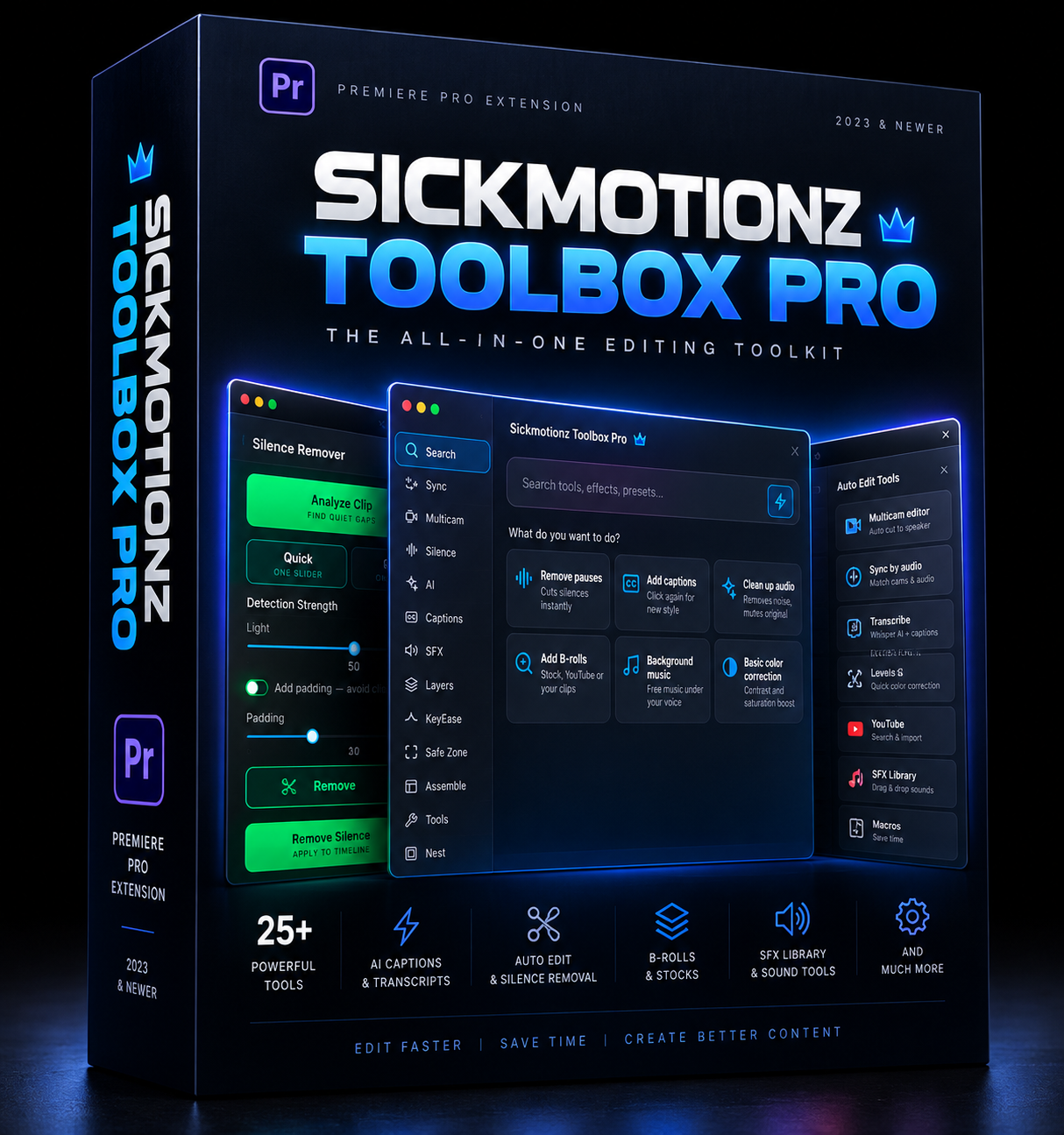

External Access
The Ultimate Editing Resource Pack for Video Editors
$38.34$73.73
External Access
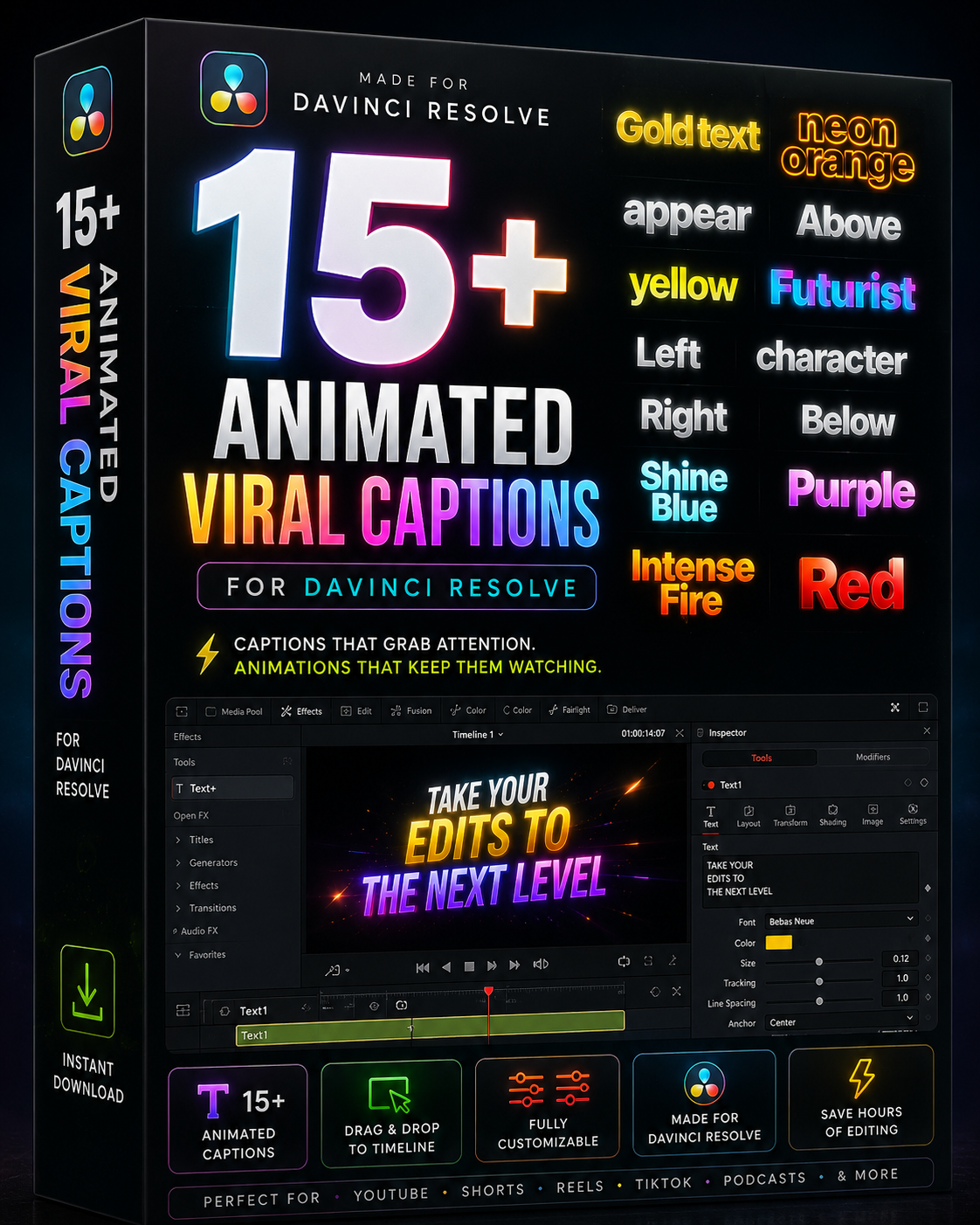
15+ Animated Viral Captions For Davinci Resolve
$3.69
External Access
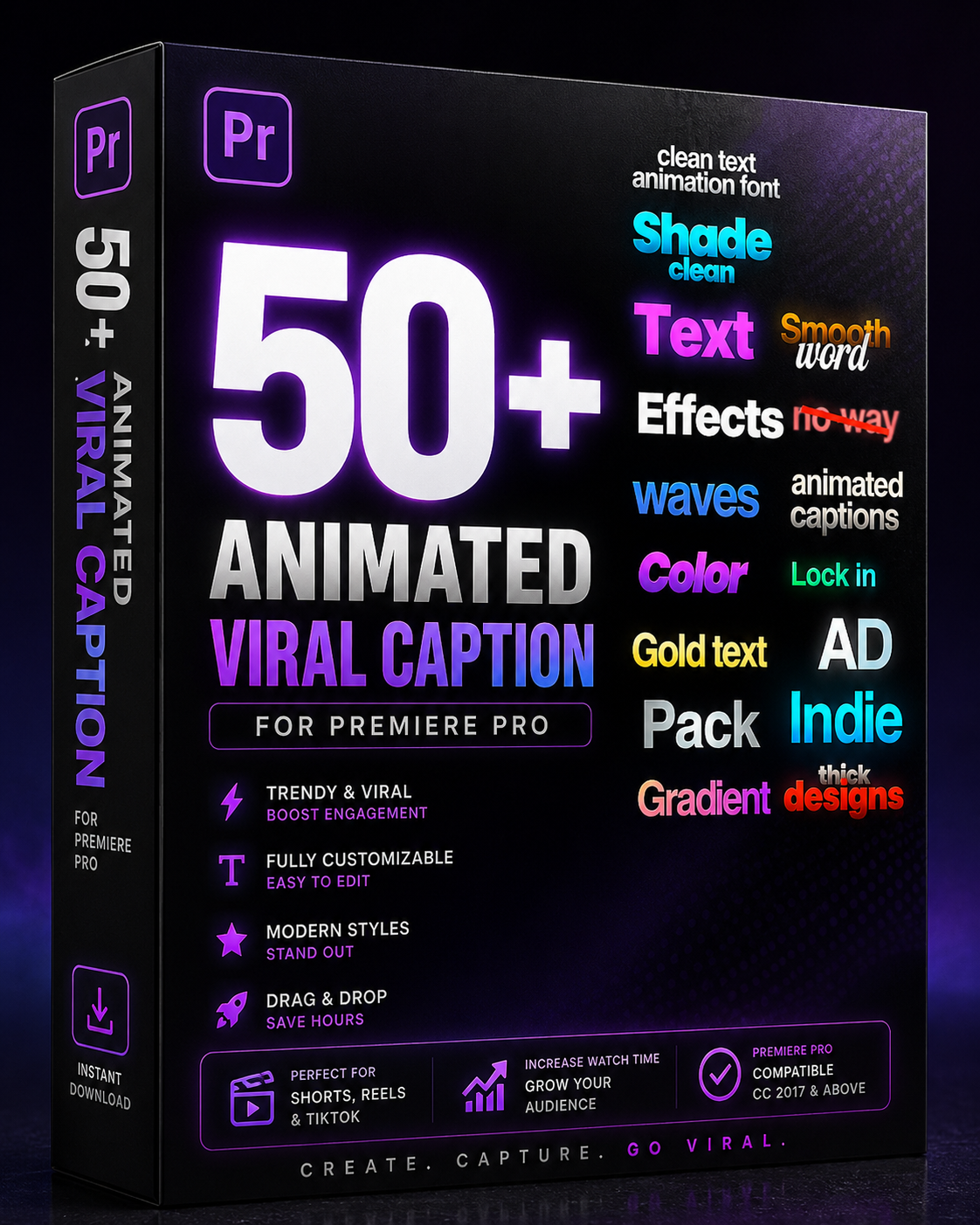
50+ Animated Viral Caption For Premiere Pro
$3.69$14.75
1.0
External Access
SickMotionz ToolBox Pro
$9.8
3.0
External Access
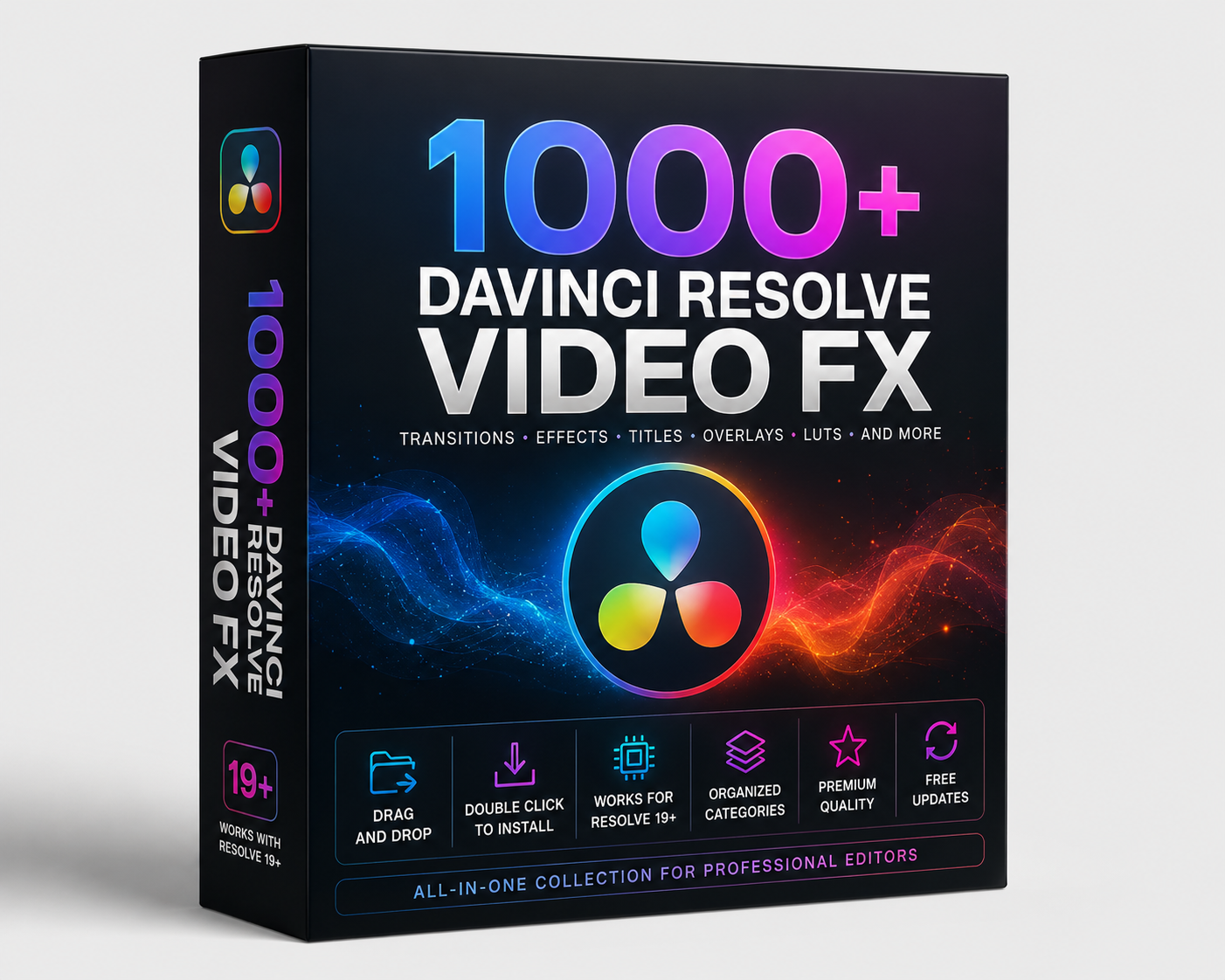
1000+ DaVinci Resolve Video Transitions
$3.69
External Access
SickSFX: The Ultimate Sound Design Engine for Davinci Resolve
$3.69$14.75
External Access
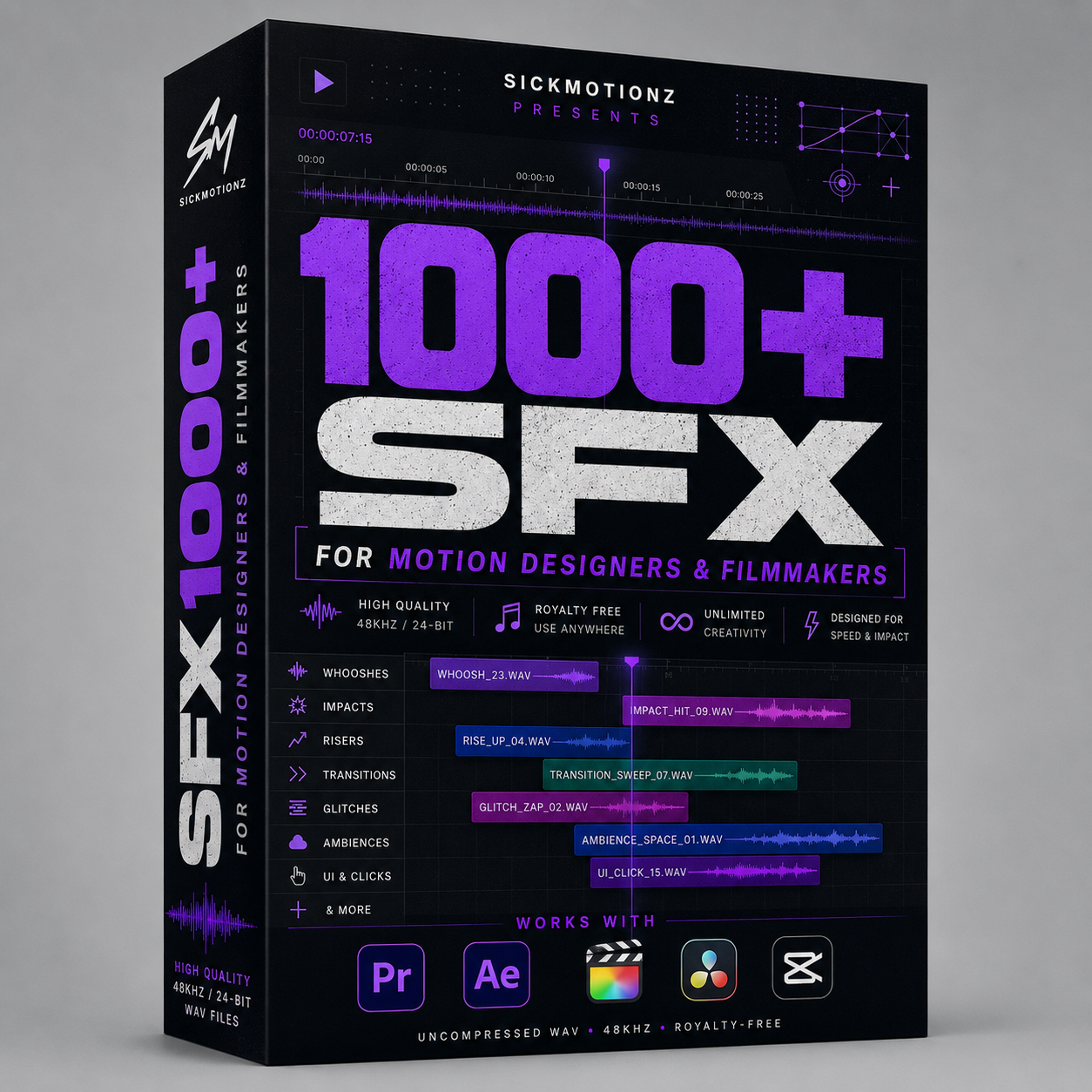
1000+ PREMIUM SFX For Motion Designers & Filmmakers
$14.75
Read Online
SickSFX: The Ultimate Sound Design Engine for Premiere Pro
$3.69$14.75
5.0
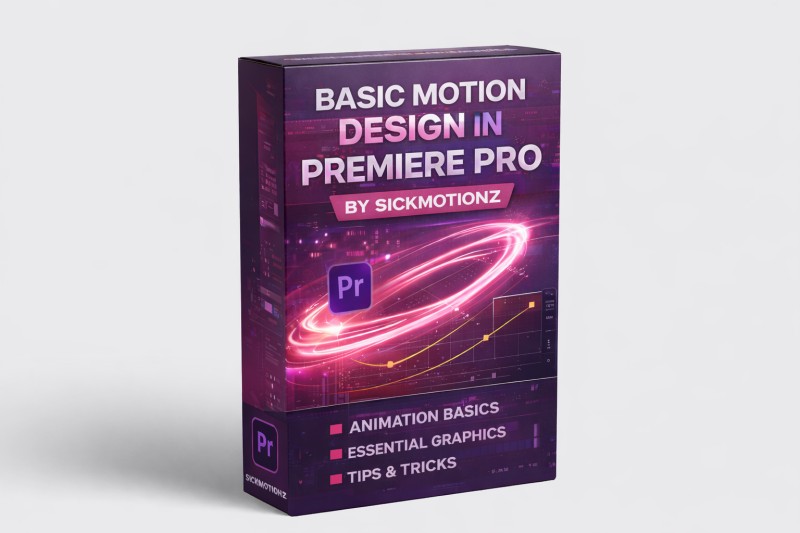
External Access
Basic Motion Graphics In Premiere Pro
$36.87
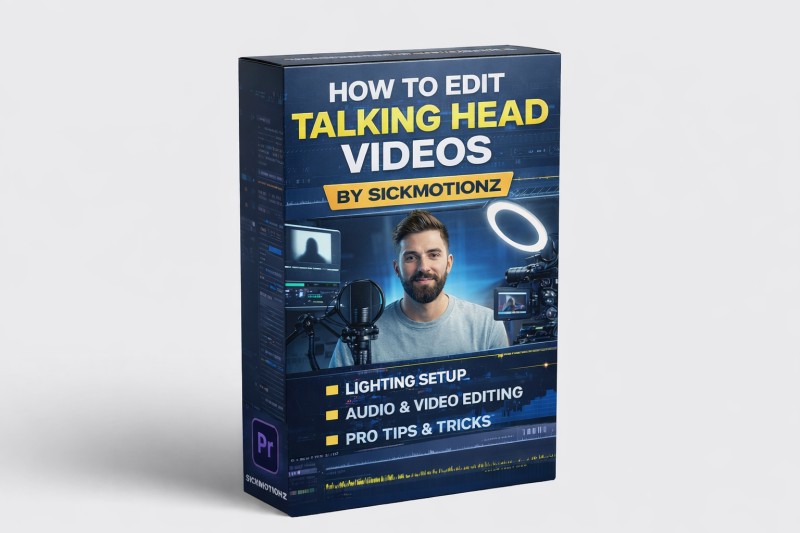
External Access
Master How To Edit Talking Head Contents
$36.87
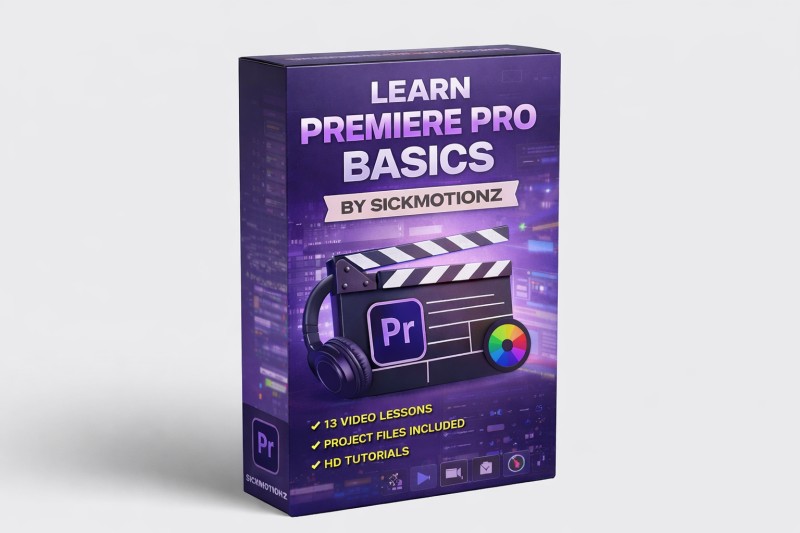
External Access
Master Premiere Pro Basics
$36.87
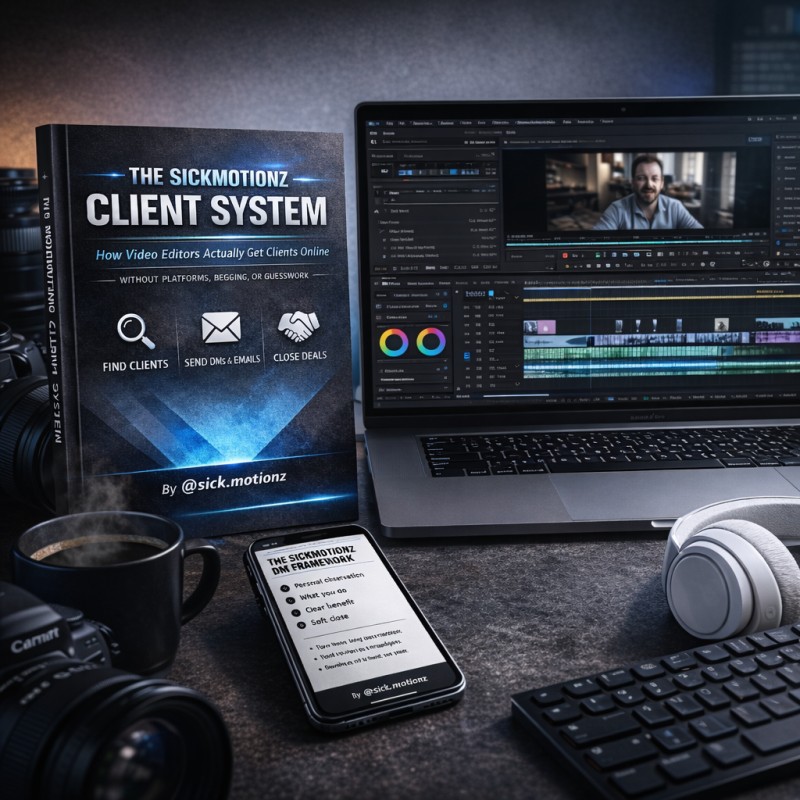
Downloadable
The Sickmotionz Client System: How Video Editors Get Clients Online
$14.75